Installation and Connection DRS5116
Wren
2003. 09. 06 (v 1.0)
43
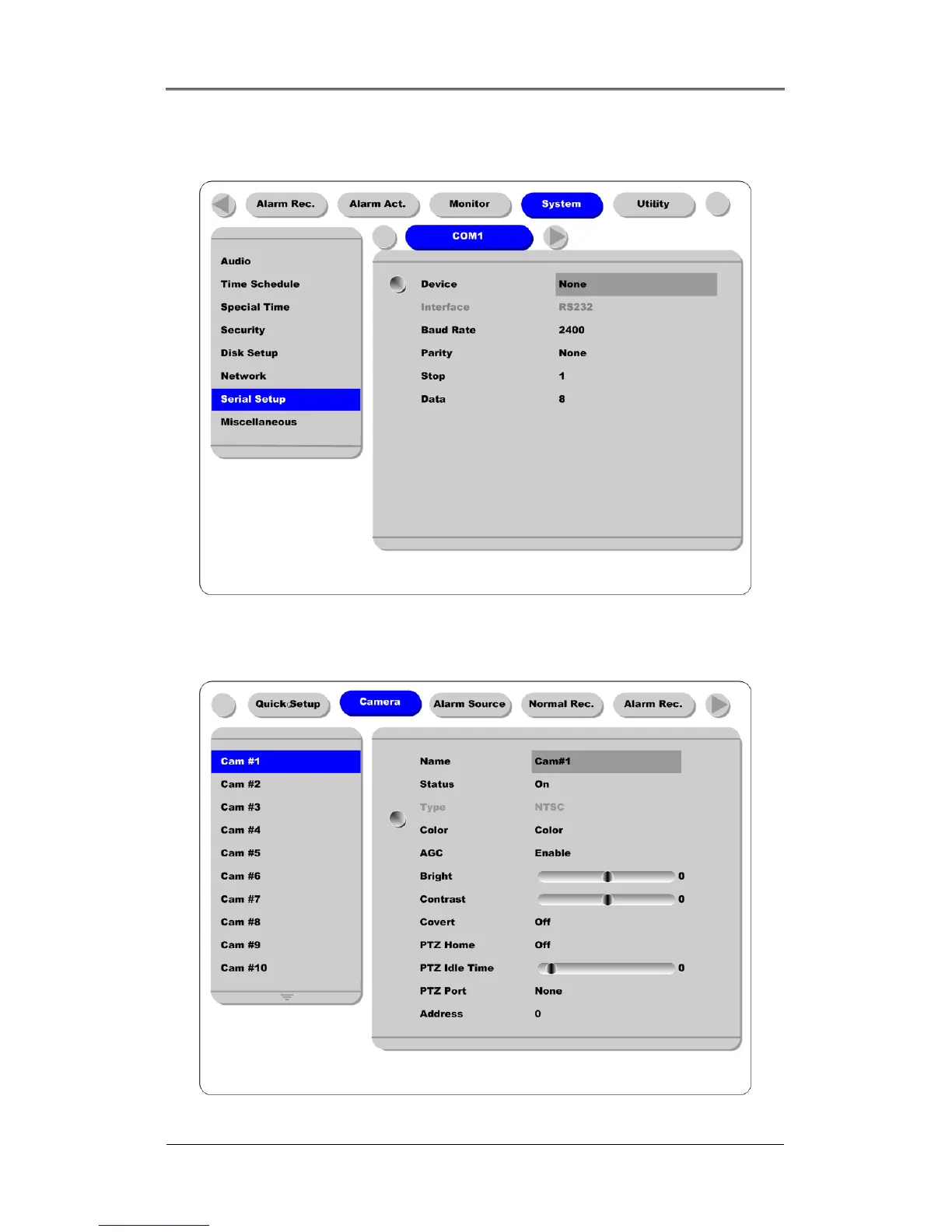
9.3.4. Configuring COM Port at OSD Menu
Configure PTZ COM ports and available modes at “System/Serial Setup”.
After completing serial setup, configure the base address and port for each channel under the “Camera”
menu tab. When connecting PTZ devices to several cameras, be sure the base address matches the
address for the camera.



 To Next Page