Basic Configuration DRS5116
Wren
2003. 09. 06 (v 1.0)
95
16.8. System
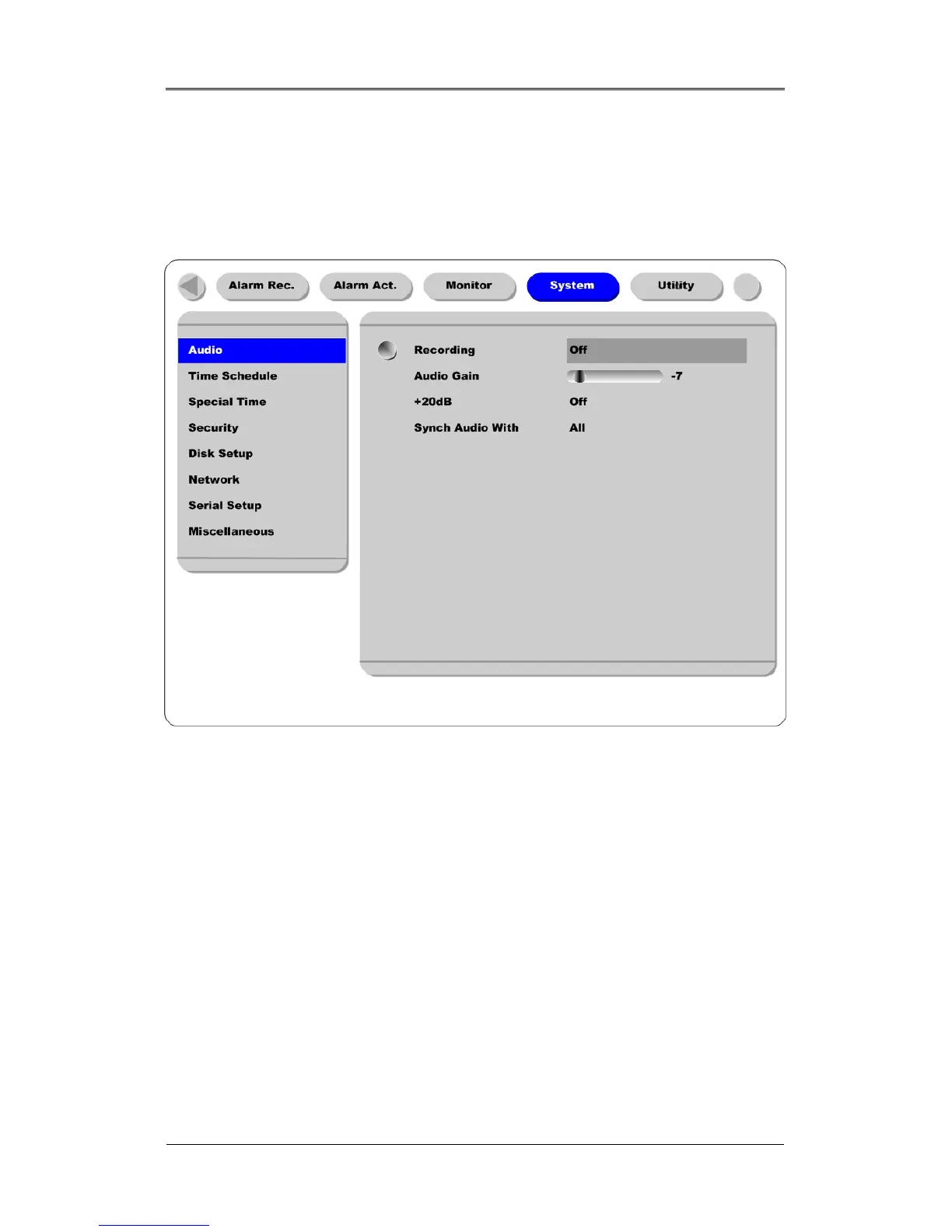
16.8.1. Audio
The DRS units support 1 channel audio input. This single audio channel can be replayed with any
connected channel or with all of them.
Recording
Set to “On” using the [ENTER] button and the [ARROW] buttons to record audio.
Audio Gain
This function increases or decreases the sensitivity to the audio signal; It can be set between –7 and +8.
+20dB
This function is used to amplify the audio input signal. This should ONLY be used when using an
external microphone.
Sync Audio with
Designate which channel(s) to synchronize audio with during playback.



 To Next Page