Installation and Connection DRS5116
Wren
2003. 09. 06 (v 1.0)
45
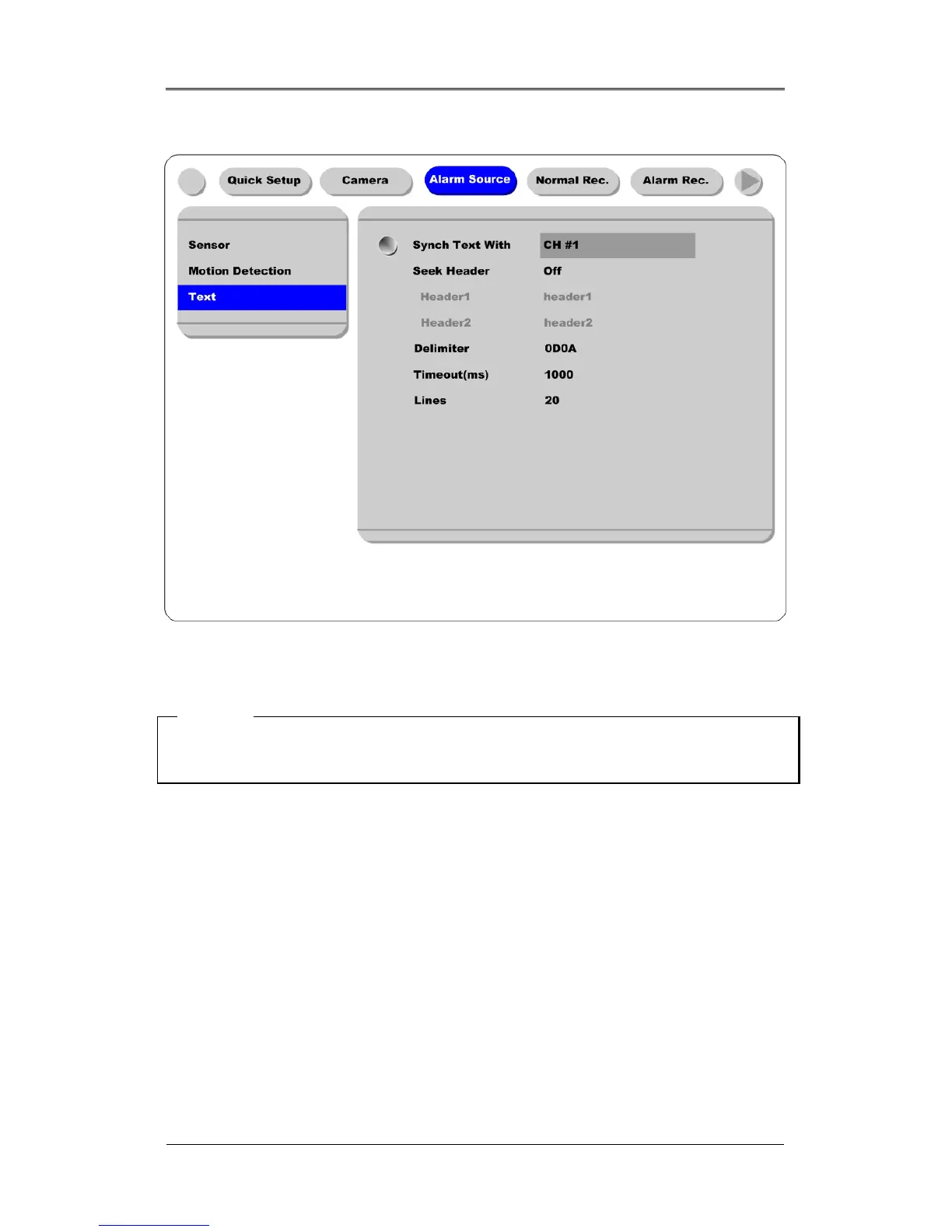
9.4.3. Configuring Text
(1) Select the “Alarm Source” menu among OSD menus.
(2) Select the “Text”, and set each value.
<Note>
Before installing any external device, consult with the local distributor. Some external devices may not
be compatible with the DVR.



 To Next Page