Basic Configuration DRS5116
Wren
2003. 09. 06 (v 1.0)
67
14.10. Using Monitor B DRS5116 Model Only
14.10.1. Monitoring
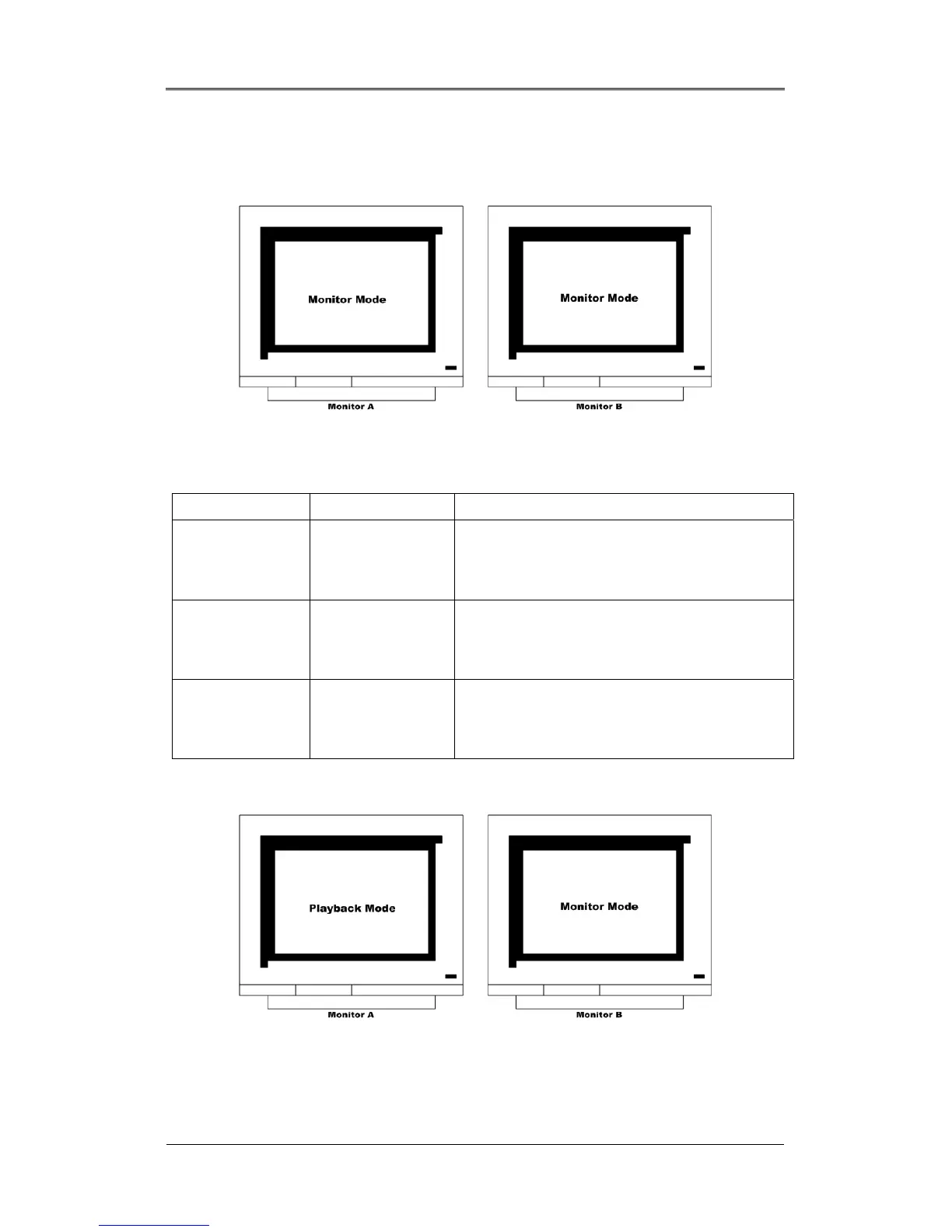
Monitor A is used for monitoring multi-channels, and Monitor B is used for monitoring a single-channel.
The user can monitor channels as shown in the following tables.
Monitor A Monitor B Remarks
16-split screen mode 1ch monitoring When monitoring 16 channels in Monitor A,
administrator monitors the important channel in
Monitor B simultaneously.
13-split screen mode User sequence When monitoring 12 channels by 13-split screen mode
in Monitor A, administrator monitors four channels by
user sequence mode in Monitor B simultaneously.
Quad split sequence
mode
1ch monitoring When monitoring all channels by each quad split
sequence mode, administrator monitors the important
channel in Monitor B simultaneously.
14.10.2. Multi-Channels Playback
The administrator can search/playback multi-channels by the split screen mode in Monitor A, and monitor
1 channel by the single full screen in Monitor B simultaneously. Namely, the administrator can monitor
and playback with two monitors simultaneously.



 To Next Page