Basic Configuration DRS5116
Wren
2003. 09. 06 (v 1.0)
87
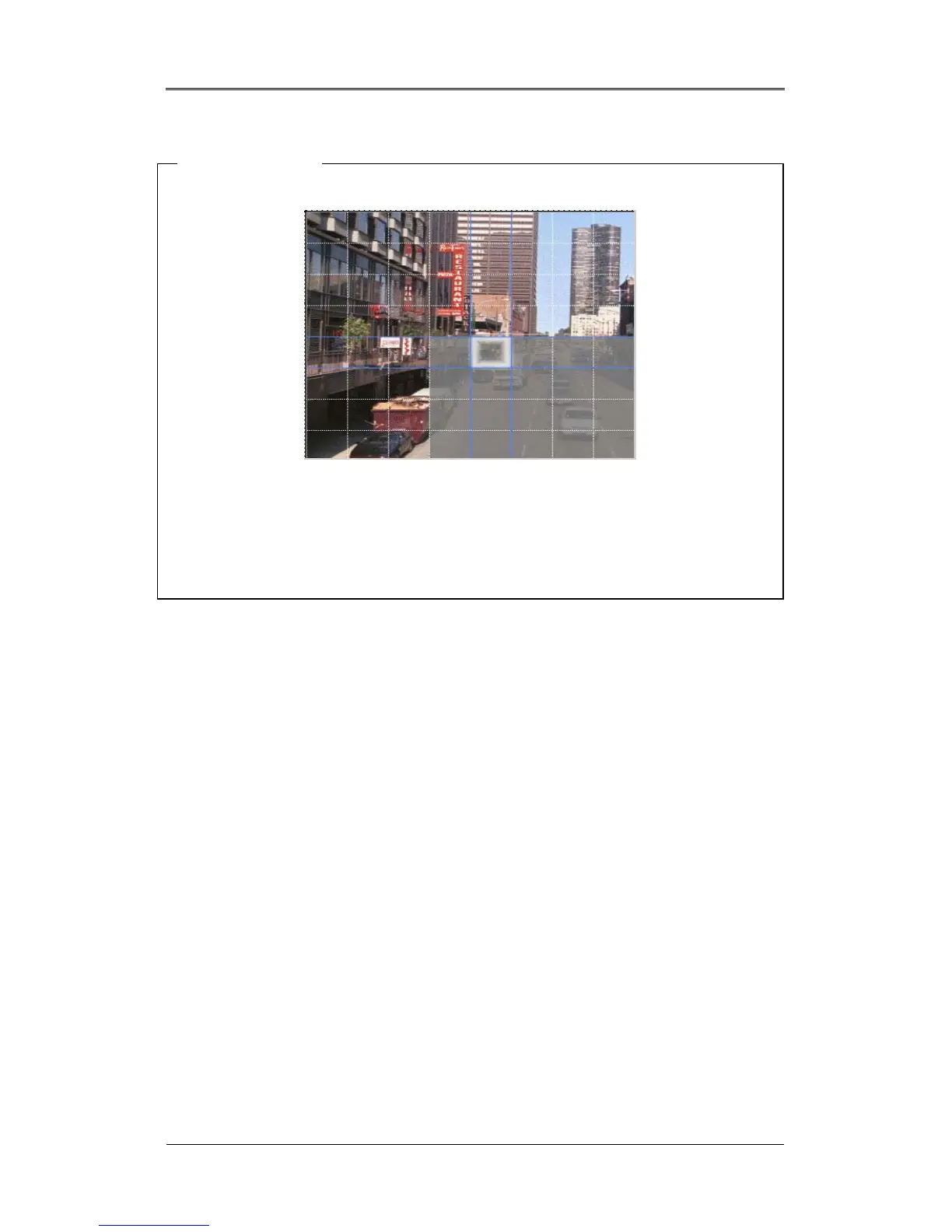
<Setting MD Area>
Designate a specific area for motion detection triggered event.
Press the “Custom Area” button, to customize the motion detection area. The area is divided into 64
blocks (8 x 8).
The selected MD area is indicated in dark gray. To remove blocks from motion detection, select the
block using the [ARROW] buttons and press the [ENTER] button. Press the [EXIT] button when
finished.
16.4.3. Text
The DRS can display and playback text data of Access Control/POS/ATM with relevant video. This



 To Next Page