Basic Configuration DRS5116
Wren
2003. 09. 06 (v 1.0)
66
14.9. Using Screen Lock
The screen lock is used to lock againt unauthorized users when the administrator is not at his desk.
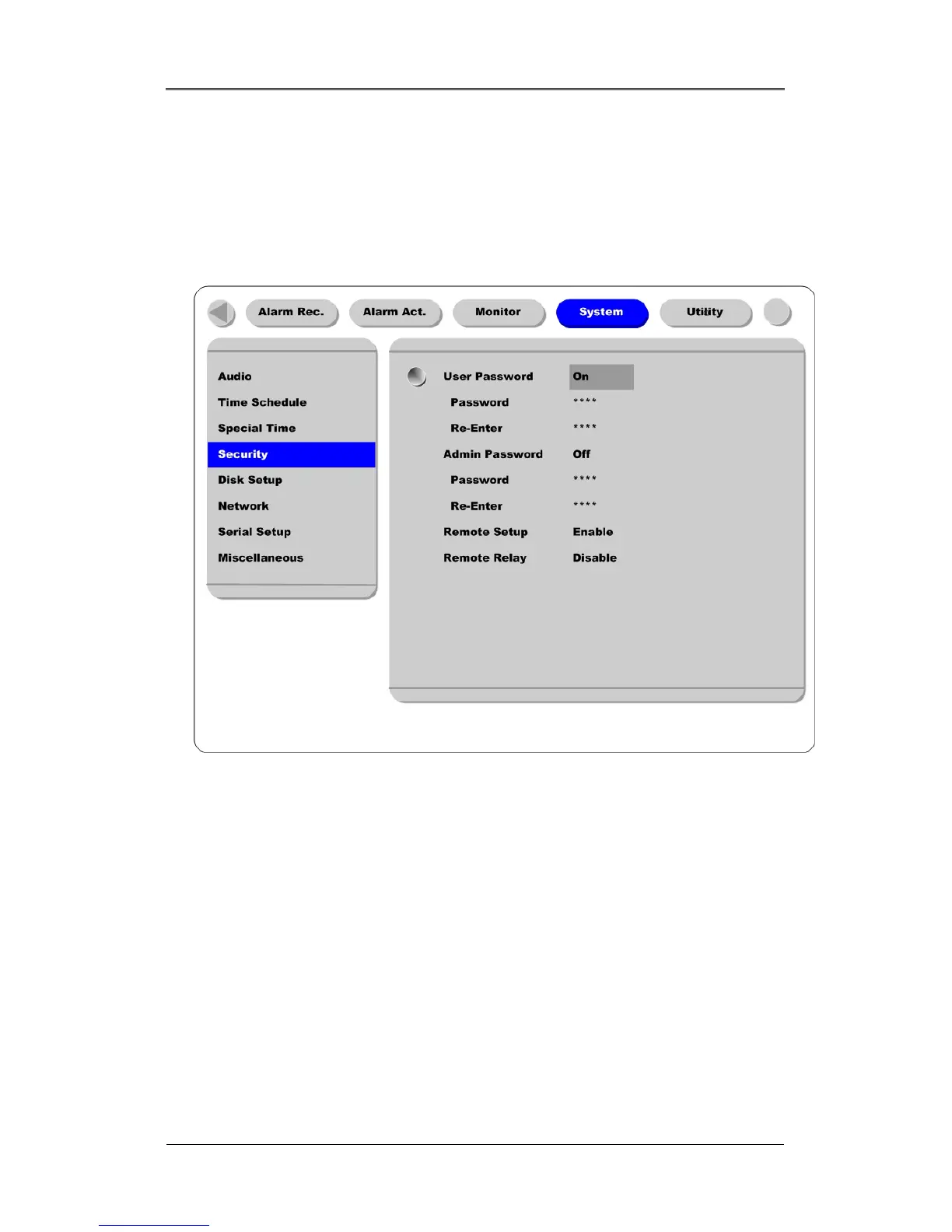
- For this function to operate properly, the user password should be set.
- While pressing the [EXIT/LOCK] button for 2~3 seconds, the Lock mode will run with a “Screen
Locked” message on the screen. When the “User Password” is set to off, the message “Enable user
password first” shows on the screen.
- If lock mode is enabled, all function buttons will be unoperational.
- In order to cancel lock mode, user password must be entered.



 To Next Page