Basic Configuration DRS5116
Wren
2003. 09. 06 (v 1.0)
86
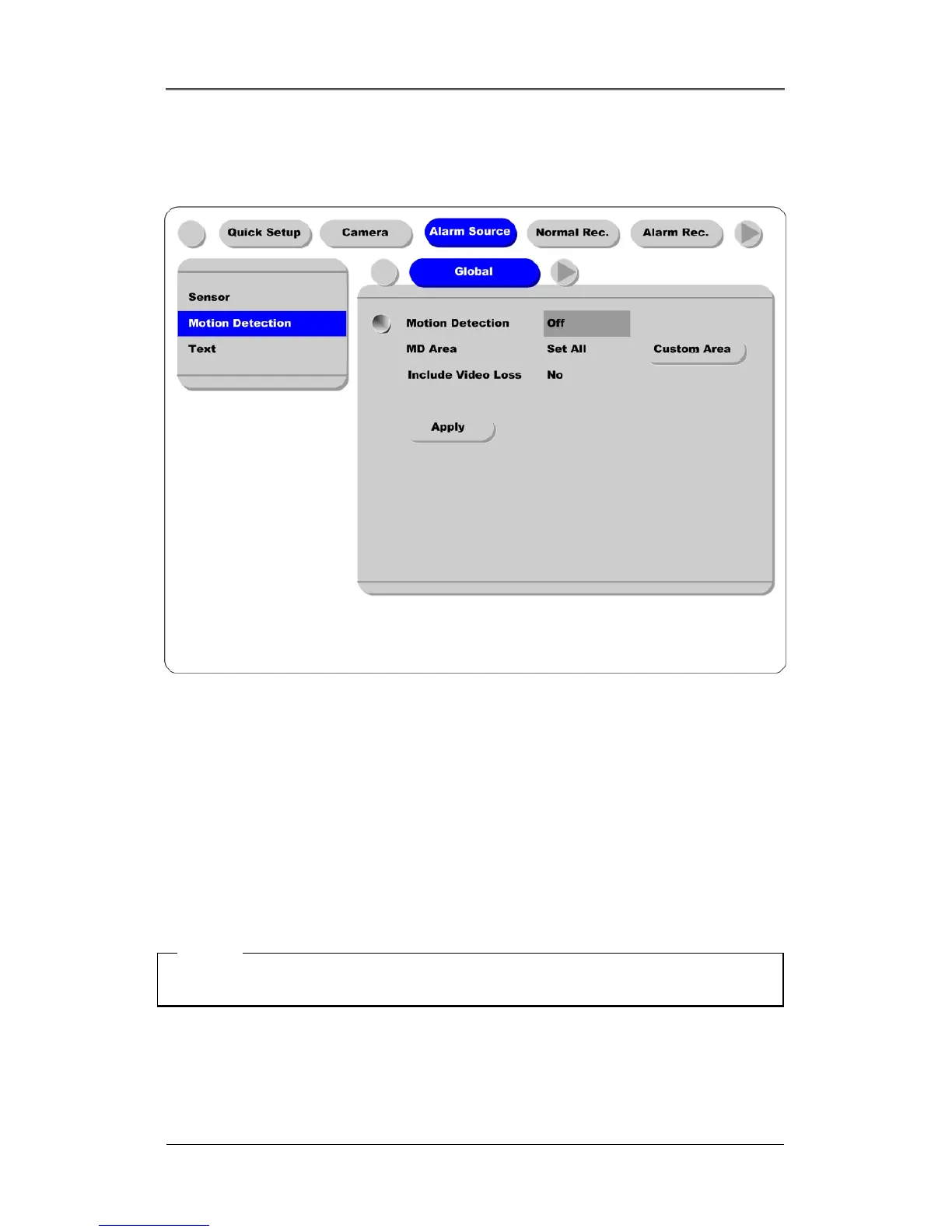
16.4.2. Setting Motion Detection
This screen is used for setting each MD condition per channel. “Global” means to set all channels by
same MD condition. It is possible to set each channel separately.
Motion Detection
Choose from among four sensitivity conditions; Off, Low, Standard, and High.
MD Area
Customize the MD area among 64 sectors (8 sectors x 8 sectors).
The default value is “Select All”. Select “Custom Area” to move to the setting page.
Include Video Loss
Set whether no video situation is set as MD or not.
<Note>
After setting it as “Global”, press the “Apply” button.



 To Next Page