Installation and Connection DRS5116
Wren
2003. 09. 06 (v 1.0)
36
* DRS5004 Model *
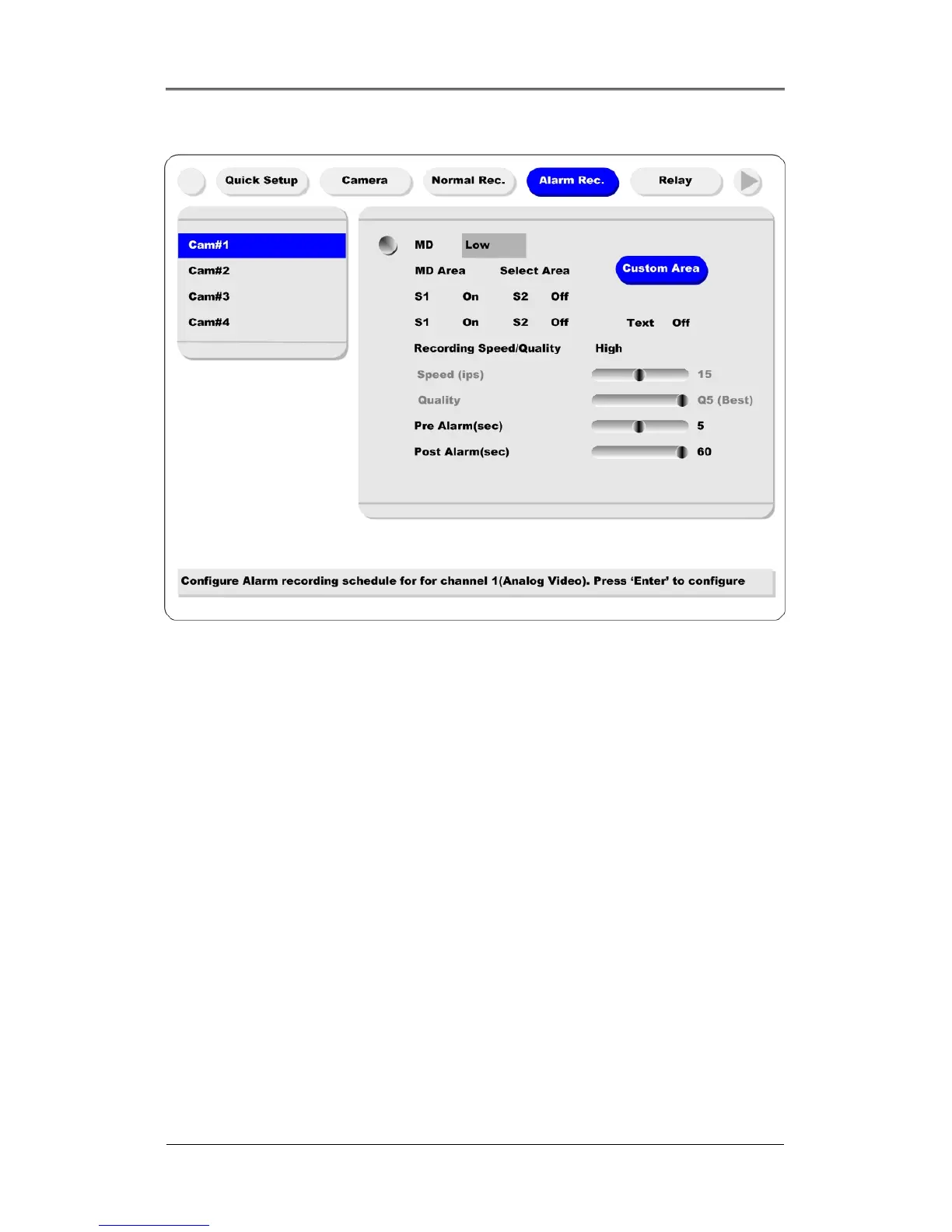
(1) After a sensor is connected, it can be activated through the OSD Configuration menu.
(2) Select the sensor number (S1, S2, etc.) and press the [Enter] button to configure. Use the
[◄◄/►►] buttons to select “On” or “Off.” Press the [EXIT] button when finished.
(3) When activated, the “Pre/Post Alarm” function will cause the HVR-04E to record images at the
specified speed and quality for a length of time before and/or after the sensor is triggered.
*DRS5008 Model *



 To Next Page