Basic Configuration DRS5116
Wren
2003. 09. 06 (v 1.0)
75
Sync with NTP
It is to synchronize time with NTP (Network Time Protocol) server.
<Note>
For more detailed information about the NTP setting, please refer to the “Network Configuration”
(System Æ Network Æ NTP Settings).
Time Format
Set the time format between “MM/DD/YYYY” and “YYYY/MM/DD” using the the left/right arrow
buttons on the DRS front panel.
Date/Time
Set date and time. To move from Month to Day to Year/Hour to Minute, use the left/right arrow buttons.
To select each month, each day, etc, use the up/down arrow buttons.
Apply Date/Time
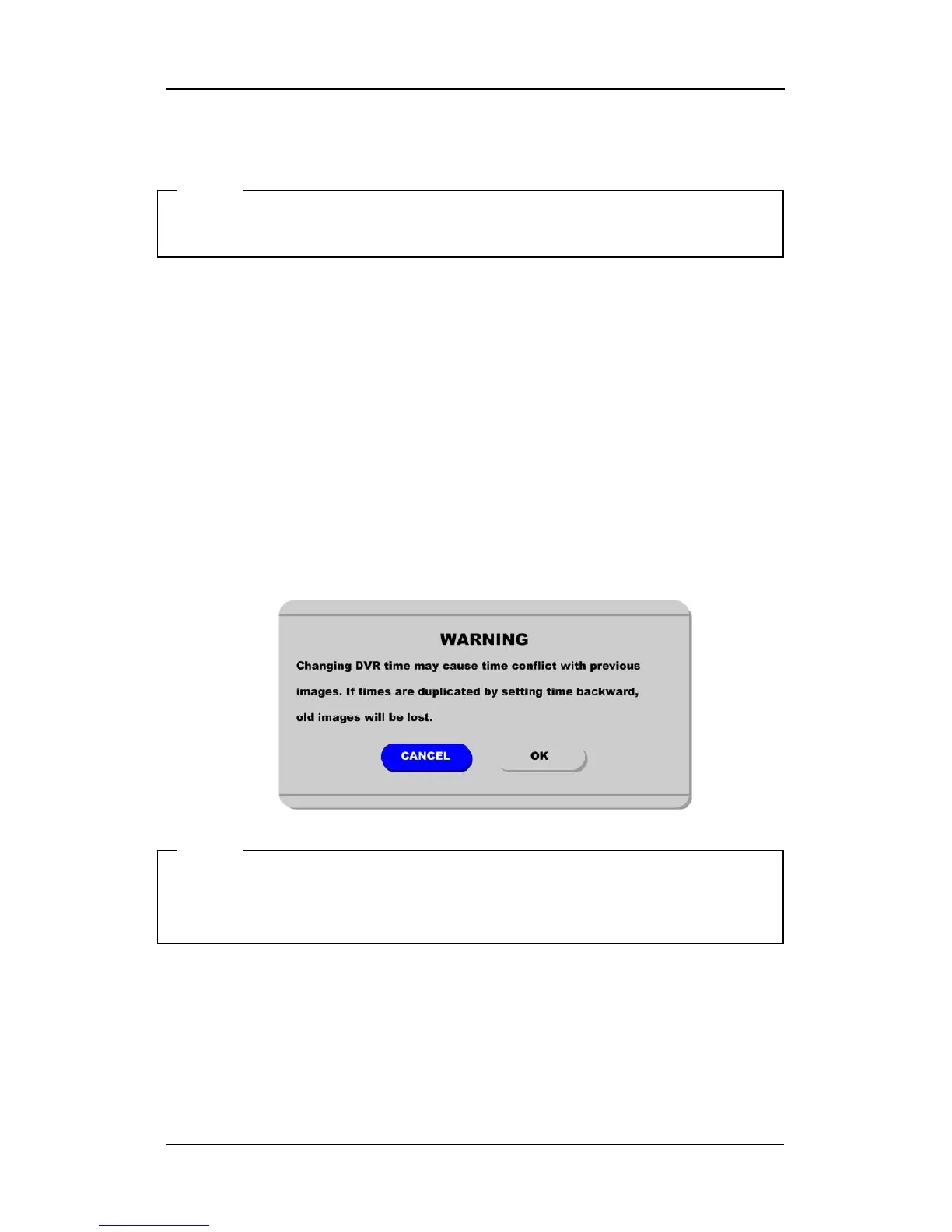
Press the {Apply Date/Time} button to confirm the above settings. A window will pop-up warning of
the possibility of time conflict with recorded images. It is strongly recommended to format the HDD
after making changes to the time menu.
<Note>
Most setting values are applied automatically, when exiting from the related menu page. But “Date” &
“Time” settings are not applied automatically because they may critically affect the file system of the
recorded HDD. To apply Date/Time settings, confirm settings with the [Apply Date/Time] button.



 To Next Page