2. Remove the jammed paper.
Note: Make sure that all paper fragments are removed.
3. Close door A.
PAPER JAM IN THE STANDARD BIN
Remove the jammed paper.
Note: Make sure that all paper fragments are removed.
PAPER JAM IN THE MULTIPURPOSE FEEDER
Note: The multipurpose feeder is available only in some printer models.
214
Xerox
®
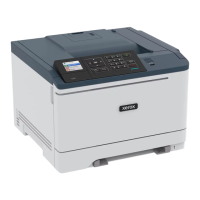
C310 Color Printer User Guide
Troubleshoot a Problem





 To Next Page

