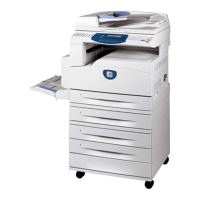
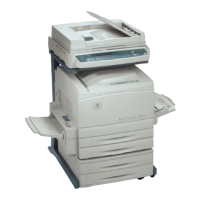
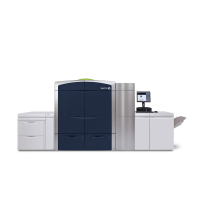
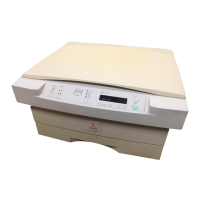
ii XEROX COPYCENTRE/WORKCENTRE PRO C2128/C2636/C3545 QUICK REFERENCE GUIDE
Sending an E-mail...................................................................................2–11
Printing from a PC... ...............................................................................2–12
Printing with Internet Services... ...........................................................2–13
Logging On / Logging Off... ...................................................................2–14
Further Assistance... .............................................................................. 2–15
3 Copy.......................................................................................3–1
Copy...........................................................................................................3–2
Basic Copying........................................................................................... 3–3
Output .........................................................................................................3–4
2-Sided........................................................................................................3–5
Reduce/Enlarge ..........................................................................................3–6
Paper Supply ..............................................................................................3–8
Color Options ......................................................................................... 3–10
Output Color..............................................................................................3–11
Preset Color Options.................................................................................3–12
Color Balance ...........................................................................................3–13
Sharpness/Saturation ...............................................................................3–13
Color Shift .................................................................................................3–14
Image Adjustment...................................................................................3–15
Image Quality............................................................................................3–16
Original Type.............................................................................................3–17
Bound Originals ........................................................................................3–18
Edge Erase ...............................................................................................3–19
Original Input.............................................................................................3–20
Image Shift................................................................................................3–21
Output Format... ......................................................................................3–22
Transparencies .........................................................................................3–23
Booklet Creation .......................................................................................3–24
Page Layout..............................................................................................3–25
Invert Image ..............................................................................................3–26
Covers.......................................................................................................3–27
Job Assembly..........................................................................................3–28
Build Job ................................................................................................... 3–29
Sample Set ...............................................................................................3–31
Stored Programming.................................................................................3–32
4 Fax..........................................................................................4–1
Fax..............................................................................................................4–2
Basic Faxing - Embedded Fax.................................................................4–4
Dialing Options............................................................................................ 4–5


 To Next Page
 Loading...