77 / 99 www.xovis.com
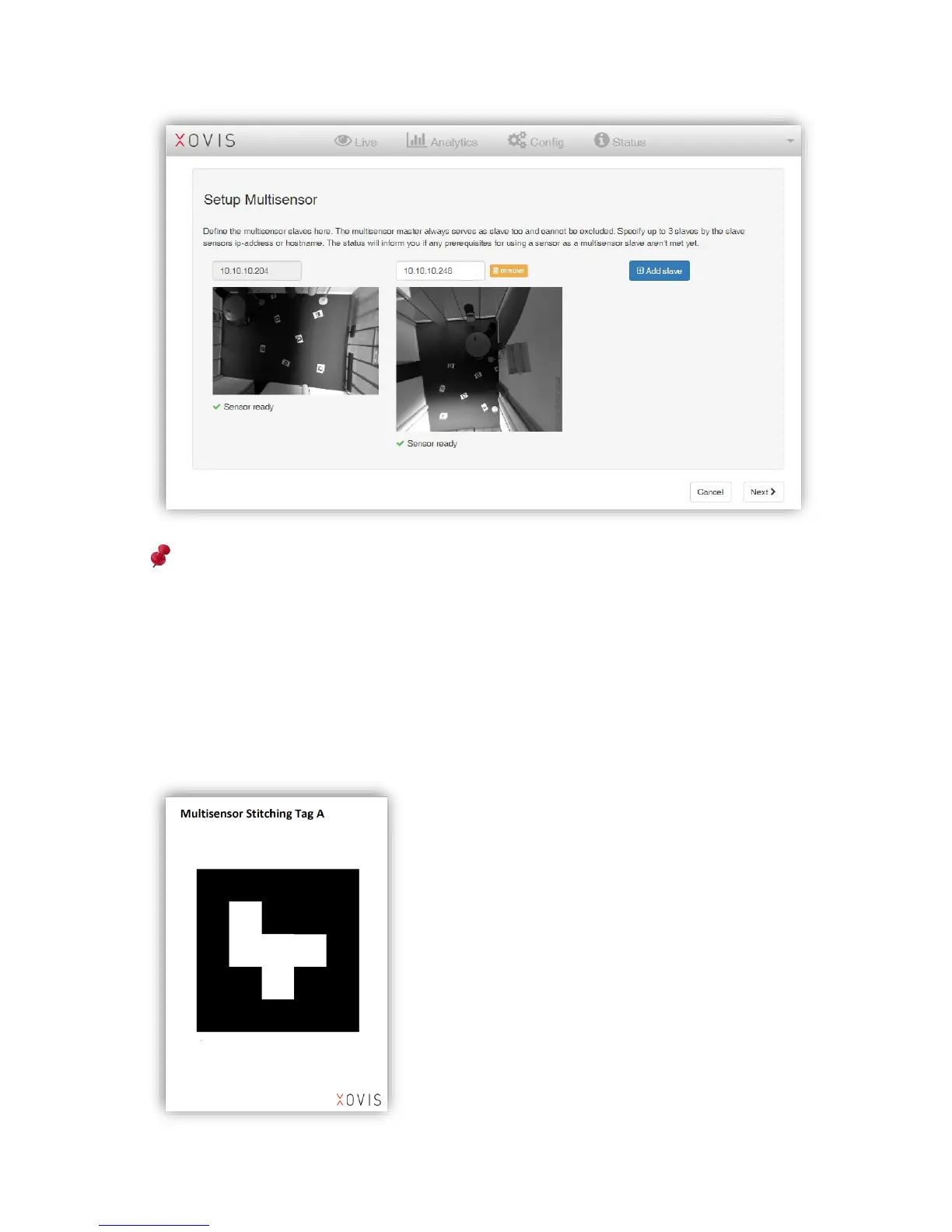
Note: The use of different PC-Series models like for example a PC2 with a PC2-UL or a
PC3 is supported. In the above example there is a PC2 on the left and a PC2-UL on the
center.
When all slaves are added, clicking “Next” will bring up the stitching page. The automated
stitching is based on tags which have to be placed underneath the involved sensors with a
distance between each other of minimum 1 meter. Xovis provides a PDF-file
(Xovis_multisensor_stitching_tags_v2.pdf) containing a set of 30 predefined tags, each one to
be printed on an A3-sized paper sheet.



 To Next Page