APPLICATIONS OF Σ-SERIES PRODUCTS
3.2.12 Using the Analog Monitor
102
3.2.12 Using the Analog Monitor
1) The following two analog voltage monitor signals are output.
Output → TRQ-M 1CN-16
Torque monitor
For Speed/Torque
Output → VTG-M 1CN-17
Speed monitor
on
ro
TRQ-M : Torque monitor output (¦3V/¦100% torque)
VTG-M : Speed monitor output (¦3V/¦1000 r/min)
• As for the check terminals of the front panel:
TMON is the same signal as TRQ-M
VTG is the same signal as VTG-M
Signal ground for TMON and VTG is SG0V of check terminals.
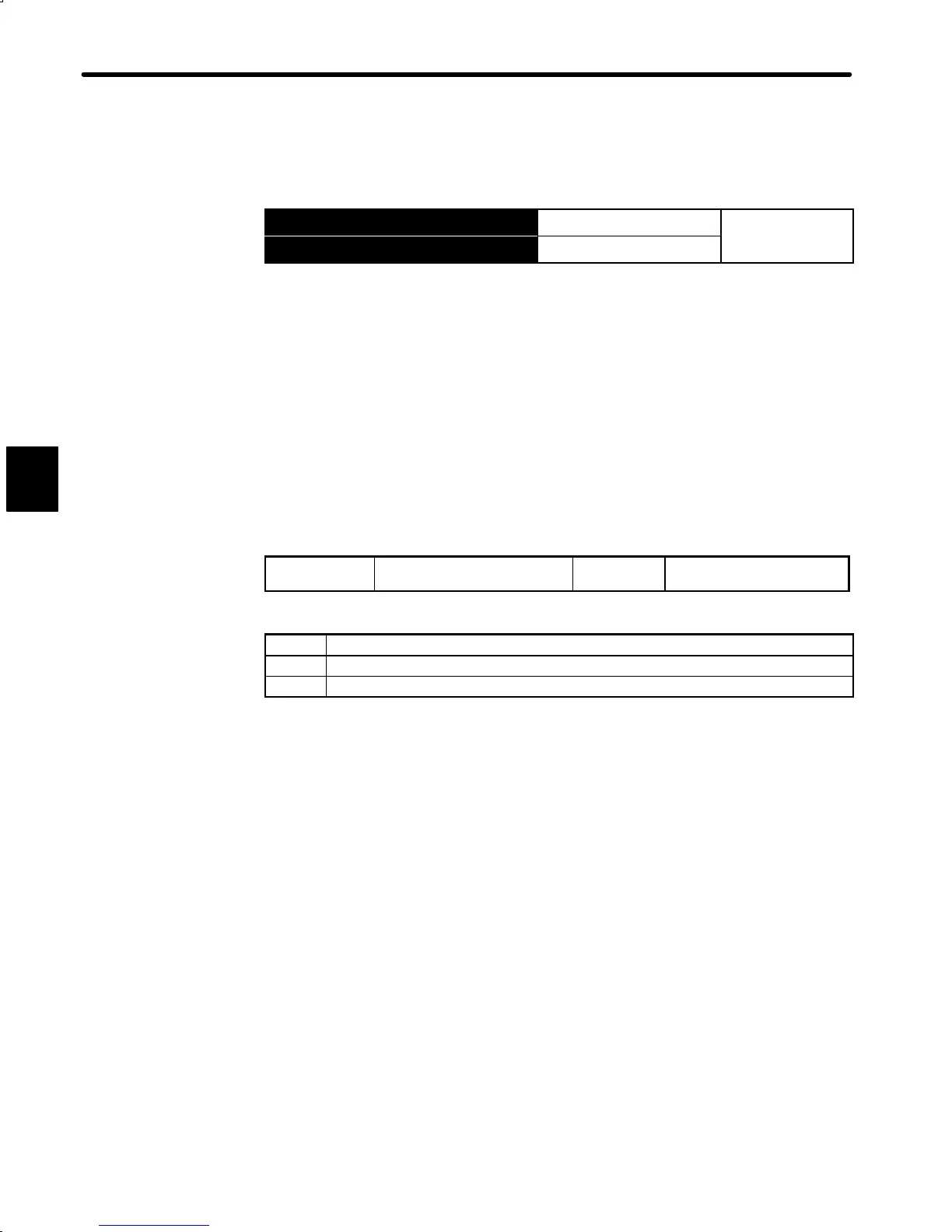
The following memory switch is used to modify the signal specifications.
Cn-02 Bit 6
TRQ-M Specifications Factory
Setting: 0
For Speed/Torque Control
Setting Meaning
0 Uses TRQ-M as the torque reference monitor output.
1 Uses TRQ-M as the speed reference monitor output.
3


 To Next Page
 Loading...