APPLICATIONS OF Σ-SERIES PRODUCTS
3.2.1 Inputting Speed Reference cont.
68
• Using P-CON
Signal:
→ Input P-CON 1CN-41
Proportional Control, etc. For Speed/Torque
Control and
Position Control
The function of input signal P-CON changes with the memory switch setting.
Servopack
Switching between P control and PI control
Switching between zero-clamp enabled mode and
zero-clamp prohibited mode
Switching between torque control and speed control
Memory
switch
Changing the direction of rotation
Memory Switch
Cn-02
Bit 2
Cn-01
Bit B
Cn-01
Bit A
Meaning of P-CON Signal
0 0 0
Switching between proportional (P) control and
proportional/integral (PI) control
0 0 1
Switching between zero-clamp enabled/prohibited mode
Speed control with zero-clamp function
0 1 0
Torque control I (P-CON is not used.)
0 1 1
Switching between torque control and speed control
(Torque control II)
1 − −
Changing the direction of rotation during contact input speed
control
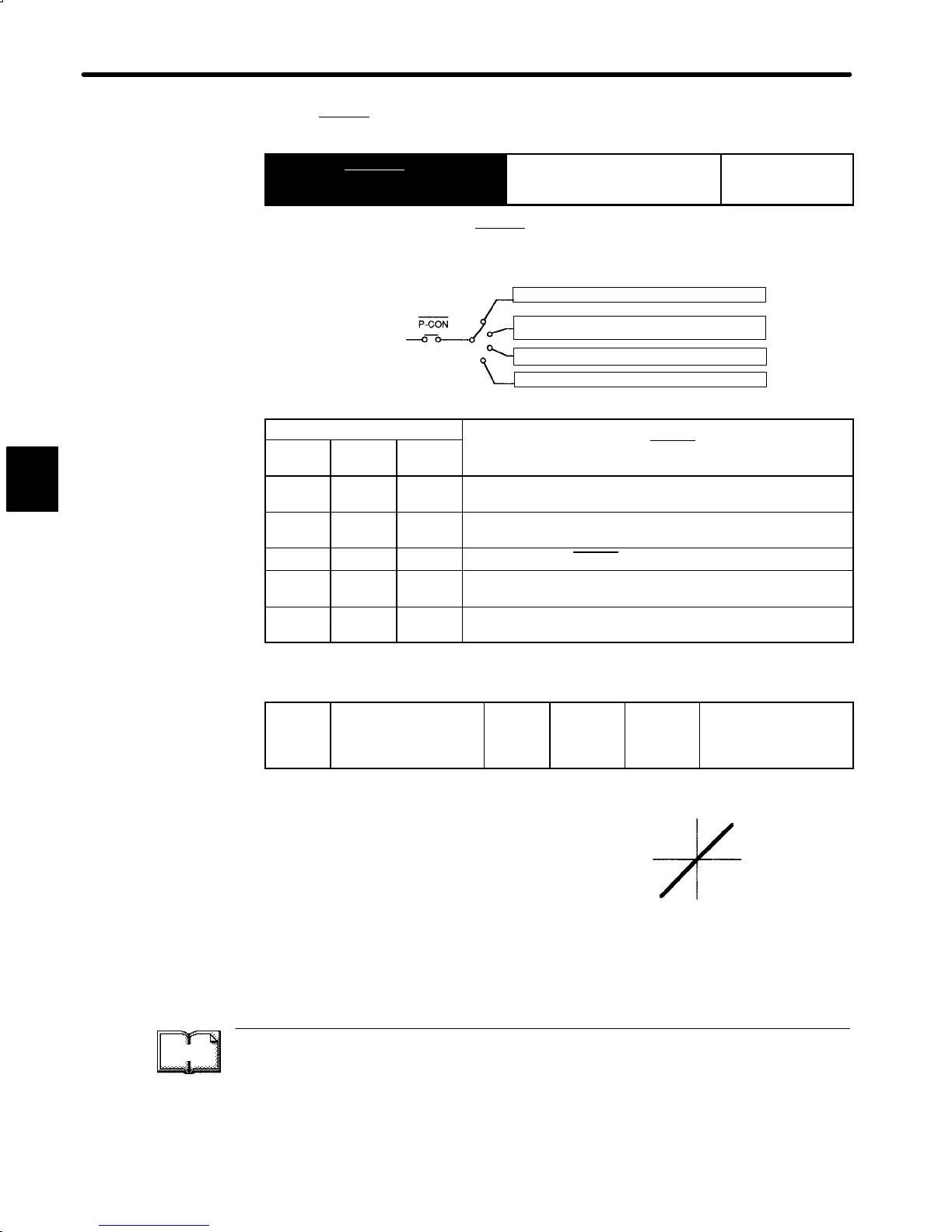
4) Adjust the speed reference gain using the following user constant.
Cn-03
VREFGN Speed
Reference Gain
Unit:
(r/min)/V
Setting
Range:
10
to 2162
Factory
Setting:
500
For Speed/Torque
Control Only
This user constant is for speed/torque control
only. Sets the voltage range for speed reference
input V-REF (1CN-5). Sets this user constant ac-
cording to the output form of the host controller or
external circuit.
The factory setting is as follows:
Rated speed (3000 r/min)/6 V = 500
TERMS
Zero-clamp function
This function is used for a system in which the host controller does not form a position loop.
In this case, the stopping position may shift even if a speed reference is set to 0. If the zero-
clamp function is turned ON, a position loop is internally formed so that the stopping position
is firmly “clamped.”
3
Reference
speed (r/min)
Set this slope.
Reference
voltage (V)


 To Next Page
 Loading...