3.2 Setting User Constants According to Host Controller
75
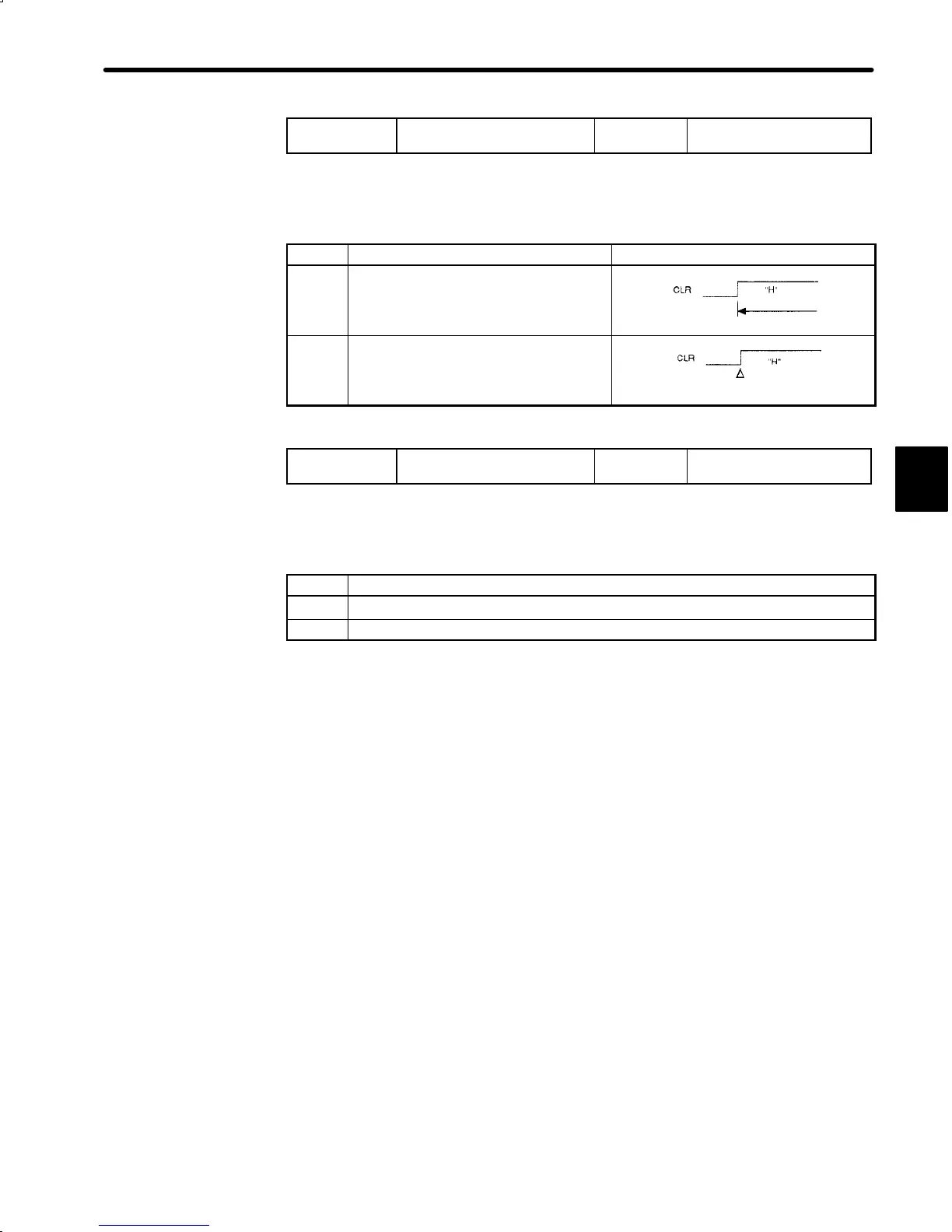
Cn-02 Bit A
Error Counter Clear Signal
Selection
Factory
Setting: 0
For Position Control Only
Selects the pulse form of error counter clear signal CLR (1CN-15).
Setting Meaning
0
Clears the error counter when the CLR
signal is set at high level. Error pulses
do not accumulate while the signal
remains at high level.
Cleared state
(1CN-15)
1
Clears the error counter only once when
the rising edge of the CLR signal rises.
Cleared only once at this point
(1CN-15)
Cn-01 Bit A
Error Counter Processing at
Servo OFF
Factory
Setting: 0
For Position Control Only
Select the error counter processing at Servo OFF.
Setting Meaning
0
Error counter is cleared at Servo OFF.
1 Error counter is not cleared at servo OFF.
3


 To Next Page
 Loading...