Device overview S88 / OPMI Lumera T
Version 8.0
Page 86 G-30-1682-en
7 Brightness setting
Brightness can be adjusted using the two keys (7) on the control panel.
If the suspension system has two lamp housings, you can also adjust the
brightness of lamp 1 by pressing the appropriate button(s) on the foot
control panel.
8 Indicator lamp (color: amber)
– is lit when the main lamp has failed. The backup lamp is on.
– blinks when the backup lamp has failed.
9 Indicator lamp (color: green)
is lit when the relevant light source has been switched on.
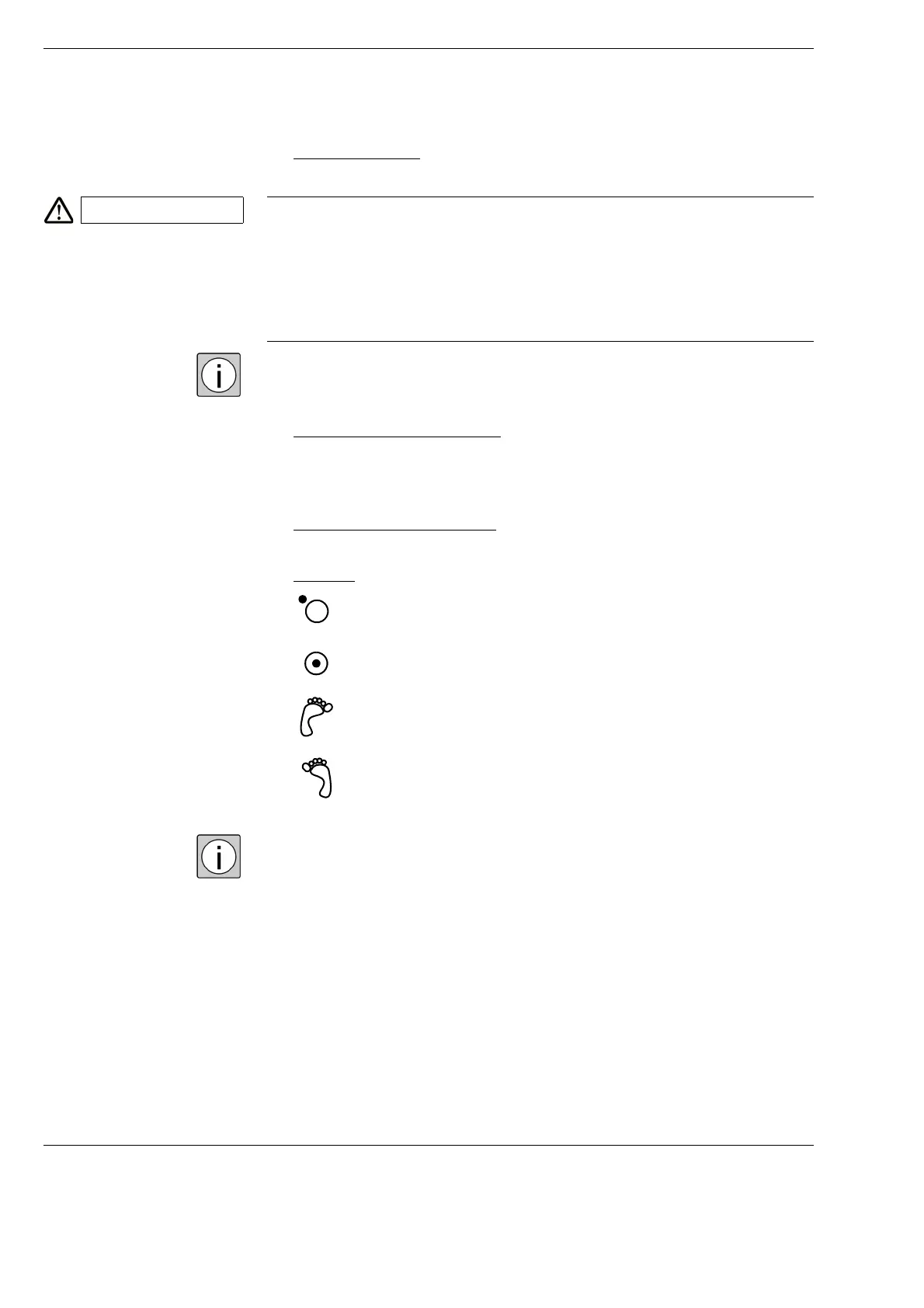
10 Selector:
If two lamp housings are available, you can set the selector switch in such
a way
– that one light source each can be switched on/off on the left-hand and
right-hand side of the foot control panel,
– or that both light sources can be switched on/off on the left-hand or
right-hand side of the foot control panel.
CAUTION Injury to the patient's retina!
Excessive light intensity or overly long exposure times may lead to retinal
damage in the patient’s eye.
• Adjust the illumination intensity as required for the light source used and
the radiation exposure time. You'll find the values recommended by
ZEISS in the table "Maximum radiation exposure times" on
page 22.
The light source is off.
The light source is on.
The light source can be switched on/off on the left-hand side of
the foot control panel.
The light source can be switched on/off on the right-hand side
of the foot control panel.















 To Next Page