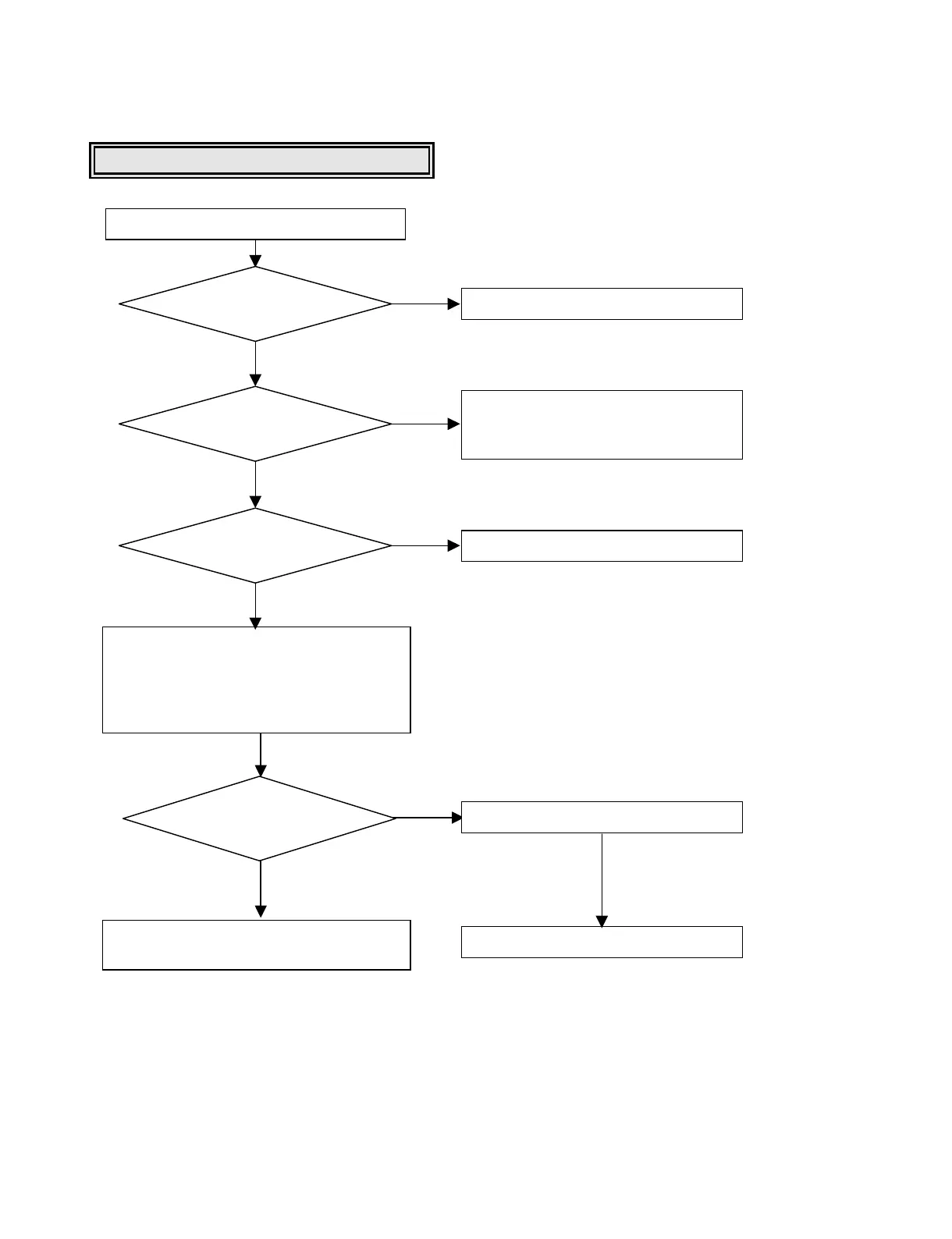
In case of writing fail.
Normal Case
Check disc label.
Use LG bundle software.
Eject disc.
Go to “Writing Part Check”.
Remove the dust,fingerprint and
if the disc has long width scratch,
change it.
Check the media
DVD ±R/RW?
Does the disc
have any dust,scratch,
fingerprint …?
Is the write
tool supported by
LG Drive?
Finalized Disc?
Check disc information on writing tool.
[If you get some data information with
“Non Recordable Disc ”message,the
disc is finalized disc:unrecordable
disc and more ]
If DVD ±R disc,use new DVD ±R disc.
If DVD ±RW disc,erase the disc.
YES
YES
NO
NO
NO
YES
NO
NO




 To Next Page