Pannoramic 250 1.15 User’s Guide 4 Software Description
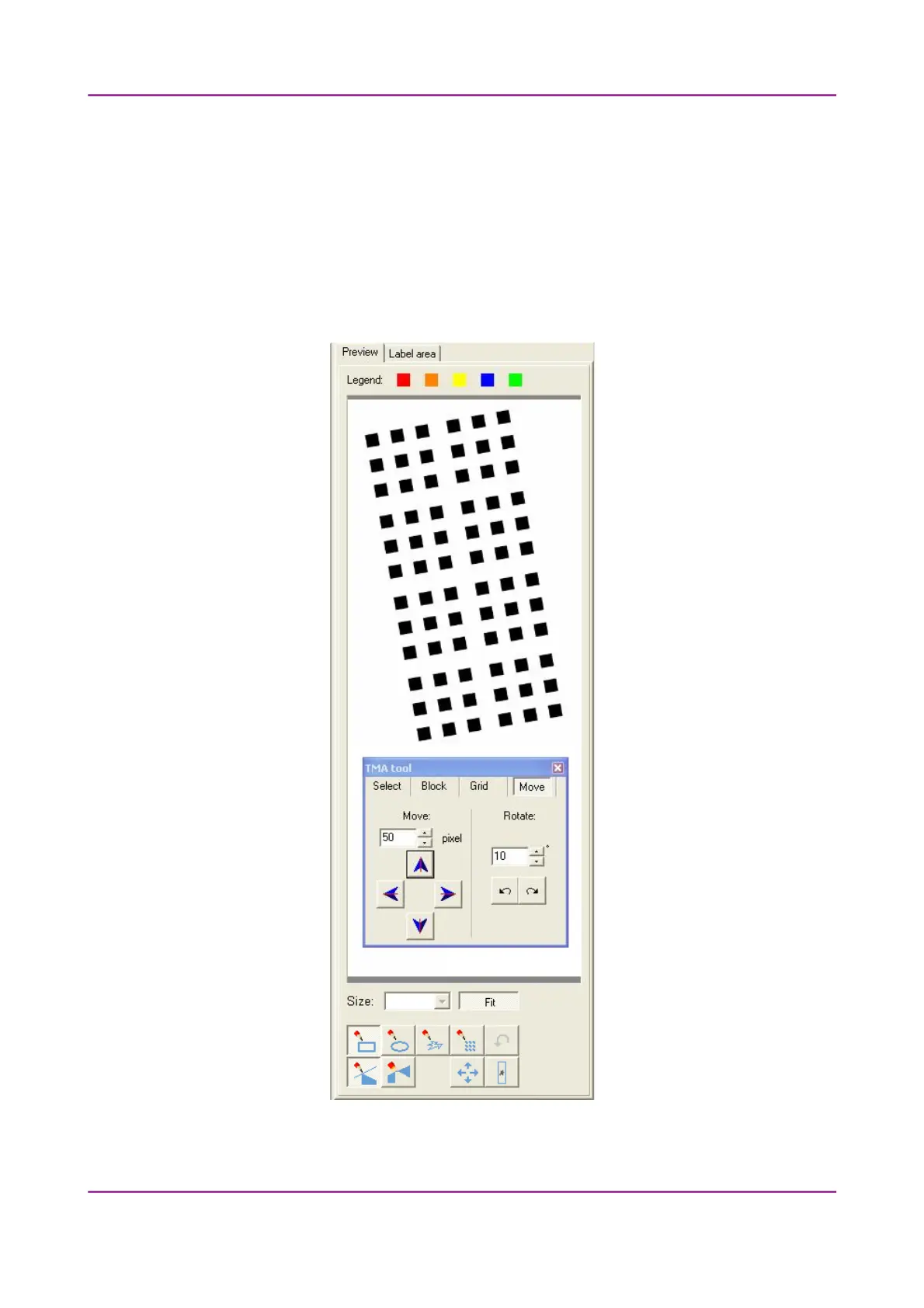
Move tab panel
The Move tab panel allows the rotation and moving of the TMA selection spots that are
displayed on the preview image.
• To move the spots enter the pixel value in the Move field or use the arrows.
• To rotate the spots, enter the degree value in the Rotate field or use the rotation
arrows.
Figure 41 – TMA tool Move tab panel with preview
March 13, 2012 – Rev. 1 3DHISTECH Ltd.
63(135)



 To Next Page