VxWorks Support Building a VxWorks Image
CEI-100/CEI-200/CEI-x20 User’s Manual 154
The following steps describe how to update your VxWorks image. By
default, ‘[ CEI-x20 Install Path ]’ corresponds to the path ‘c:\ Program
Files \ Condor Engineering \ CEI-x20-SW’.
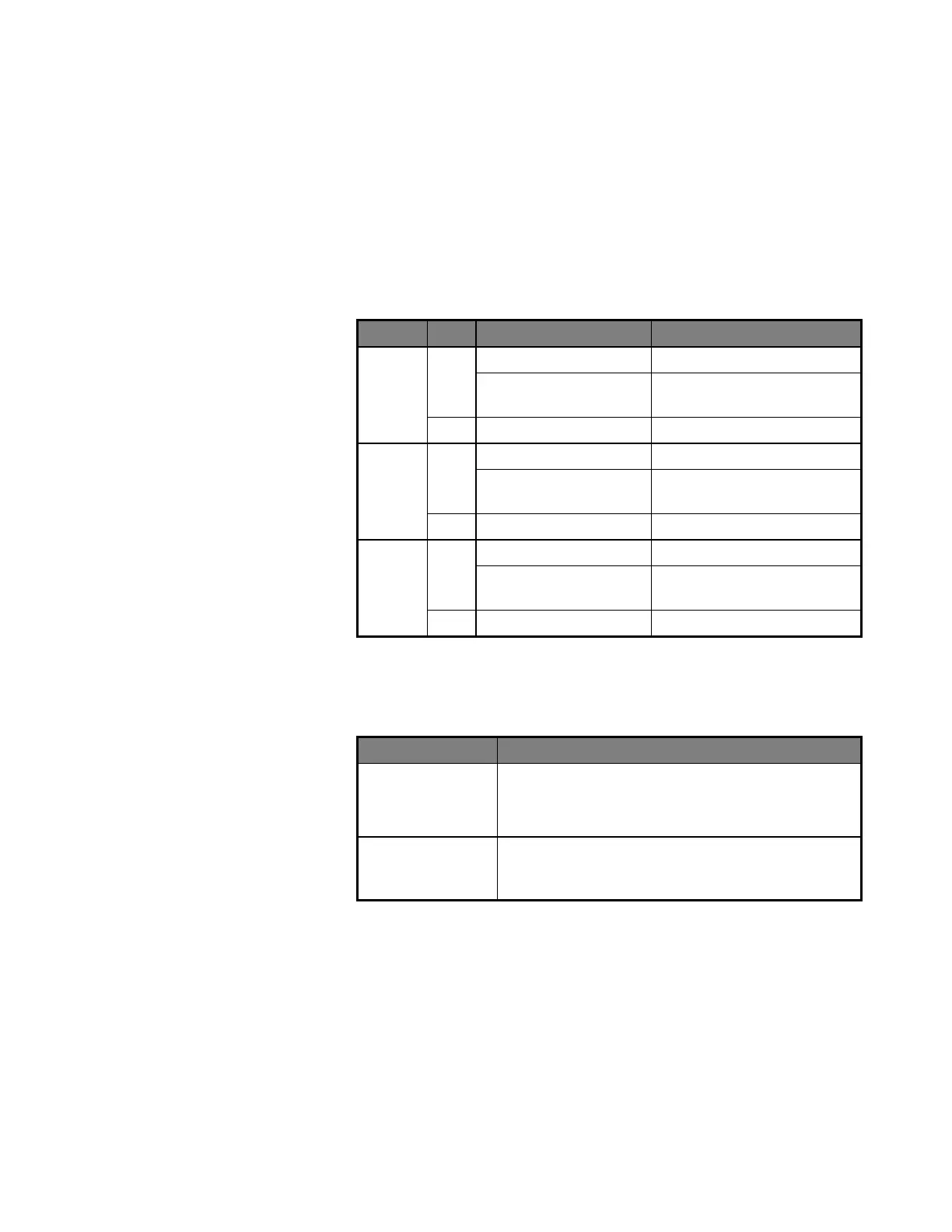
1. Copy the appropriate component installation file from the ‘[ CEI-x20
Install Path ] \ Source \ VxWorks \ Component Files’ folder into
‘[Tornado Path] \ target \ config \ <BSP Folder>’. Use the following
table to select the appropriate component installation file for your
environment, platform, and board type.
Component Installation File
51_ABACO_x86_LEGACY_ISA.cdf
CEI-520/520A, CEI-620,
CEI-820, CEI-820TX
51_ABACO_x86_LEGACY_ISA.cdf
CEI-520/520A, CEI-620,
CEI-820, CEI-820TX
51_ABACO_x86_RTP_6x_PCI.cdf
51_ABACO_PPC_RTP_6x_PCI.cdf
51_ABACO_x86_LEGACY_ISA.cdf
CEI-520/520A, CEI-620,
CEI-820, CEI-820TX
51_ABACO_x86_RTP_66_PCI.cdf
51_ABACO_PPC_RTP_6x_PCI.cdf
2. Copy the driver source files into ‘[ Tornado Path ] \ target \ config \
<BSP Folder>’. Use the table below to determine which files should
be copied for your board type.
[ CEI-x20 Install Path ] \ Source \ VxWorks \ mem_vxWorks.c
[ CEI-x20 Install Path ] \ Source \ lowlevel.h
[ CEI-x20 Install Path ] \ Include \ cei_types.h
[ CEI-x20 Install Path ] \ Include \ utildefs.h
CEI-520/520A,
CEI-620, CEI-820,
CEI-820TX
[ CEI-x20 Install Path ] \ Source \ VxWorks \ Common Driver \
*.*
3. Open the workspace containing your VxWorks target image project,
and access the Kernel Configuration setup for the VxWorks image.
4. Within the hardware component group, include the “Abaco Avionics
Boards” component.
5. Modify parameter values associated with the “Abaco Avionics Boards”
component as required for your target system and/or development
environment. The default parameter values support many
configurations without modification, but customization of one or more
Artisan Technology Group - Quality Instrumentation ... Guaranteed | (888) 88-SOURCE | www.artisantg.com



 To Next Page