EasyManua.ls Logo

abaco systems CEI-520 - Configuring the CEI-520 and CEI-520 A; CEI-520;520 A Outline Drawing; CEI-520;520 A Input;Output Connector Pin out; Figure 6. CEI-520;520 A Outline Drawing

Default Icon
191 pages
Print Icon
To Next Page IconTo Next Page
To Previous Page IconTo Previous Page
Loading...
Installation Configuring the CEI-520 and CEI-520A
CEI-100/CEI-200/CEI-x20 User’s Manual 17
P1 Connector
P2 Connector
P1
D50
Signal
P2
D50
Signal
30
4
TX5B
30
4
TX13B
29
36
TX4B
29
36
TX12B
28
19
TX3B
28
19
TX11B
27
2
TX2B
27
2
TX10B
26
34
TX1B
26
34
TX9B
Configuring the CEI-520 and CEI-520A
This section provides configuration information for the CEI-520 and the
CEI-520A.
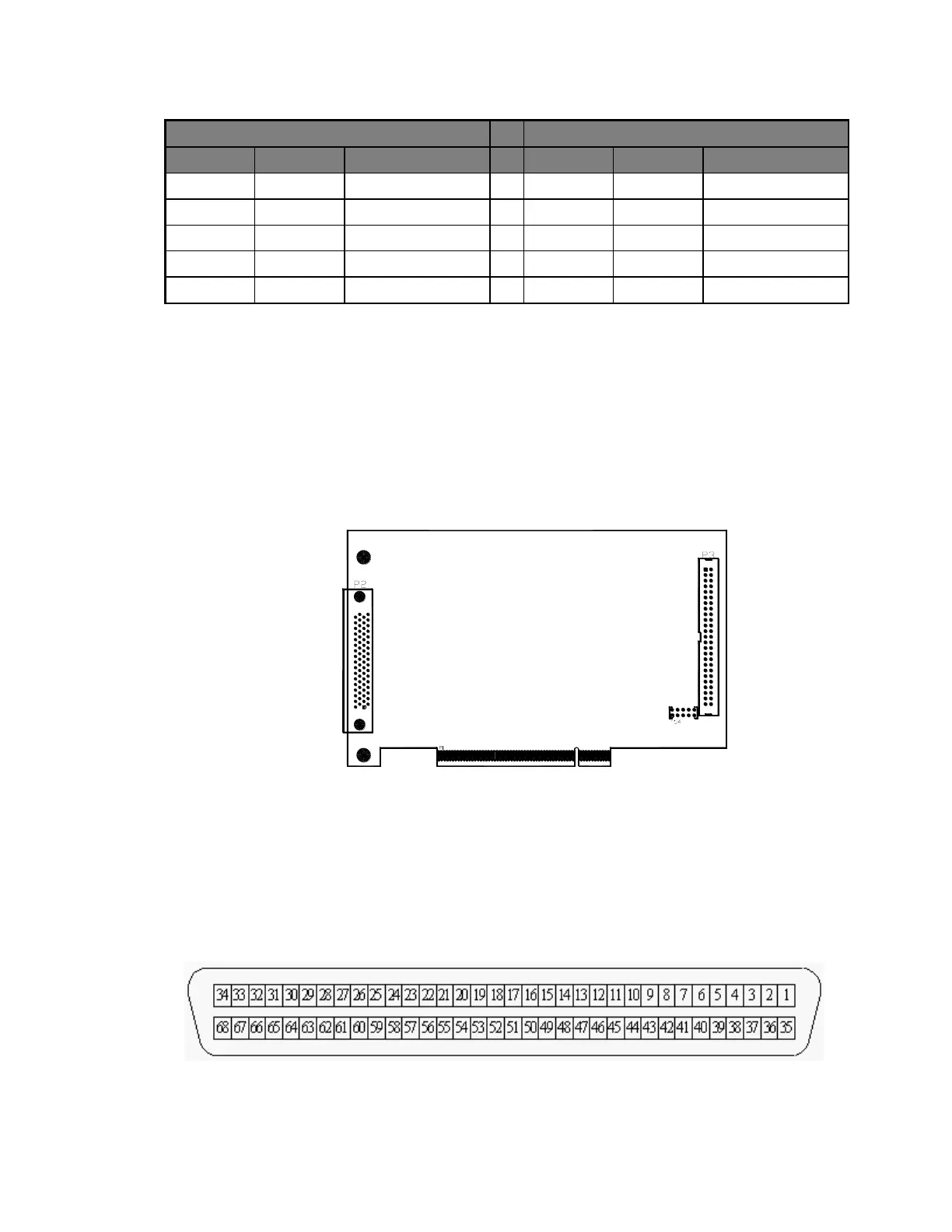
CEI-520/520A Outline Drawing
Figure 6. CEI-520/520A Outline Drawing
CEI-520/520A Input/Output Connector Pin Out
To couple the CEI-520/520A to ARINC devices using the rear panel, the
following rear panel connector is provided (AMP/Tyco 787171-1).
Figure 7. 68-pin Receptacle Connector (SCSI-3 compatible with rails and latch blocks, view
facing receptacles)
Artisan Technology Group - Quality Instrumentation ... Guaranteed | (888) 88-SOURCE | www.artisantg.com

Table of Contents

Related product manuals