51
7.2 Frequency Command Source to Input Analog Voltage/ Current
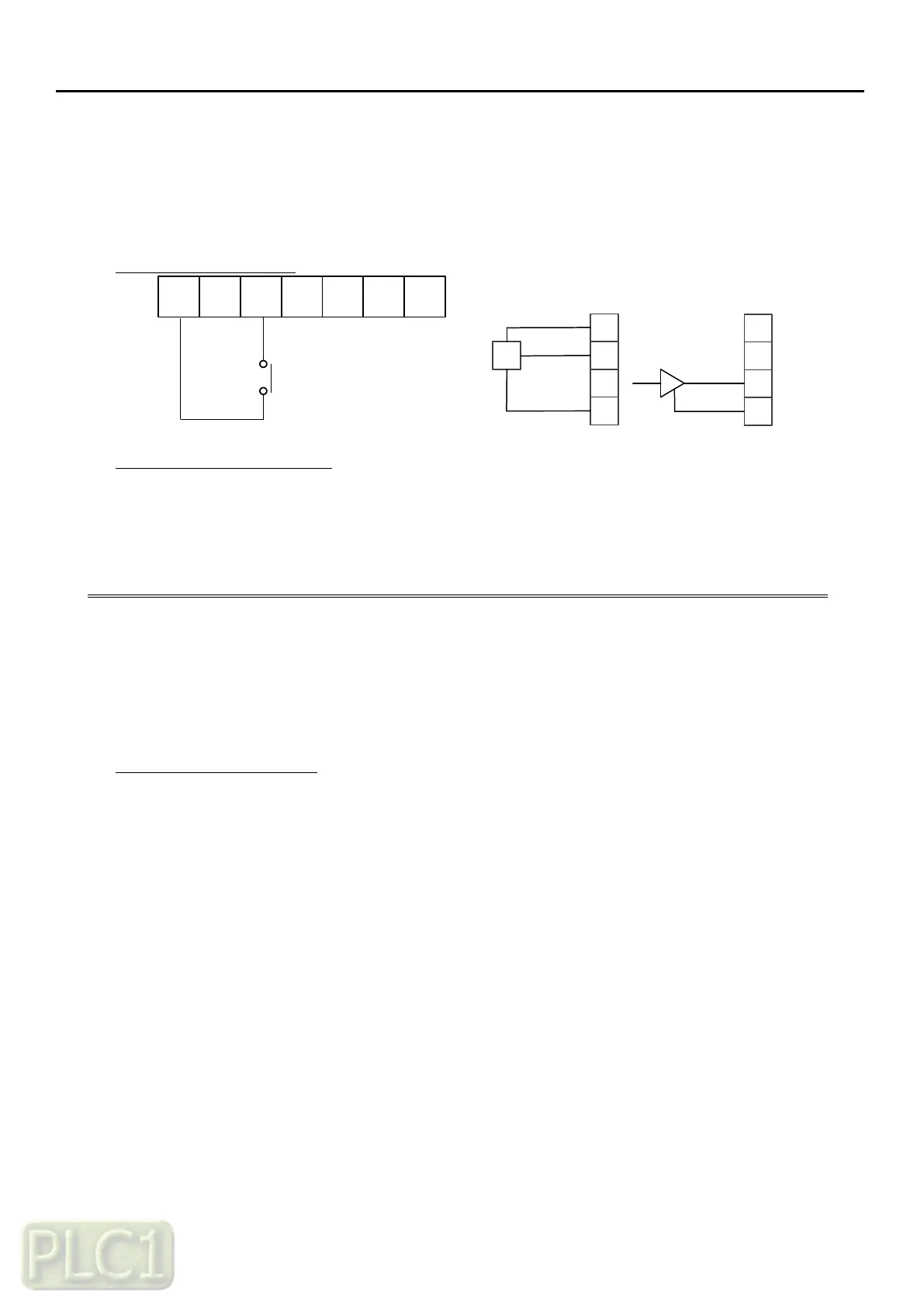
Input Terminal Diagram
Programming A1 Parameters
Programming Frequency Set Point
Input Terminal Diagram
Programming A1 Parameters
On Keypad, program following parameters with corresponding values
Frequency Command Source1 to Input Terminal(0~10V).
Frequency Command Source2 to Input Terminal(4~20mA).
Set Terminal 5 to Frequency Select Operation.
If Closed, Select Current Source. If opened, Voltage Source.
Setting Frequency Setpoint
Program following parameters with specified frequency values.
Frequency setpoint follows analog reference (0 ~ 10V / 4 ~ 20 mA) from 0 to 60 Hz. Analog input
settings can be modified using
’11.06 ~ 11.08’, ’11.14 ~ 11.17’
.
CM 6 5 4 3 2 1
Frequency
Select
H
O
OI
L
VR
DC 12V
DC 0~10V
H
O
OI
L
DC 4~20mA
Input Voltage Source
Setup
Input Current Source
Setup



 To Next Page