97
8.2.7 Standard AI (O, OI)
11.01 AI (O, OI) forced selection
Range: 0x00 ~ 0xFF
Initial value: 0x00
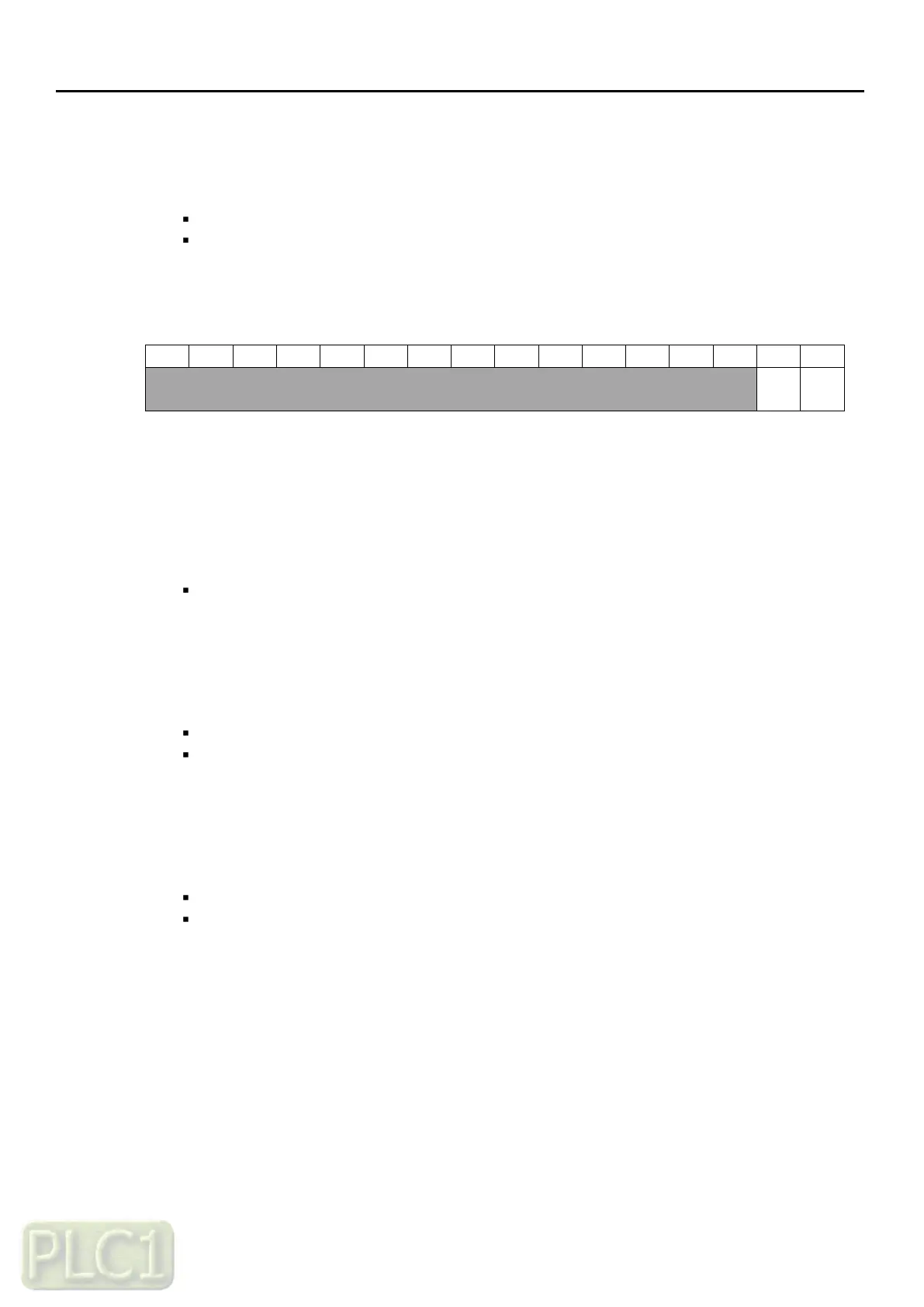
Example Data: 0000000000000010
Meaning: R01, AI2 ON, AI1 OFF
It displays when extension I/O card is connected
The statuses of the analog input can be overridden for example testing purposes
A bit in parameters
'11.04' (AI1 forced value)
and
'11.12' (AI2 forced value)
are provided for
each analog input and its value is applied whenever the corresponding bit in this parameter
is 1
11.02 AI1 (O) actual value
Range: 0.00 ~ 100.0 % in 0.01 %
Displays the value of analog input AI1 (O) in V
(Depending on the input is set to voltage by a hardware setting)
11.03 AI1 (O) scaled value
Range: 0.00 ~ 400.00 Hz in 0.01 Hz - frequency
Range: 0.00 ~ 100.0 % in 0.01 % - PID
Displays the value of analog input AI1 (O) after scaling
Related Parameters: '11.08', '11.09'
11.04 AI1 (O) forced value
Range: 0.00 ~ 100.0 % in 0.01 %
Initial value: 0.00 %
Allows the data value of a forced analog input to be changed from 0.0 to 100.0
It is only possible to forced an input that has been selected in parameter
'11.01' (AI forced selection)



 To Next Page