50
7. Quick Start Guide
In order to run the VFD, the run command source and frequency command source must be
determined. Select one frequency command source and one run command source from list below
and follow the instruction in the section referenced.
Default frequency command source is Analog Input Voltage, default run command source is
Intelligent Input Terminal Connector (Input Terminal 1: Fwd, Input Terminal 2: Rev).
Frequency command can be done by
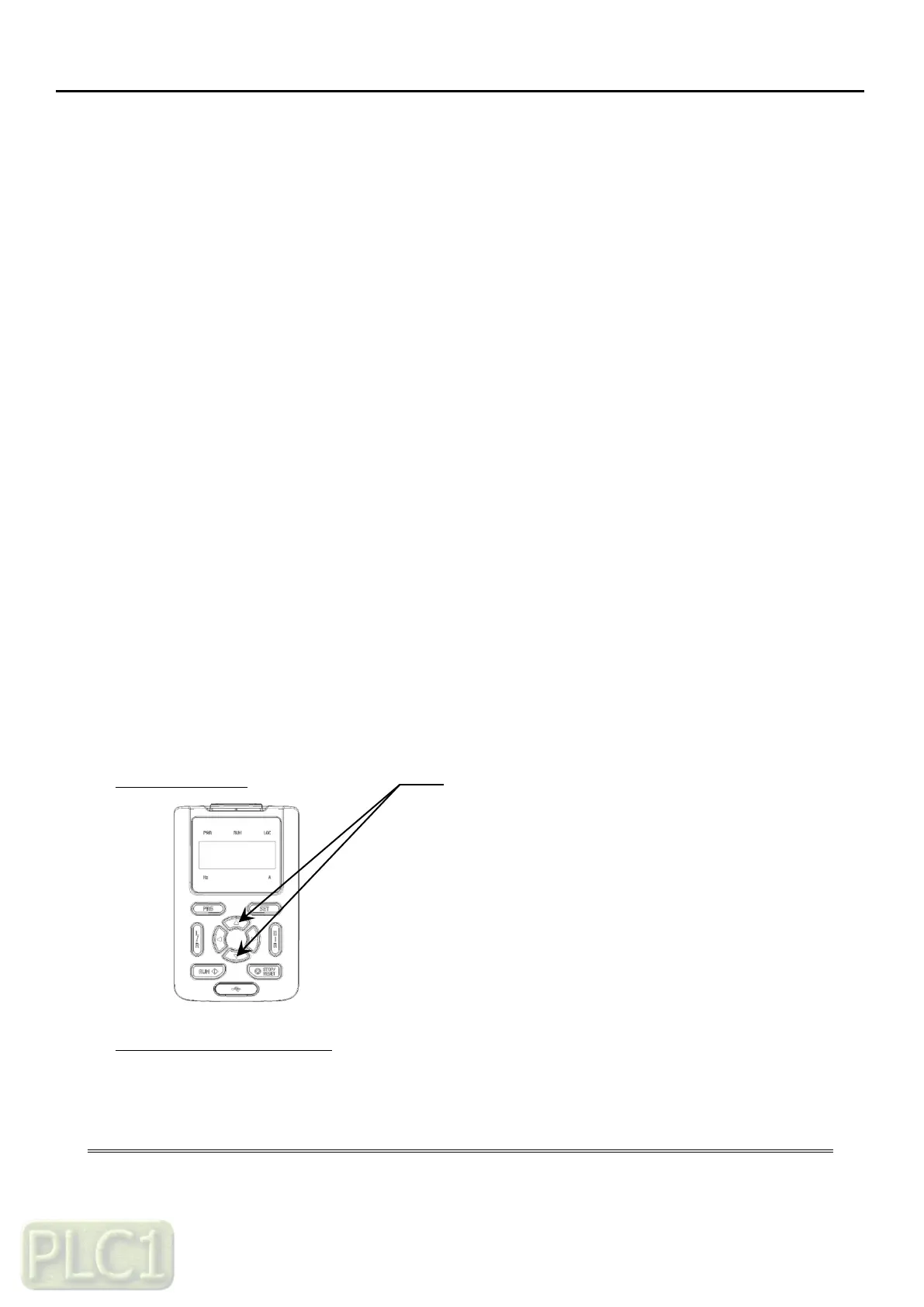
Keypad – Up/Down Arrow Keys - (7.1)
Input Terminal –
Analog Input Voltage/Current - (7.2)
Multi Frequency - (7.3)
Up/Down – (7.4)
Modbus – RS485 (RXN, RXP) - (7.5)
And running/stopping command can be done by
Keypad RUN/STOP Keys - (7.6)
Intelligent Input Terminal Connector - (7.7)
Modbus – RS485 (RXN, RXP) - (7.8)
7.1 Frequency Command Source to Up/Down Arrow Keys
Keypad Diagram
Programming A1 Parameters
Keypad Diagram
Programming A1 Parameters
On Keypad, program following parameters with corresponding values:
Frequency Command Source to Keypad



 To Next Page