EasyManua.ls Logo

Adtech iMASTER – A1 Series - Page 53

Default Icon
198 pages
Print Icon
To Next Page IconTo Next Page
To Previous Page IconTo Previous Page
Loading...
A1-User’s Manual
49
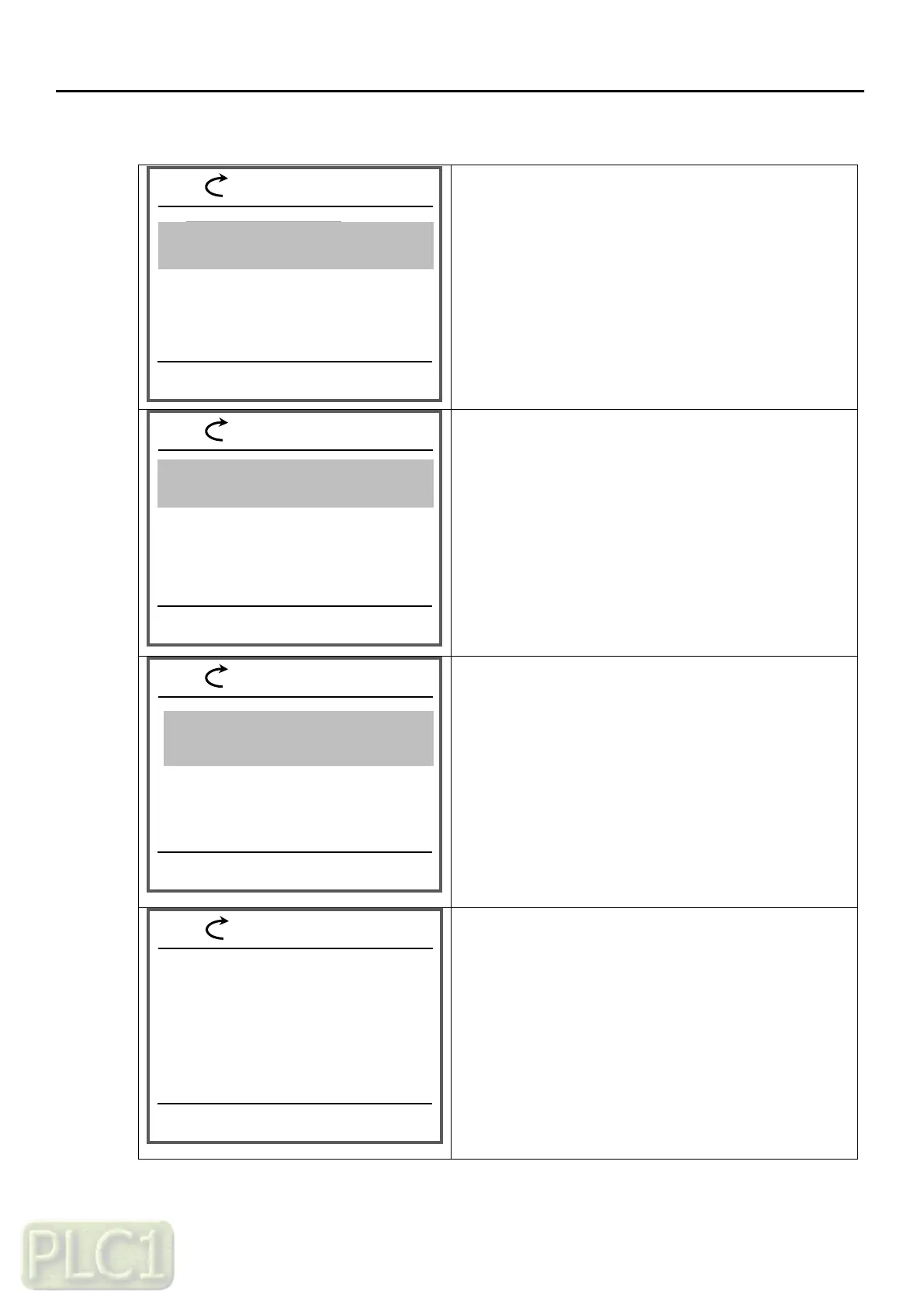
(7) Parameter setting
You have shifted to Parameters mode
-Press the SELECT key(right key) once
The Display group of Parameters mode is emerged.
Move to 97 group
-Press the SELECT key(right key) once
The details of System mode are emerged.
-Press the SELECT key(right key) once
-Press the up arrow once
It change to (1)Init All Param
If you want initialize,
Press the SAVE key(right key) once
09:40
REM
09:40
REM
SELECT
BACK
09:40
REM
SELECT
BACK
09:40
REM
SELECT
BACK
Parameters
Parameter
Copy
Event log
Parameters
Parameters
97.02 Parameter lock mode
0
03.01 Trip monitor 1, source of trip
0.00 Hz
Parameters
22 Frequency Reference
98 Motor Control
99 Motor Data
Parameters
Parameters
97 System
97.01 Initialization mode
(0)Init Trip info
Initialization mode
(0 ~ 1)
(1)Init All Param
CANCEL
SAVE
60.00Hz
60.00Hz
60.00Hz
60.00Hz

Table of Contents