48
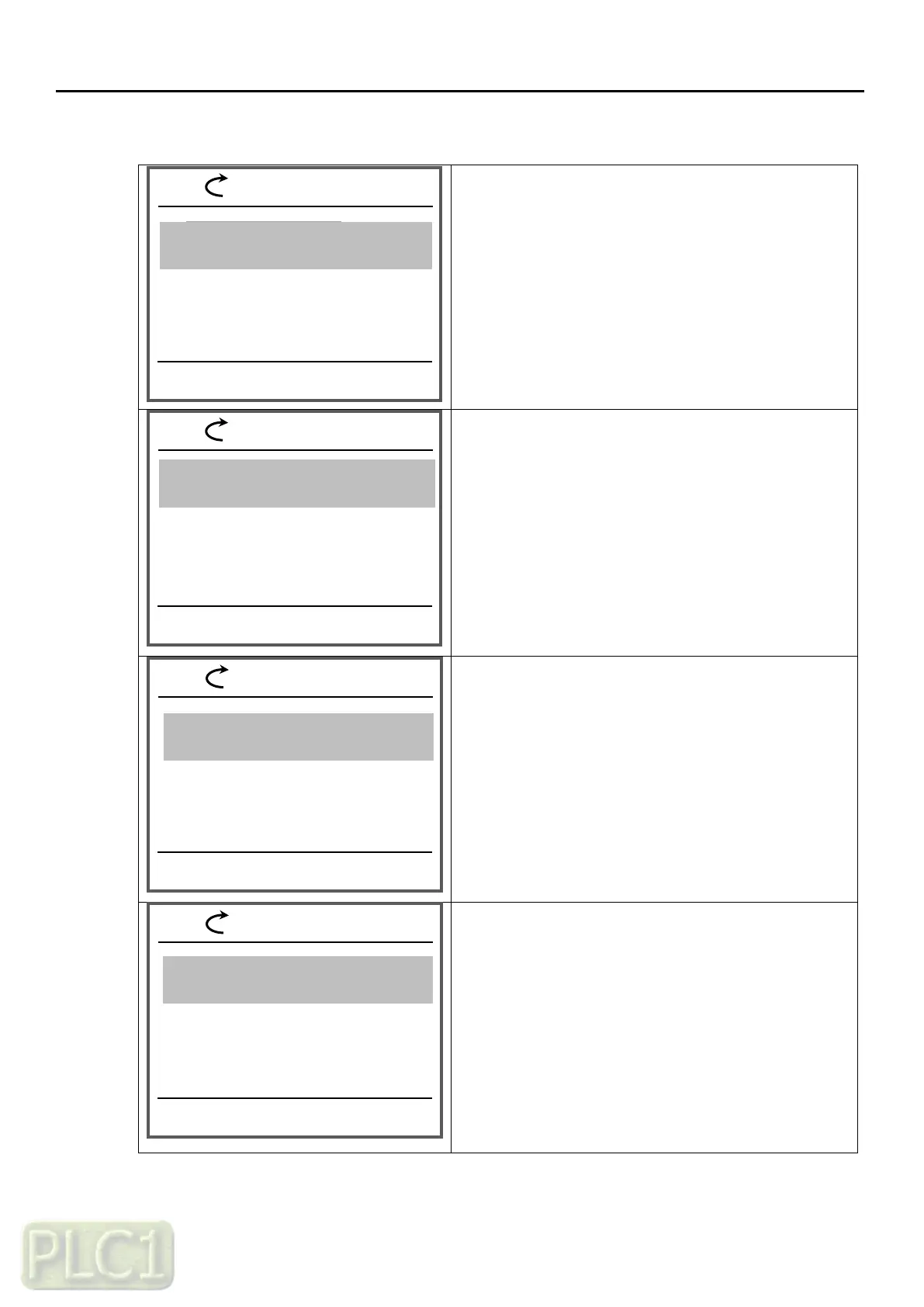
(6) Fault history monitoring
You have shifted to Parameters mode
-Press the SELECT key (right key) once
The Display group of Parameters mode is emerged.
Move to 03 group
-Press the SELECT key (right key) once
There are five of trip history and details
More details are shown next page as below
'03.19' (Trip monitor 1, DO status at trip)
'03.20' (Trip monitor 1, IGBT Temperature at trip)
'03.21' (Trip monitor 1, Occurred time - Year)
'03.22' (Trip monitor 1, Occurred time - Month, Day)
'03.22' (Trip monitor 1, Occurred time - Hour, Minute)
'03.23' (Trip monitor 1, Occurred time - Second)
03.14 Trip monitor 1, frequency at trip
60.00 Hz
03.15 Trip monitor 1, current at trip
12.0 A
03.01 Trip monitor 1, source of trip
0.00 Hz
05 VFD firmware information
03.13 Trip monitor 1, source of trip
(2)Over Voltage
03.17 Trip monitor 1, running status at t
Dec
03.18 Trip monitor 1, DI status at trip
00000001
03.16 Trip monitor 1, source of Vdc
800 V



 To Next Page