The drone is factory defaulted to American hand
Before use, please confirm whether it is a familiar operator mode, otherwise it may cause
safety accidents!
3.1.
The Remote Control Button Definition
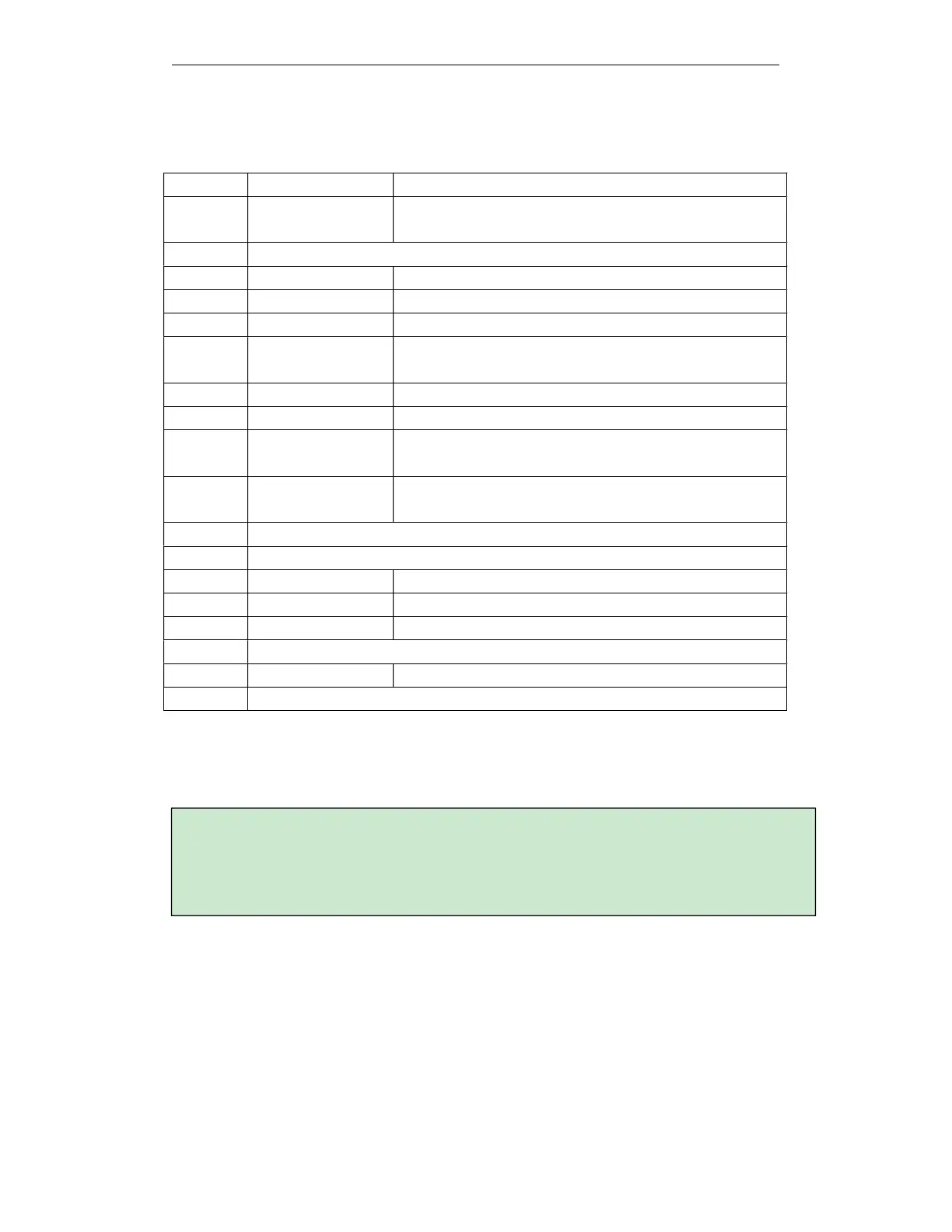
Number Features Description
1
Antenna Transmission of remote control/data transmission/image
transmission signal
2
Unused
3
Left stick Can set American hand/Japanese hand/Chinese hand
4
Return home Return
5
Screen Embedded screen, APP operation
6
Switch Short press to unlock/lock the screen; long press to turn
on/off the remote control
7
Unused
8
Right stick Can set American hand/Japanese hand/Chinese hand
9
Spray switch/spray
self-check
It is spraying self-check when the aircraft is not taking off,
and spraying switch after taking off
10 Carrying handle
(fixed network RBI)
Easy to carry
11 Unused
12 Unused
13 Speaker Voice prompts
14 SIM card slot Insert SIM card
15 Charging port 5V/3A
16 Unused
17 Flight mode switch The two gears are: attitude mode/positioning mode
18 Unused
3.2.
Remote Control Operation
Supports three operating modes: American, Japanese, and Chinese
Japanese hand: the left stick controls the drone's forward, backward, turn left, and right, and the
right stick controls the drone's rise, down, left, and right movements.



 To Next Page