.
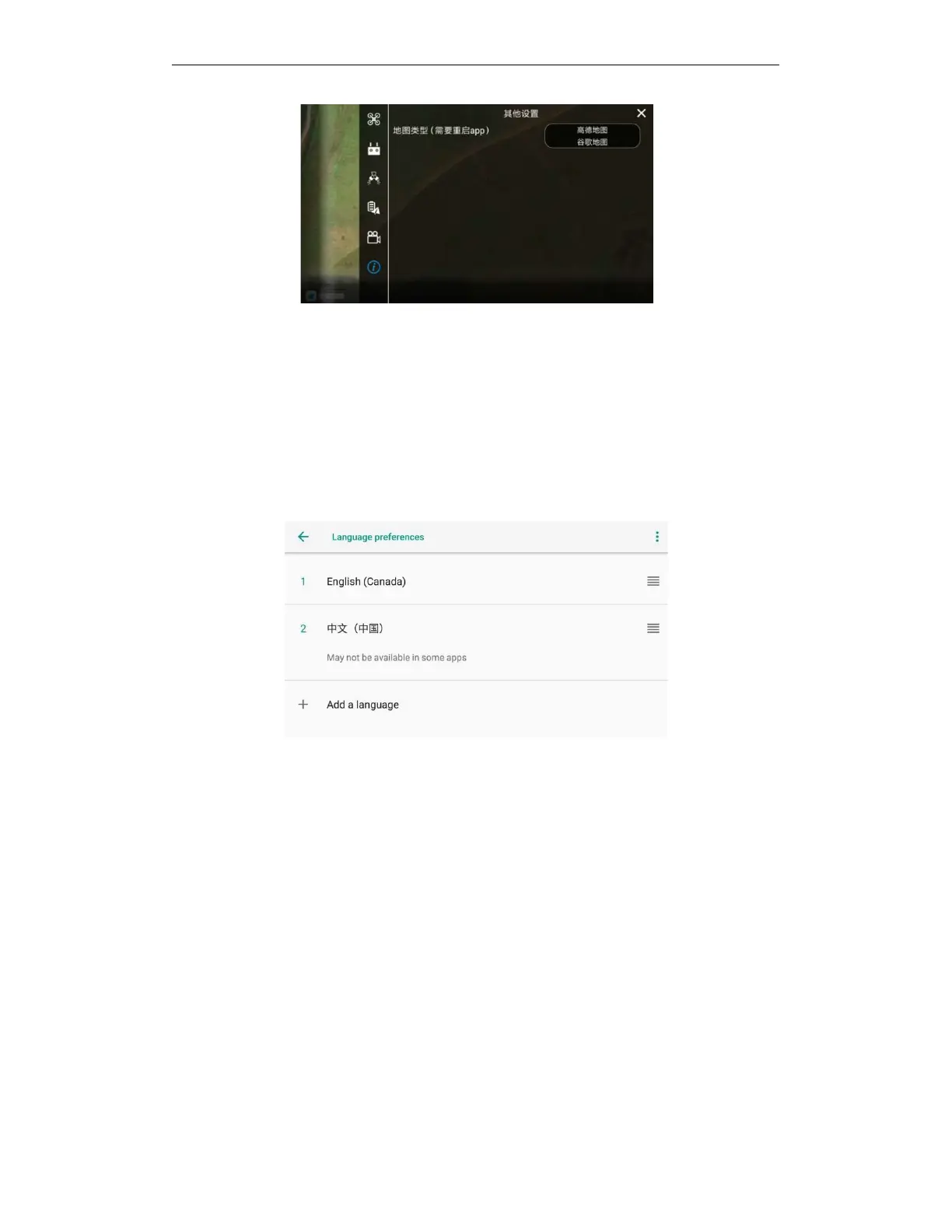
5.20. Switch language
When you need to use other languages, please switch the phone with the APP to the language
you want to use. The APP voice will automatically follow the phone system to switch to the
corresponding language. If there is no corresponding language version, the English version will be
the default.
When users use other languages, please follow the steps below:Open all applications -- enter
settings -- enter system -- enter language and input method -- enter language -- add language --
drag the required language to the first language -- switch language successfully.
6.
Upgrade
AGR updates the software of drone, remote control, APP and other products from time to time,
and users can use the new functions of the product after upgrading.
6.1. Bluetooth upgrade (for non-mainland
China)
If there is no network and the online upgrade of the drone is not available in non-Mainland China
regions, use the following methods to upgrade flight control, motherboard and RTK:
Bluetooth upgrade process:Connect the aircraft and the remote control - enter the upgrade
interface - download the firmware to the remote control through the 4G network or WiFi of the
remote control - the remote control transmits the firmware to the UAV through Bluetooth - the
UAV installs the firmware upgrade - the upgrade is completed.
When upgrading, please upgrade the motherboard first, and then upgrade the flight control and
RTK!



 To Next Page