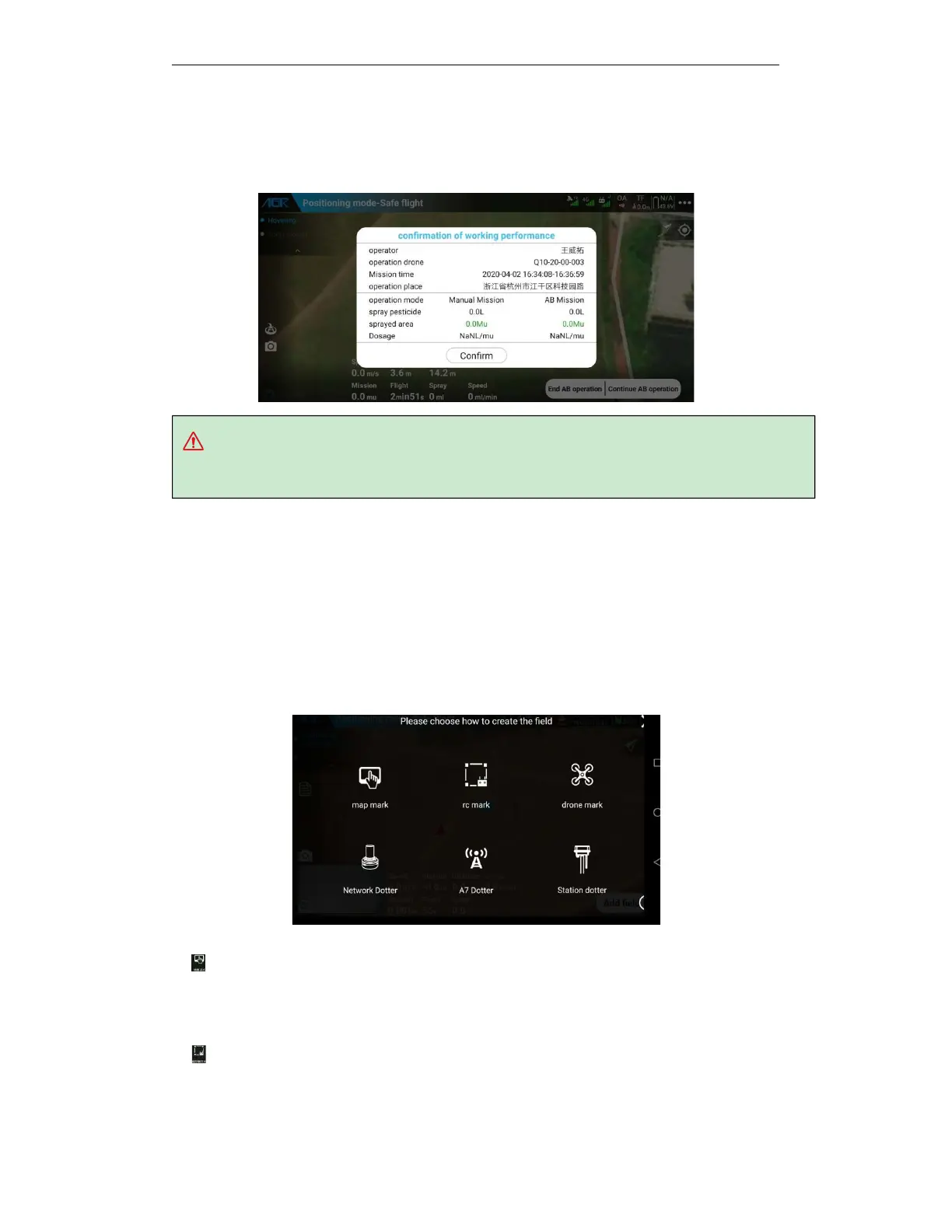
Tip: The working site in the working report can only be obtained after the network of mobile
phone is connected!
5.5.3.13. End AB assignment
Click “ End AB assignment” to end the AB assignment, and the app will popup the working
report window.
5.6. Automatic air route operation mode
After using rover, drone, and maps for dotting programme, set the operating parameters, and the
drones will automatically work according to the planned area and settled routes.
5.6.1. Route Planning
Route Planning: AG3 APP supports a variety of ways to mark: map, remote control, drone,
network RTK, etc. Users can choose a suitable planning method for RBI according to the actual
situation and the configuration of the drone.
The five ways for marking are as follows:
a.
Map marking is based on map information for plot planning. The operation is the simplest,
and the most efficient one, but also is the least accurate. There may be large errors during
operation. Please pay attention to flying safely and this way applies to open and unobstructed
land.
b.
Remote control is to use the built-in GPS of the remote control to locate and plan the plot.
You need to hold the remote control and the mobile phone to mark along the border between
the plots and the obstacles. The efficiency is low, and the operation is more complicated, but the



 To Next Page