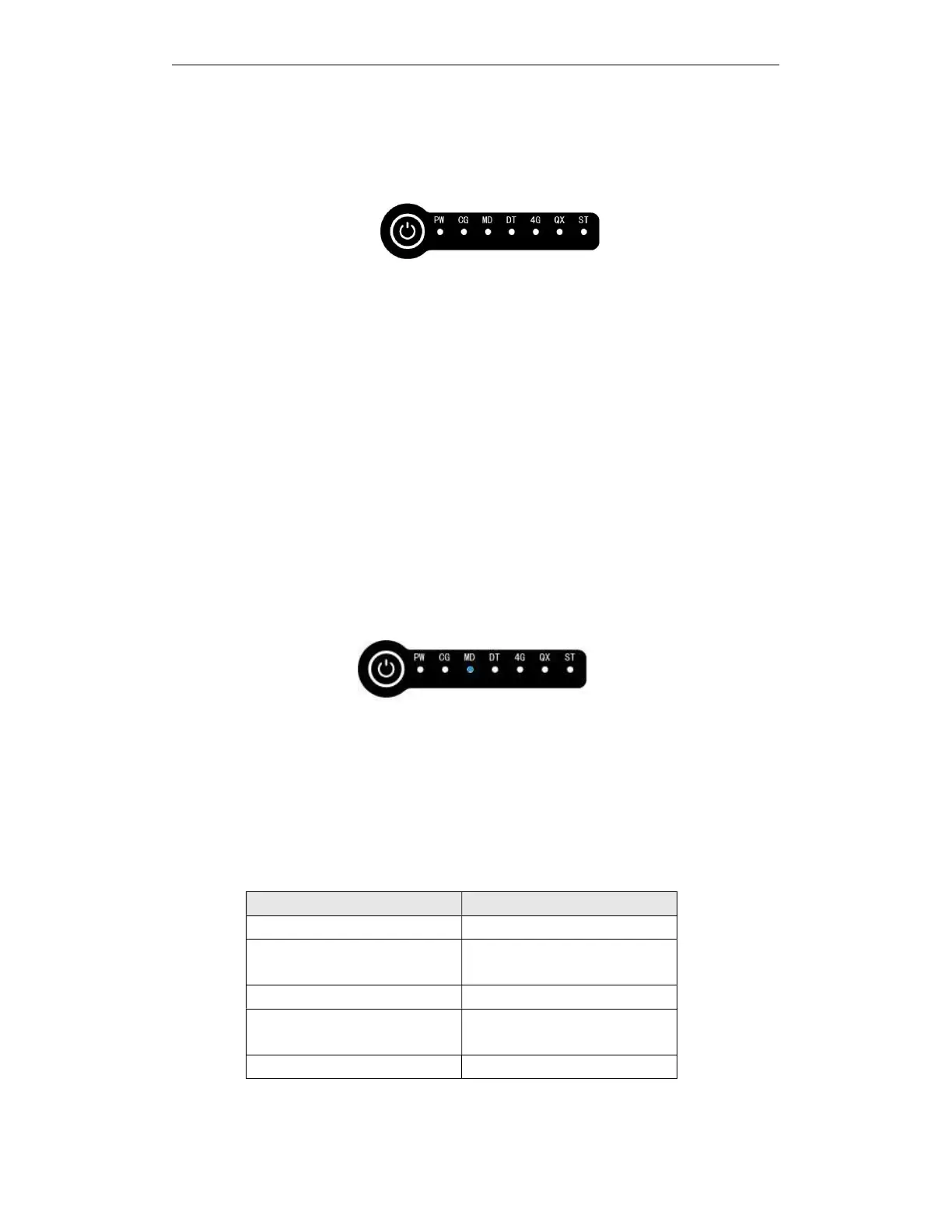
5.18.1. Power on
In the shutdown state, press and hold the button until the base station starts to broadcast
boot music, and release the button to boot.
After power on, the voice module will broadcast in sequence: power-on music, "base station
mode/base station inker mode", "please wait while searching for satellites", and "setup
successful". Do not click the button during this time. The base station will automatically start
searching for satellites, no configuration is required. Wait for about 60s. After the star search is
completed, the base station voice will announce "Star search completed".
5.18.2. Power off
In the power-on state, press and hold the button until the base station announces
"Shutdown" or "POWER OFF", release the button, and wait for the shutdown music to finish
playing.
5.18.3. Mode switching
This device supports base station mode and rover mode, which can be switched by
double-clicking the button. After double-clicking the button, the MD blue light as shown in the
figure below starts to flash until the MD light stops flashing, the configuration is successful. Do
not operate the buttons repeatedly during flashing.
5.18.4. Power check
In the shutdown state, short press the button and wait for two running lights to flash quickly, you
can see the number of cells displayed by the LED, which is the power.
In the power-on state, the four-corner lights of the base station are the battery indicator lights.
Four-corner LED status Power
Steady green > 80%
Flashing yellow and green
alternately
60% ~ 80%
Yellow light is always on 40% ~ 60%
Red and yellow flashing
alternately
20% ~ 40%
Red light is always on < 20%



 To Next Page