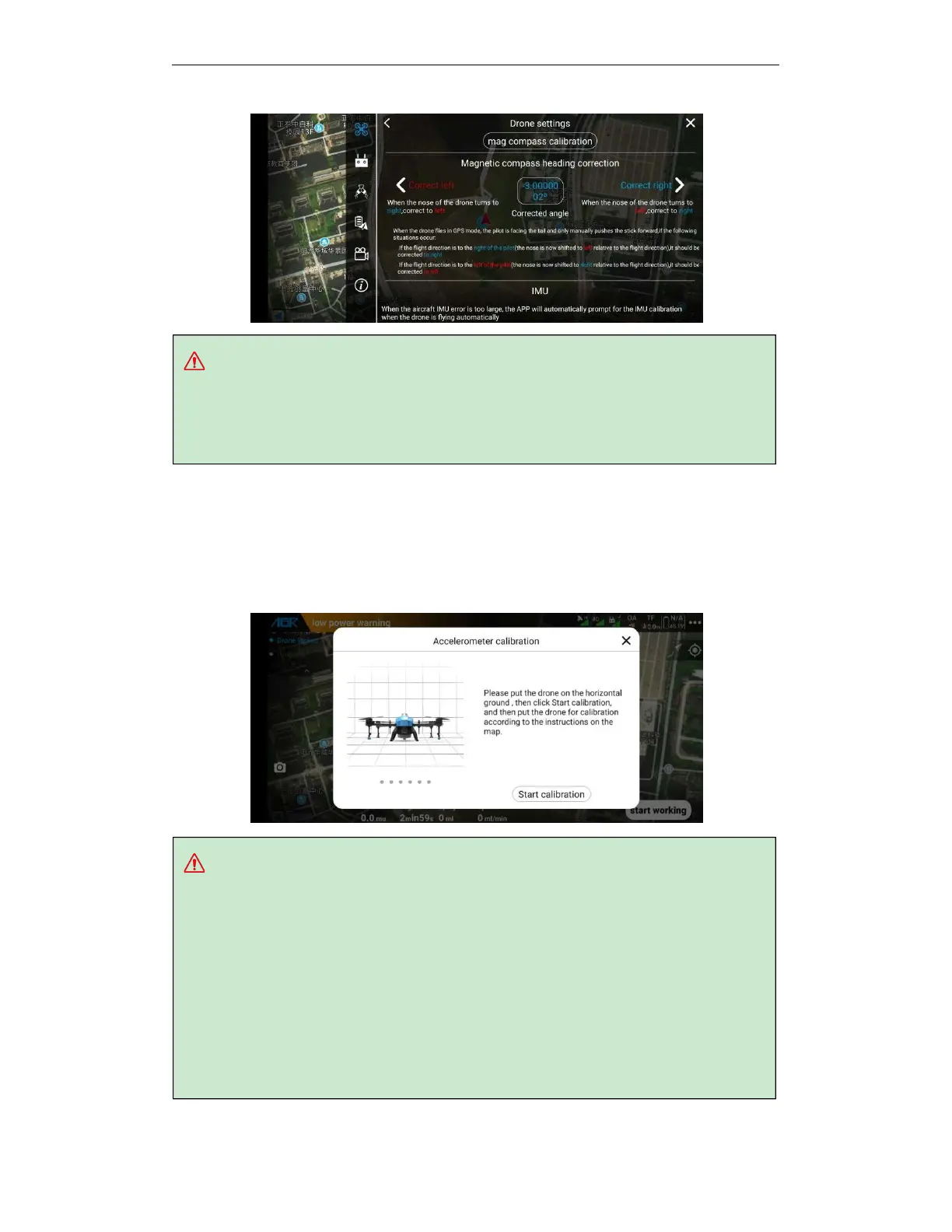
Tips:
A.
When the RTK is turned off or the RTK is abnormal, the drone will use the magnetic
compass in GPS to determine the course.
B.
Correction angle limitation: leftward correction ≤30 °, leftward correction ≤30 °.
Tips:
Accelerometer calibration must be performed in the following cases, otherwise it will cause
flight safety accidents:
a.
When the drone is in the normal positioning status and hovering using the positioning
mode, an automatic slip position occurs.
b.
When the app tips “When the accelerometer is abnormal”, please calibrate the
accelerometer before flying.
c.
The accelerometer is calibrated before leaving the factory. After the user receives the
drone, there is no need to perform calibration when there is no abnormality of the
accelerometer.
.
5.16. Accelerometer calibration
Enter the APP execution operation interface, click the more settings button in the upper right
corner, enter the drone settings, enter the sensor interface, click "Accelerometer calibration",
and follow the APP popup window to perform the accelerometer calibration.



 To Next Page