drone position".
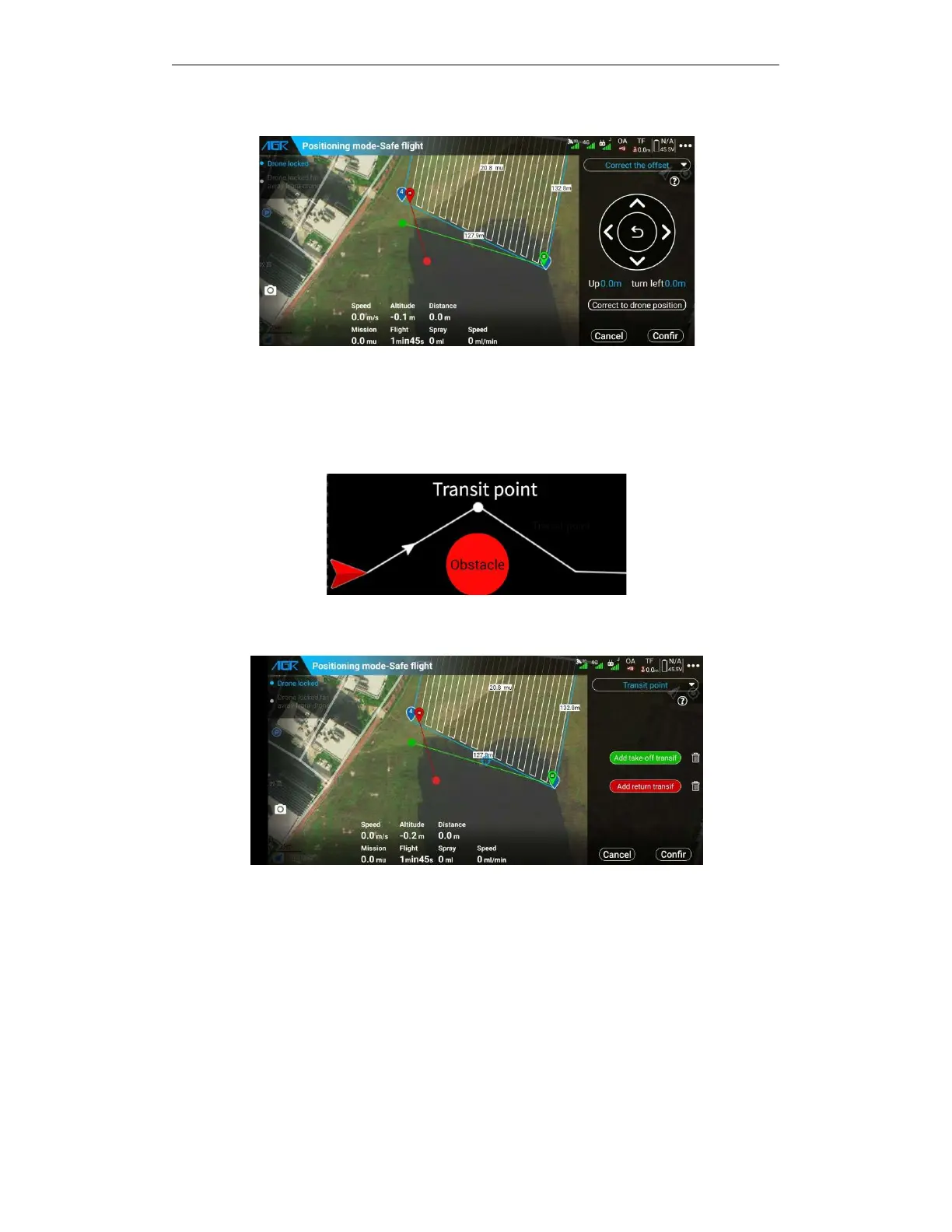
5.6.2.7. Transit point
When the drone takes off or returns, if there is an obstacle directly from the take-off point to the
return point or the return point to the take-off point, a transfer point can be set in advance. The
drone will pass the transfer point when entering the route or returning to avoid obstacles.
Support for adding a take-off / return point, the take-off transit point and the return transit point
height are the same, and the height of take-off and the return are the same.
5.6.3. Start route operations
Select the planned plots that need to be operated
— —
edit the plot parameters
— —
click
"execute working"——set the working parameters——automatic upload route——check before
the operation-start
— —
fly the route
— —
pop-up window to check the working effect
confirmation——working over.
5.6.3.1. Entry route operation
A.
Enter the APP execution working interface, click "Start working" to enter the route operation.
B.
Enter the APP route planning interface, click "My Plot", select the plot to be operated, and click



 To Next Page