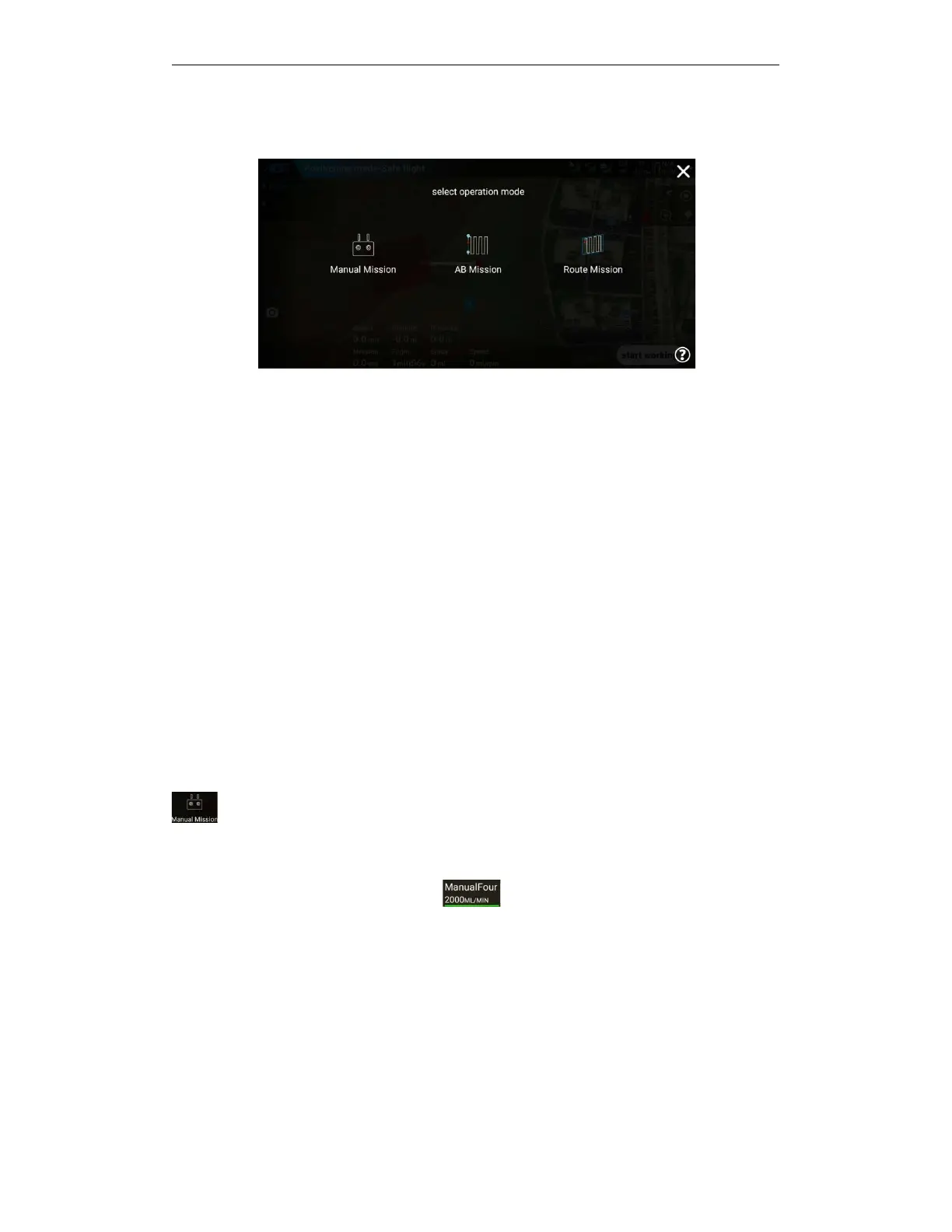
5.5. Operation mode
5.5.1. Manual operation mode
Manually operate the drone for spraying.
5.5.2. Manual workflow
Turn on spraying via APP or remote control after take-off and enter manual operation
— —
set
operating parameters
— —
unlock take-off-click APP "Start Manual Operation" or click remote
control spray button to start spraying
— —
start spraying operation
— —
turns on spraying by
controller or Click "Pause Manual Work" to turn off spraying and pause manual
work
— —
the
remote control turns on spraying or click "Continue Manual Work" to start spraying and continue
manual work
— —
click "End Manual Work"
— —
popup window to view the effect of the
operation Acknowledgement——End of work.
a.
After taking off, the remote control starts spraying and entering: Operate the remote control to
take off the drone, press the remote control spray button to start spraying, and then you can
enter the manual operation mode.
b.
APP choose to enter: Click "Start working" in the execution working interface --- click
to select manual working-enter manual operation mode.
5.5.2.1. Manual spraying adjustment
After entering the manual operation, click the top operation parameter button before
starting the operation or while the operation is in progress to call up the spray setting pop-up
window to adjust the spray parameters.



 To Next Page