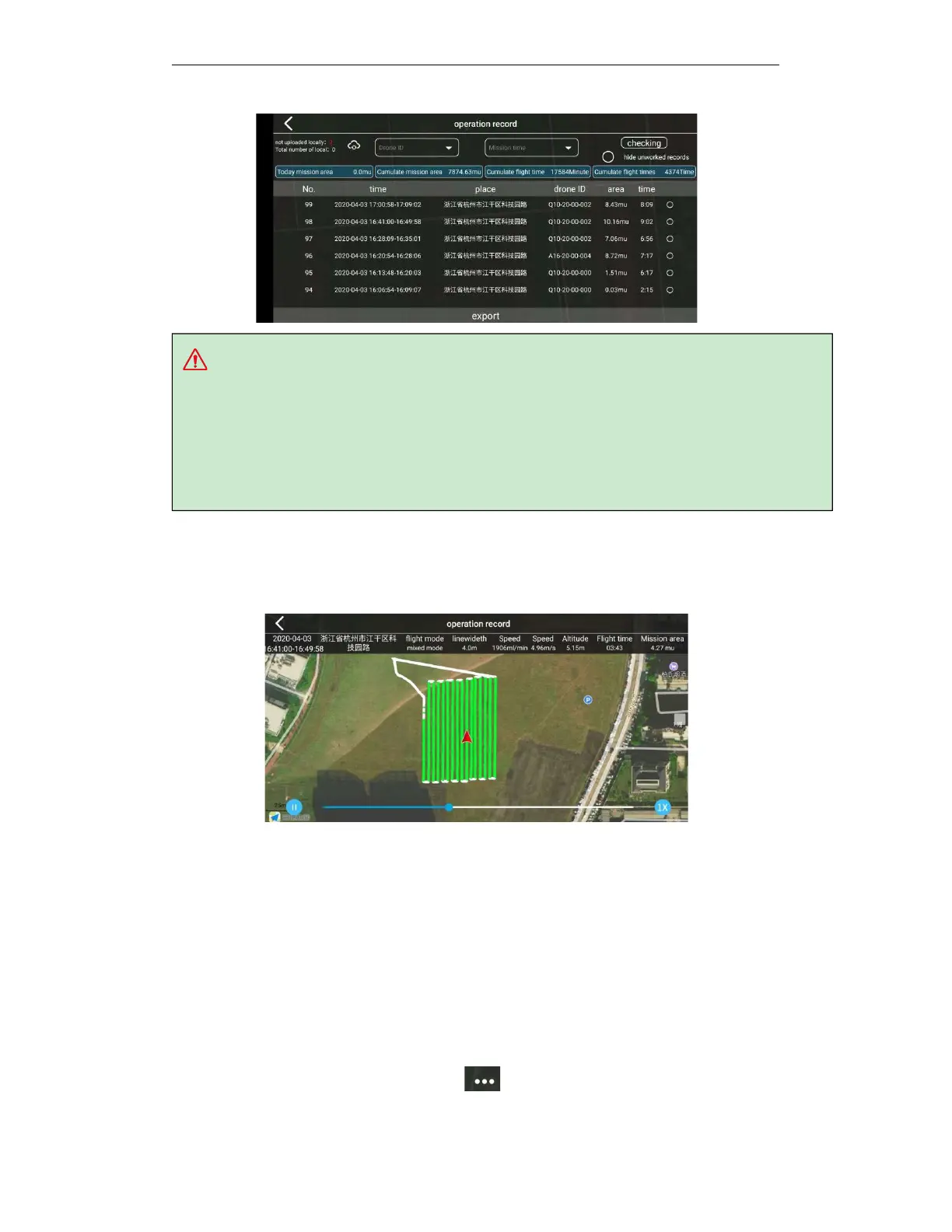
tips:
a.
The file path—the root directory of the phone file—AGR—record—export.
b.
If the drone does not have a network during the operation, after the operation is completed, when
in good network condition, click the button to upload the operation record to the background for
saving to prevent data loss.
In the working record list interface, click the working record you want to view to enter the
working record details interface. Click the play / pause button to replay the drone operation
process. At the same time, you can set the multi-speed playback to view the speed, altitude, flow
rate, and work area of the drone every second Information, etc.
4.7. Switching language
When the user needs to use other languages, please switch the phone on which the APP is
installed to the language that needs to be used. The APP voice will automatically follow the
phone system to switch to the corresponding language. If there is no corresponding language
version, the default Chinese version will be used.
After switching the language, please switch the map to avoid deviation between the positioning
and the map position. Generally speaking, GOUDA maps are used in China and Google Maps is
used in foreign countries.
Open the flying smart APP-click the "execute working" button on the main interface to enter the
execute working interface-click more settings to enter the more settings interface-drop



 To Next Page