If the Bluetooth upgrade fails, you can use the following methods to upgrade:Scan the QR code in
the download center of the Quick Use Guide and enter the download center to download or log
in to AGR Intelligent official website https://www.qifeizn.com——service and support——enter
the download page——download software and firmware.
6.1.1. APP upgrade
After connecting the UAV, the app can be downloaded directly from the network (WiFi or local
available network) for installation and upgrading.
Scan the QR code in the download center of the Quick Use Guide or install it after entering the
official website.
6.1.2. Remote control upgrade
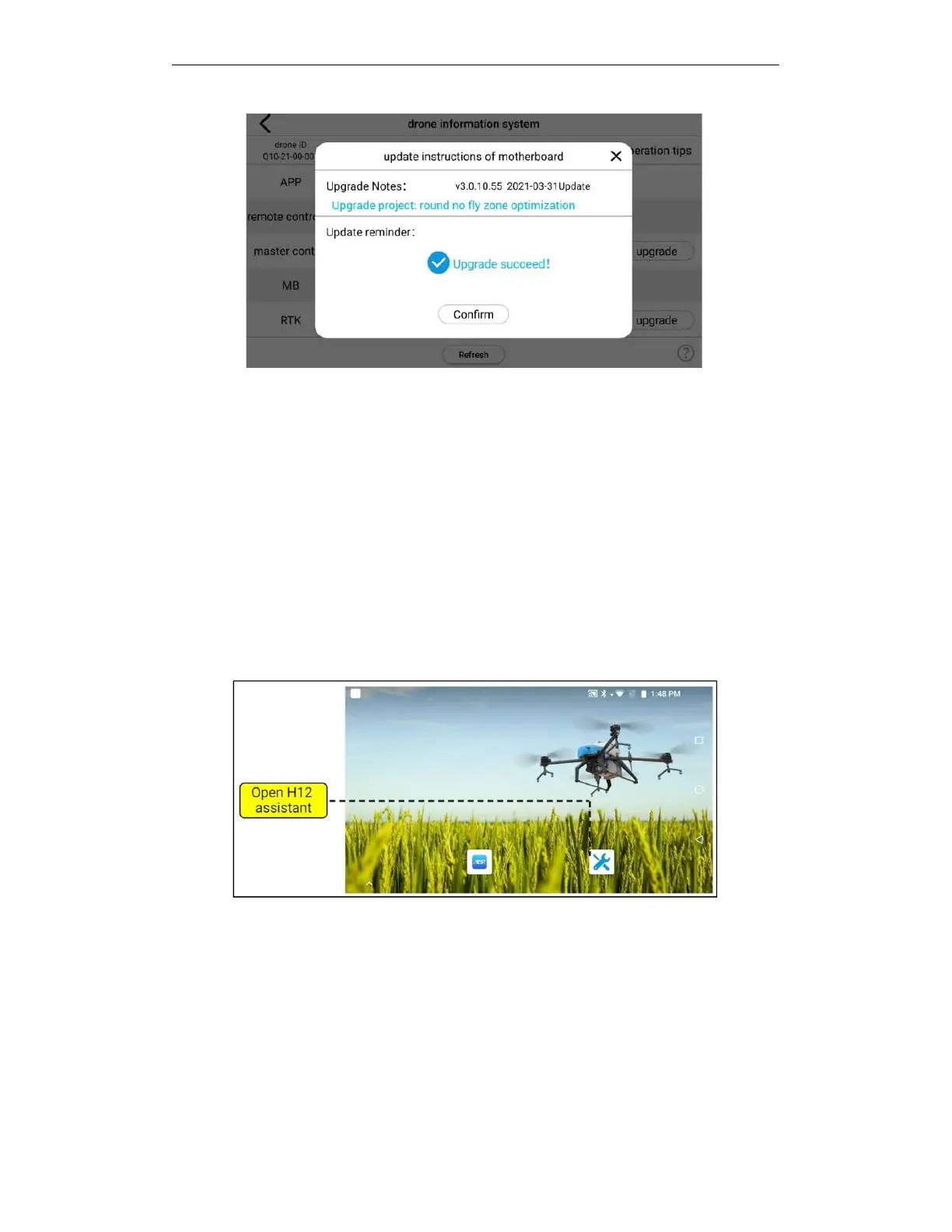
Open H12 assistant app
6.2. Remote controller update
After the remote control is turned on, swipe the screen from bottom to top—click H12 assistant
—enter advanced options (password: 999)—click to upgrade the device—click to check for
updates—click below to update immediately.
Click H12 Assistant on the main interface of the remote Control



 To Next Page