to the plant protection team you created, and you also have the authority to operate the plant
protection team).
8.10. Personal information
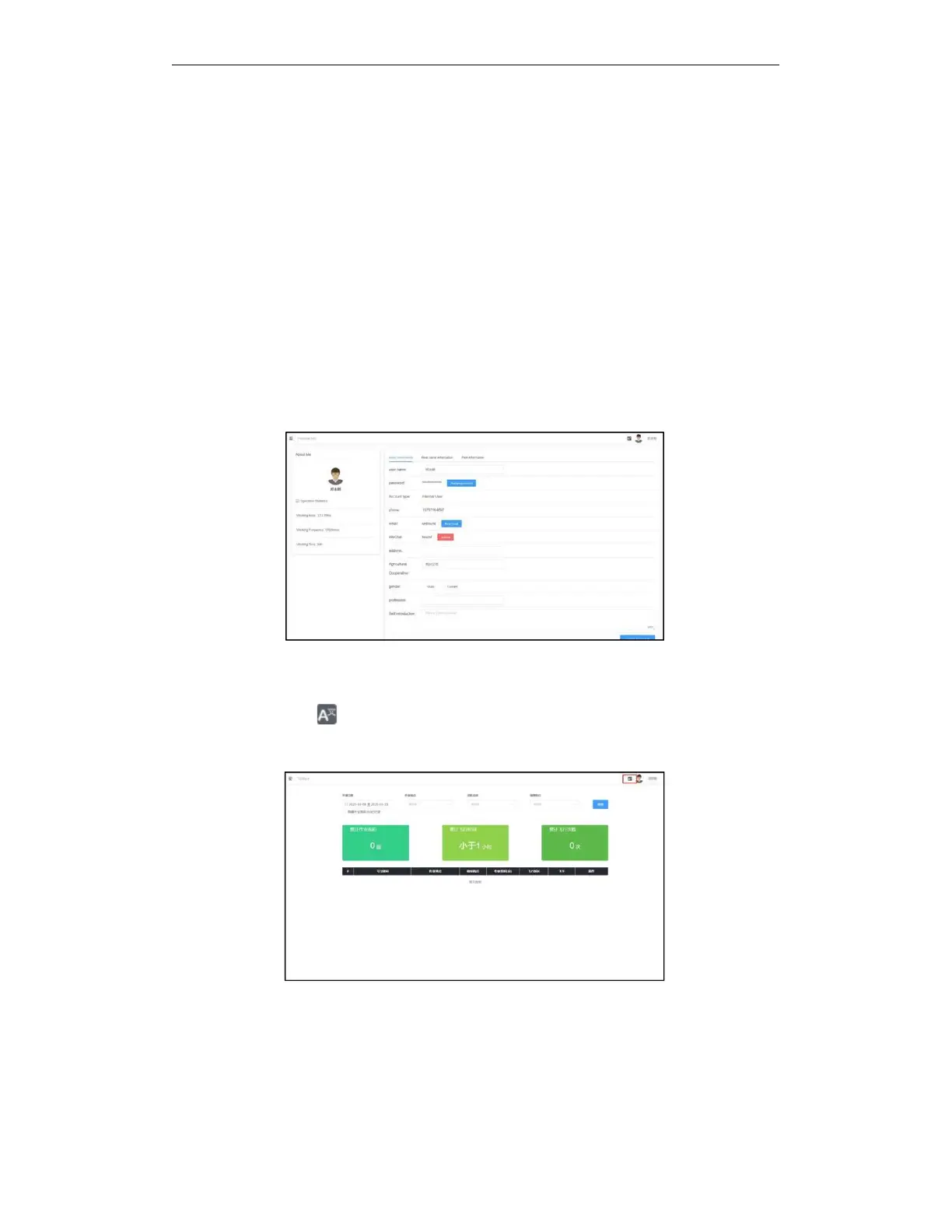
After logging in to the platform, your nickname is displayed in the upper right corner of the
platform. Click on the nickname or avatar to view personal information and exit operations. Click
the personal information button to enter the personal information page. On the basic
information tab ,you can modify your nickname, E-mail address and address. After modification,
you need to click Update Basic Information to submit. You can view the information about your
pilot certificate on the pilot information tab. Click the Modify Password button on the account
information page to modify the login password of your account. Click your personal avatar to
change your favorite picture as your own avatar, you can adjust the cropped picture yourself, or
you can preview it in advance. Click the exit button to exit the platform and return to the login
page.
8.11. Internationalization (multilingual)
You can see an icon in the upper right of the entire platform. Click this icon to switch
between Chinese and English.



 To Next Page