Tips:
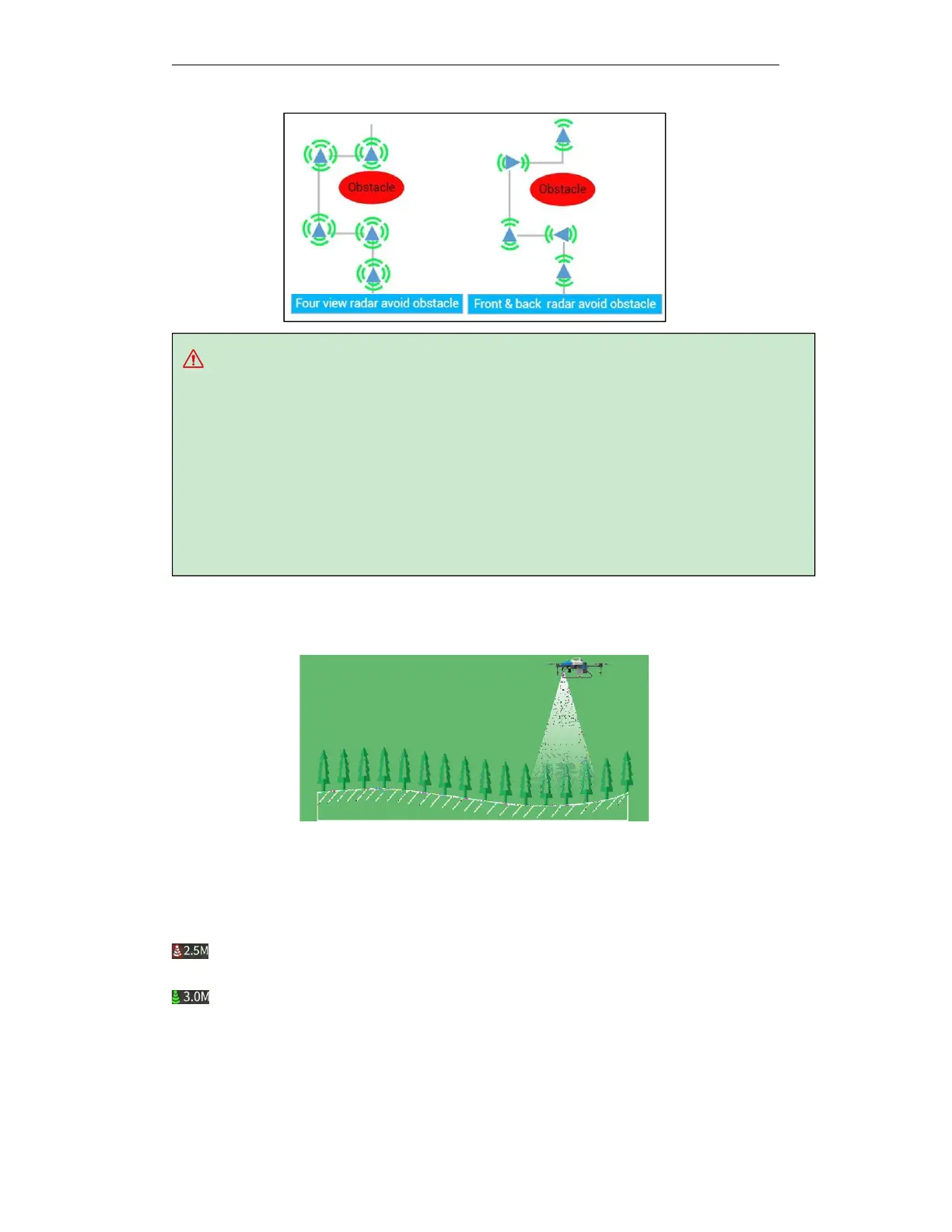
Obstacle avoidance radar can sense a distance of 2-15 meters.
Vertical view angle of obstacle avoidance radar: plus
or
minus
7.5
°
,
horizontal
view
angle
of
single radar 112 °.
Normal use conditions of obstacle avoidance radar: the minimum flight altitude is higher than 1.5
meters, the flight speed is less than 6m / s, and the ground slope is less than 10 °.
It is recommended that users use the obstacle avoidance radar to enable the terrain following
function to avoid the drone being too low and the obstacle avoidance radar identifying the ground
as an obstacle, which will help improve the accuracy of obstacle avoidance.
5.8. Terrain Following Function
With the terrain following radar, the drone can always maintain a certain height with the crop at
the settled altitude. That is, the drone adjusts its flight altitude following the fluctuations of the
terrain.
You can check whether the terrain following function is turned on in the execute operation
interface.
It means that the terrain following function is off. "2.5" indicates the altitude of the drone
from the crop below. The drone height does not change with the terrain following data.
It means that the terrain following function is on. "3.0" indicates the altitude of the drone
from the crop below. The drone height changes with the terrain following data.



 To Next Page