Tips:
If it is found that the drone is about to collide with the obstacles, please timely move the
stick to the left / right, and pause the automatic operation.
After suspending the automatic operation, release the stick and the drone will hover in
place. Please observe the specific position of the obstacle, manually operate the drone to
bypass the obstacle, and then continue the automatic operation.
5.6.3.9. Manual obstacle avoidance application
pause automatic operation - manually bypass obstacles - continue operation
5.6.3.10. Continue automatic operation - break points and projection
points
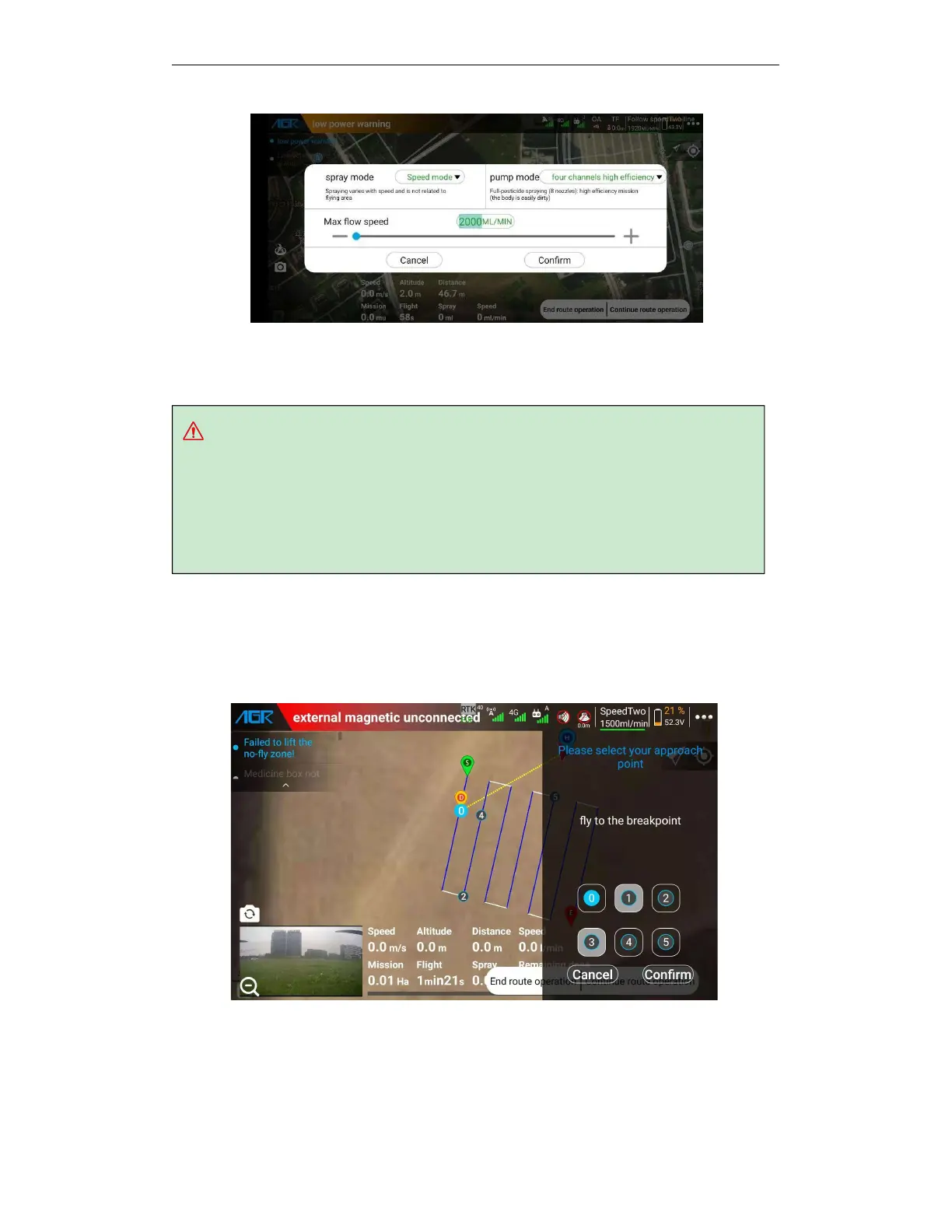
After pausing the automatic operation, you can click the "Continue automatic operation" button
and select the corresponding point to continue the automatic operation.
When the drone is on the route, you can select the following way-points to resume operation.
A.
"0" break point, that is, the point at which the operation of the route is paused. Applicable
when there are no obstacles on the route.
B.
Projection point "1", that is, the projection point of the drone position on the route where



 To Next Page