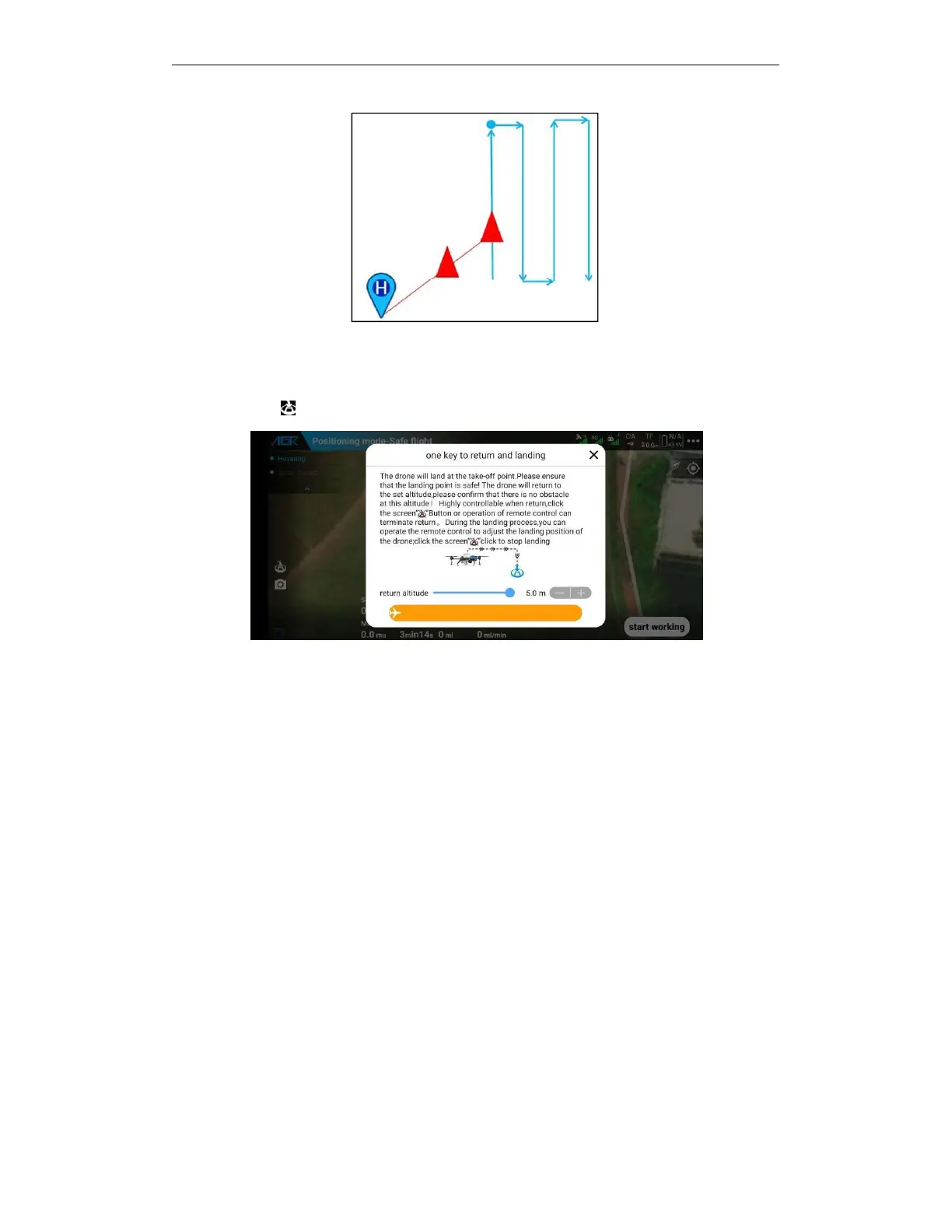
The user can manually makes a return in the following ways:
A.
You can perform a one-touch home mission by clicking the home button on the remote
control.
B.
You can click return button, slide to perform a one-touch return flight task.
The following methods will make an auto return (set the following behaviors to return in advance
in the APP more settings interface)
a.
Lost control
b.
Severe low battery
c.
After the empty of tank
d.
After the completion of operations
a.
Please confirm if the home point is safe before returning home.
b.
During return and landing, the throttle is not controllable and the heading is controllable.
c.
If the drone has an obstacle avoidance radar installed and turned on, the obstacle avoidance
radar will be enabled during the return flight.
d.
Before returning, please confirm the home point, return route and altitude, and confirm
whether there are obstacles to avoid danger.
e.
While the drone is flying to the home point, click the APP to interrupt the return button or
operate the remote control to move forward, backward, left, or right to exit the automatic
home mode. In case of emergency, you can operate the remote control to exit the auto
return, and then bypass the obstacle.
f.
When the drone arrives at the home point to land, it should descend quickly to a certain
distance from the ground and then descend slowly.
g.
When the drone arrives at the home point to land, you can operate the remote control to
control the drone forward, backward, left, and right to adjust the landing position.



 To Next Page