100
NEO 1 and NEO 2
User Manual
W ORKING WITH ALPHAS MART MANAGER
Sending Files, Rubrics, or Write On! Lessons to NEOs
. . . . .
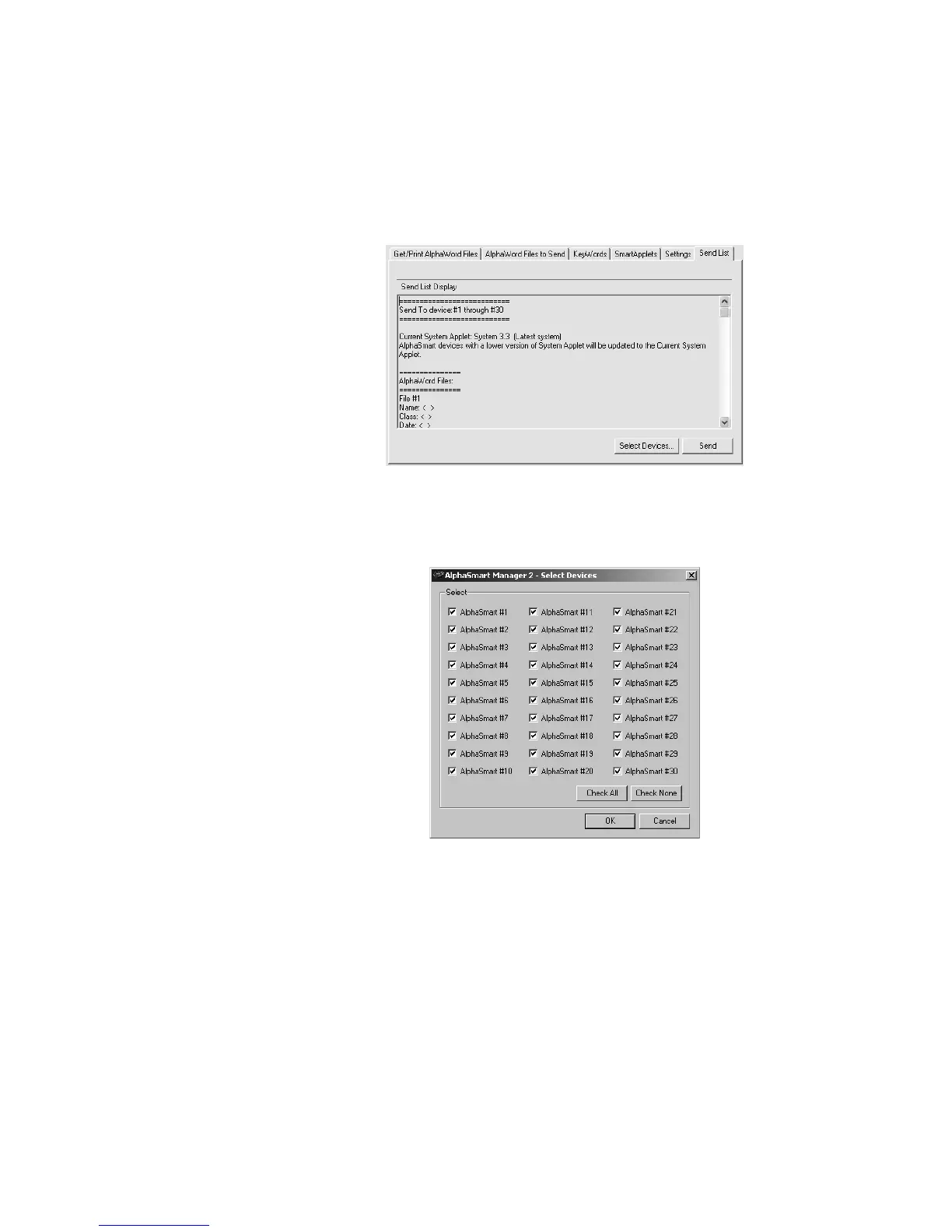
7. Click the Send List tab and verify that the lesson you want to send
appears in the Send List Display.
8. If you are using a SmartOption Mobile Lab and you want to send the
lesson to some, but not all, of the NEOs, click Select Devices, check the
numbers to which you want to send the text, then click OK. (To send to all
connected NEOs, skip this step.)
9. Click Send. If you have set a send list password (see page 116), you must
enter the password and click OK.
You can transfer multiple lessons simultaneously. To do so, repeat steps 2–6
until you’re ready to send, then review the Send List Display to make sure all
the files appear before clicking Send.


 To Next Page
 Loading...
