6
NEO 1 and NEO 2
User Manual
G ETTING STARTED
Starting the NEO
. . . . .
6. The first time you charge the battery pack, let it charge for 16 hours. After
that, whenever you recharge, let the unit charge for 4–8 hours. The light
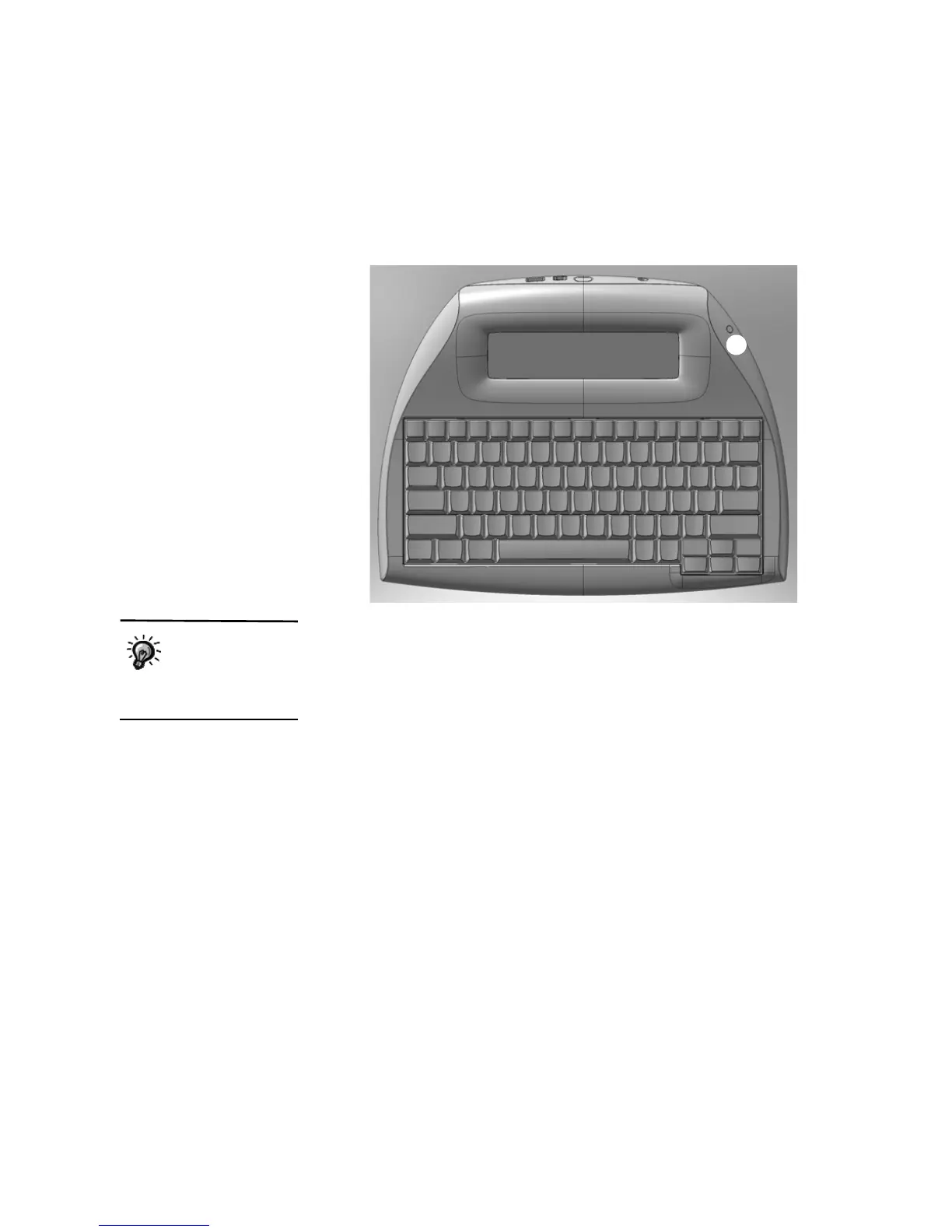
on the front of the NEO
C is green when the NEO is fully charged.
7. Disconnect the AC adapter cord when you’ve finished charging the
battery pack.
Starting the NEO
To start your NEO after you install the batteries, simply press the on/off key
in the upper-left corner of the keyboard.
You can use the Two-Button On setting in the Control Panel to require the on
and enter keys to be pressed together in order to turn the NEO on. This helps
prevent NEO from being turned on accidentally. For more information, see
page 68.
C
Rechargeable
batteries should be
conditioned so they
hold a full charge. For more
information, see page 134.



 To Next Page