S MARTA PPLETS
Managing SmartApplets
55
. . . . .
NEO 1 and NEO 2
User Manual
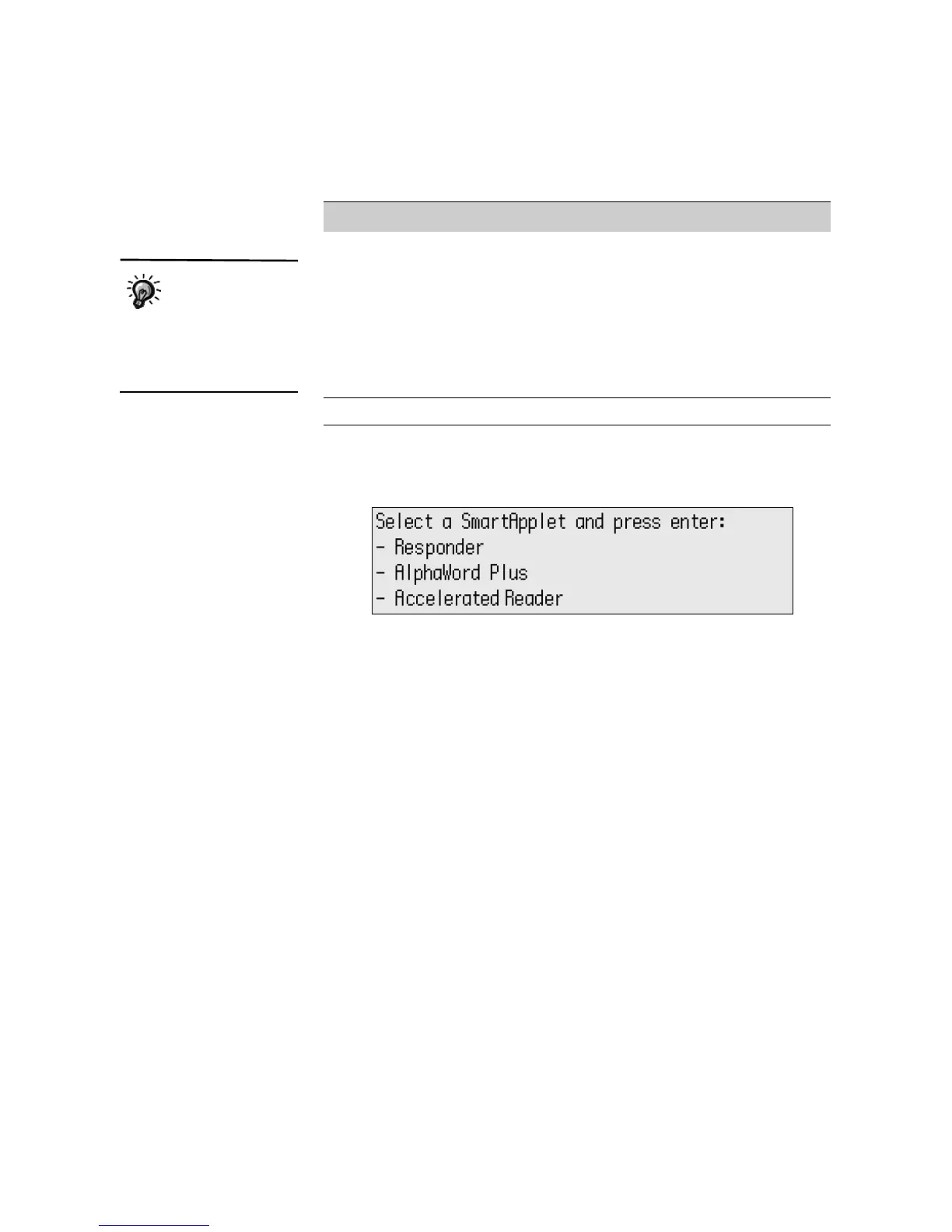
To see a list of the installed SmartApplets, press applets. To choose the one
you want to use, press the arrow keys to move the cursor next to that
SmartApplet; then, press enter.
An additional SmartApplet, Co:Writer, is available from Don Johnston, Inc. If
you purchase this SmartApplet and it was not already installed when you
received your NEOs, be sure to follow the installation instructions provided
by Don Johnston, Inc.
How to Use Your SmartApplets
The previous chapter explains how to use AlphaWord Plus. You’ll find basic
instructions for using the other standard SmartApplets in the Quick Guide for
your NEO 1 or NEO 2. For more detailed information, refer to the NEO 1 and
NEO 2 SmartApplet User Manual that is on our Web site or the
Documentation CD for NEO 1 and NEO 2.
Managing the SmartApplets on Your NEO
The easiest way to manage SmartApplets is to use AlphaSmart Manager. In
AlphaSmart Manager, you can do the following:
• Install new or updated SmartApplets on the connected NEOs (see
page 101).
• Remove SmartApplets from the connected NEOs (see page 104).
AlphaQuiz Use this SmartApplet to administer quizzes to
students on the NEO. On your computer, you’ll need
to install QuizDesigner and QuizManager.
QuizDesigner allows you to create the quizzes, and
QuizManager allows you to send the quizzes to
NEOs and retrieve student responses. You can
download the programs from our Web site or install
them from the AlphaSmart Manager CD’s
AlphaQuiz folder if you received a CD.
Calculator Use this to perform mathematical calculations.
SmartApplet What to Use It For
AlphaQuiz is
installed on new
NEO 1 laptops, but
not new NEO 2 laptops.
However, you can install it on
NEO 2 laptops using
AlphaSmart Manager.



 To Next Page