36
NEO 1 and NEO 2
User Manual
W RITING ON NEO USING ALPHAW ORD PLUS
Checking Spelling
. . . . .
Checking Spelling
Follow these steps to check spelling in an AlphaWord Plus file.
1. Open the file that you want to check.
2. Press spell check. Spell check begins checking each word in your file. If
it finds a word that doesn’t exist in its dictionary, a suggestion screen
appears, as in the example shown here (which found the word “runn” in
the file).
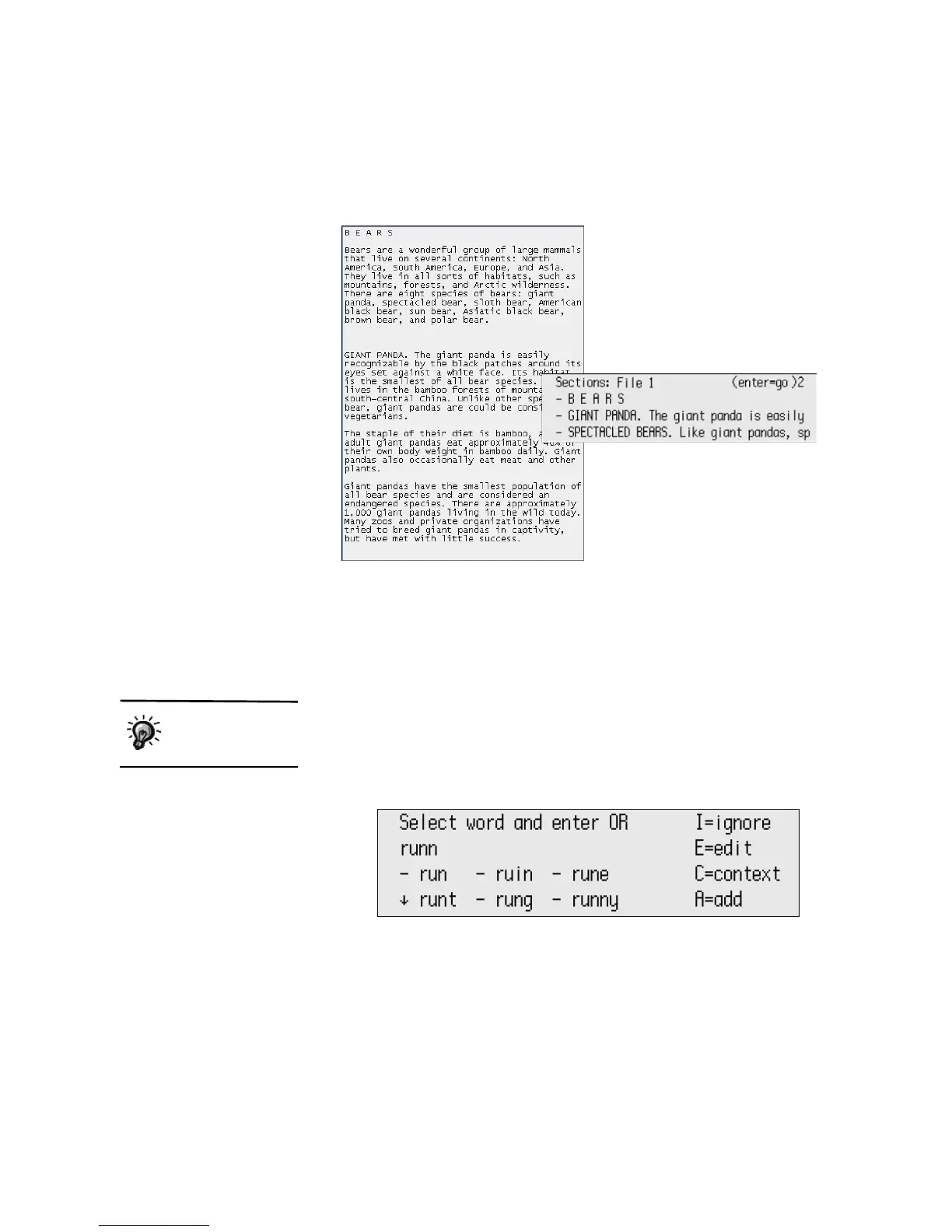
How sections might
appear when blank lines
are set to two
An example of how you
might format your file in
AlphaWord Plus
You can disable
spell check. See
page 38.



 To Next Page