46
NEO 1 and NEO 2
User Manual
W RITING ON NEO USING ALPHAW ORD PLUS
Character, Word, Paragraph, and Page Counts
. . . . .
Character, Word, Paragraph, and Page Counts
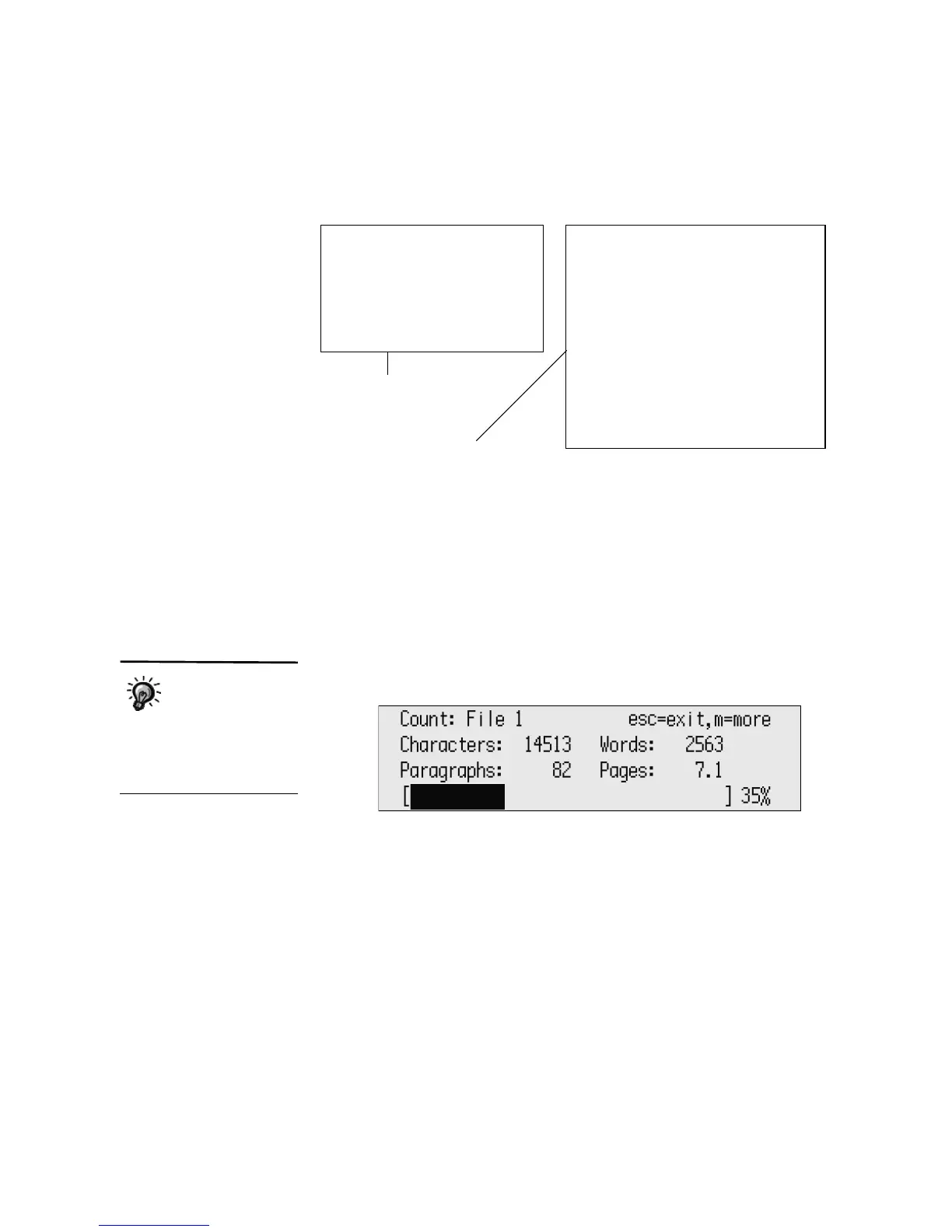
In AlphaWord Plus, you can follow these steps to find out how many
characters, words, paragraphs, and pages are in your current file.
1. Make sure you’re working in the file for which you need the information.
2. Press ctrl-W. The following screen appears, displaying statistics for your
particular file.
Complete each step:
[ ] Choose a setting
[ ] Choose characters
[ ] Choose a plot
[ ] Choose a solution
Story Starter
The assignment is to write a story.
Every story has four parts: a setting,
characters, a plot, and a solution. Press
ctrl-L to view the steps to complete.
Write your story in the first person and
begin with one of the phrases below.
I never noticed...
I remember...
I felt...
I saw...
Viewing the linked file on a
NEO...
... and the connected
AlphaWord Plus file
The percentage at
the bottom shows
how much more you
can enter before reaching
the limit for the file. For
another way to see the space
remaining, see page 47.



 To Next Page