W RITING ON NEO USING ALPHAW ORD PLUS
Changing Font Size
31
. . . . .
NEO 1 and NEO 2
User Manual
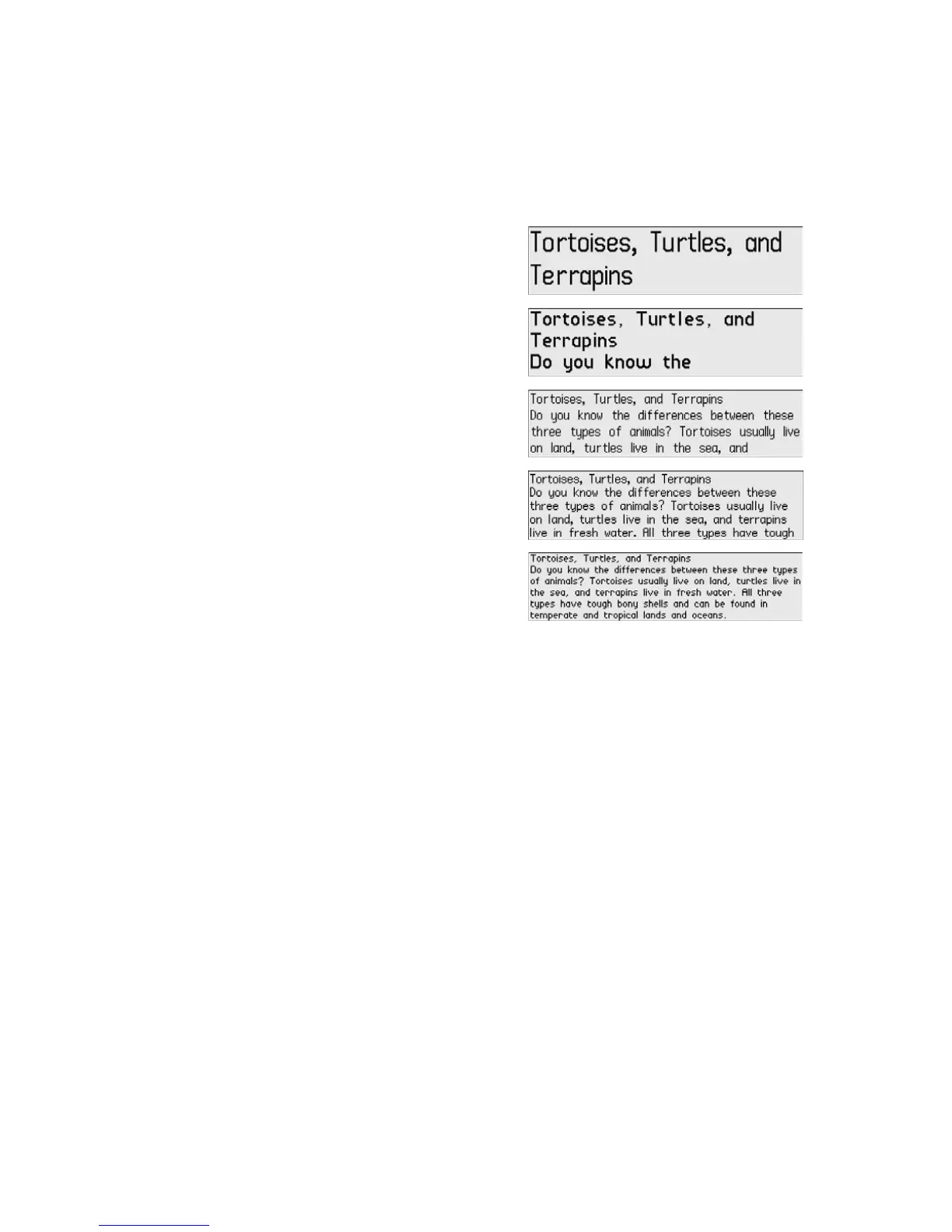
The illustrations below show examples of the font sizes.
You can set the font size in one of three ways:
• By using a keyboard command as described below.
• Through the Control Panel SmartApplet (see the instructions below and
“Changing Settings in the Control Panel” on page 65).
• Through AlphaSmart Manager. Note, however, that AlphaSmart Manager
can only reset the font size to the system font (four lines onscreen). See
page 106.
How to Change the Font Size
1. Do one of the following:
• Press ctrl-option-a-F.
• Press applets, move the cursor next to Control Panel, and press
enter. Then, scroll down to Change default SmartApplet font and
press enter.
Extra large (two lines)
Very large (three lines)
Large (four lines)
Medium (five lines)
Small (six lines)



 To Next Page