65
NEO 1 and NEO 2
User Manual
NEO S
ETTINGS
Changing Settings in the Control Panel
How to Change the Settings in the Control Panel
You can change settings for the NEO and its SmartApplets within the Control
Panel. These settings include screen contrast and the keyboard layout you’d
like to use. You can also view the battery charge status. The steps below
explain how to change these settings. For more information, see “About the
Settings in the Control Panel” on page 66.
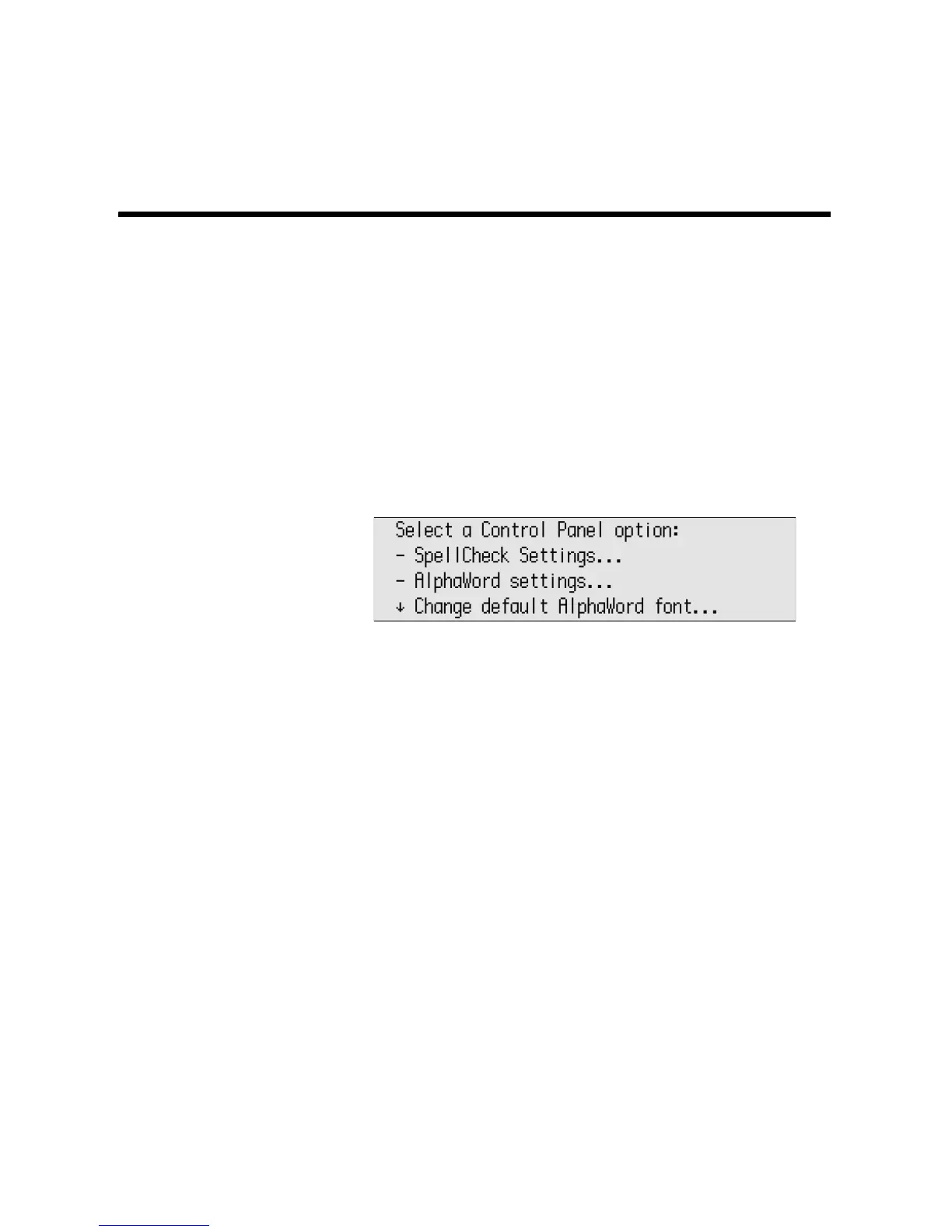
1. Press applets, scroll the list to select Control Panel, then press enter.
2. Scroll to select the option you want to set and press enter.
3. Some settings, such as turning Calculator or Spell Check on and off,
require that you enter the master password to authorize the change. You
can set the master password in AlphaSmart Manager (see page 115) or
contact Technical Support to get the default master password. If you’re
asked to enter the master password, type it and press enter.
4. Follow the instructions on the screen until you’re satisfied with the setting.
5. Press esc to return to the previous screen. You might need to press esc
several times to return to Control Panel or the SmartApplets menu.



 To Next Page