8
NEO 1 and NEO 2
User Manual
G ETTING STARTED
Checking the List of SmartApplets Installed on the NEO
. . . . .
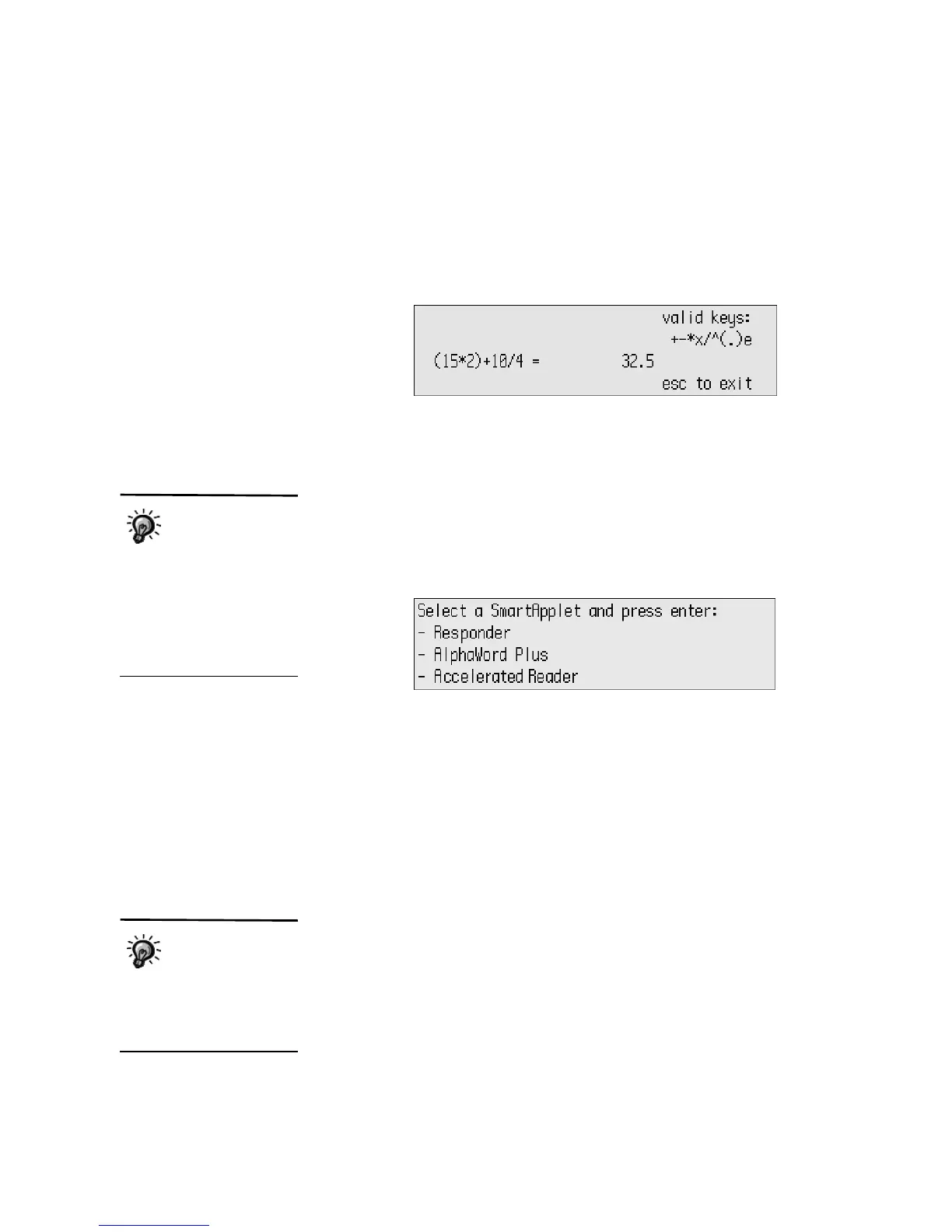
• The NEO may be in another SmartApplet, such as Calculator (shown
below). Press the applets key to go to the SmartApplets menu. Then, use
the arrow keys to move the cursor next to AlphaWord Plus and press
enter. You might need to press one of the file keys along the top of the
keyboard to find an empty file.
Checking the List of SmartApplets Installed on the NEO
SmartApplets are programs installed on your NEO. When you start the NEO,
AlphaWord Plus opens automatically so that you can start writing, but you
can press applets to see a list of the other SmartApplets on your NEO. To
open one of these SmartApplets, use the arrow keys to move the cursor next
to it; then, press enter.
Most NEOs come with these SmartApplets installed:
• AlphaWord Plus (for writing)
• Responder (for NEO 2 only; enables NEO 2 to be used like a Renaissance
Responder)
• Accelerated Reader (for NEO 2 only; enables students to take Accelerated
Reader RP quizzes on NEO 2 instead of at a computer)
• KeyWords in the US or KAZ in the UK (for learning or teaching
keyboarding)
• Beamer (for sending files between NEOs)
• Control Panel (for changing settings for NEO or its SmartApplets)
• AlphaQuiz (for administering quizzes to students on the NEO)
•Calculator
AlphaWord Plus may
not be the program
that opens when you
start the NEO because you
can change the startup
SmartApplet. To change it on
the NEO itself, see page 56.
To change it using
AlphaSmart Manager, see
page 109.
AlphaQuiz is
installed on NEO 1
laptops by default.
NEO 2 laptops don’t have this
SmartApplet preinstalled, but
you can install it using
AlphaSmart Manager.



 To Next Page