48
NEO 1 and NEO 2
User Manual
W RITING ON NEO USING ALPHAW ORD PLUS
File Size Limits
. . . . .
Reaching the Size Limit for a File
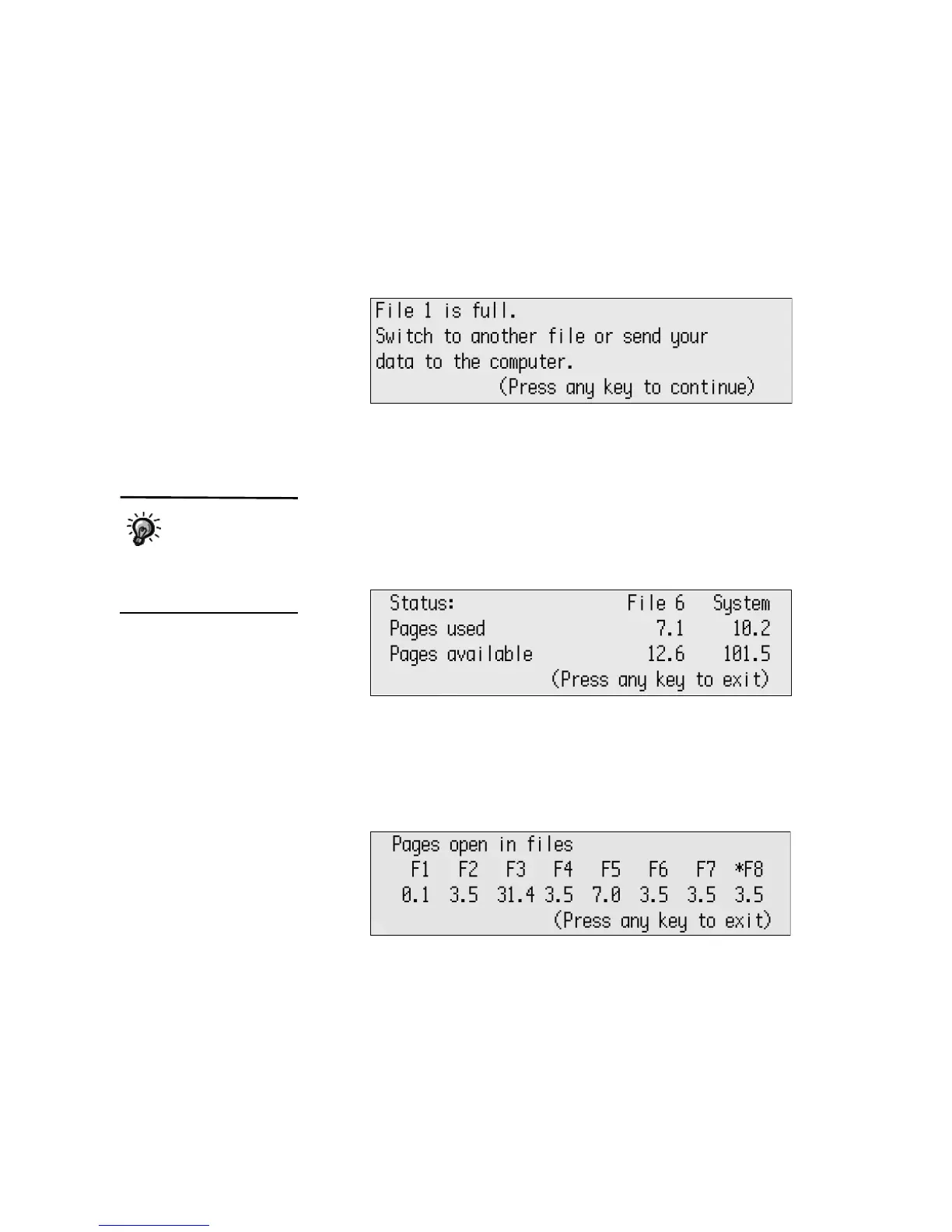
When an AlphaWord Plus file reaches the limit, the message shown below
appears. To continue working, you should continue in another file or send
this one to your computer as recommended.
Checking the File Size and the Number of Pages Available
You can check how many pages you’ve written in the file you’re working on
and how much space you have left in that particular file. Follow these steps to
see the information:
1. Press a-i. The File Status screen appears. This screen shows the pages
used and available for this file and for all files (System).
2. When you’ve finished, press any key to exit the screen.
If you want to see the number of pages you’ve written for all files on your
NEO, follow these steps:
1. Press shift-a-i. The screen that opens shows you the number of pages
you’ve written in each file. The current file is marked with *.
2. Press any key to exit the screen.
You can see the file
size as a percentage
of the limit when you
view the character, word,
paragraph, and page counts.
See page 46.



 To Next Page