80
NEO 1 and NEO 2
User Manual
S
YSTEM
S
TATUS
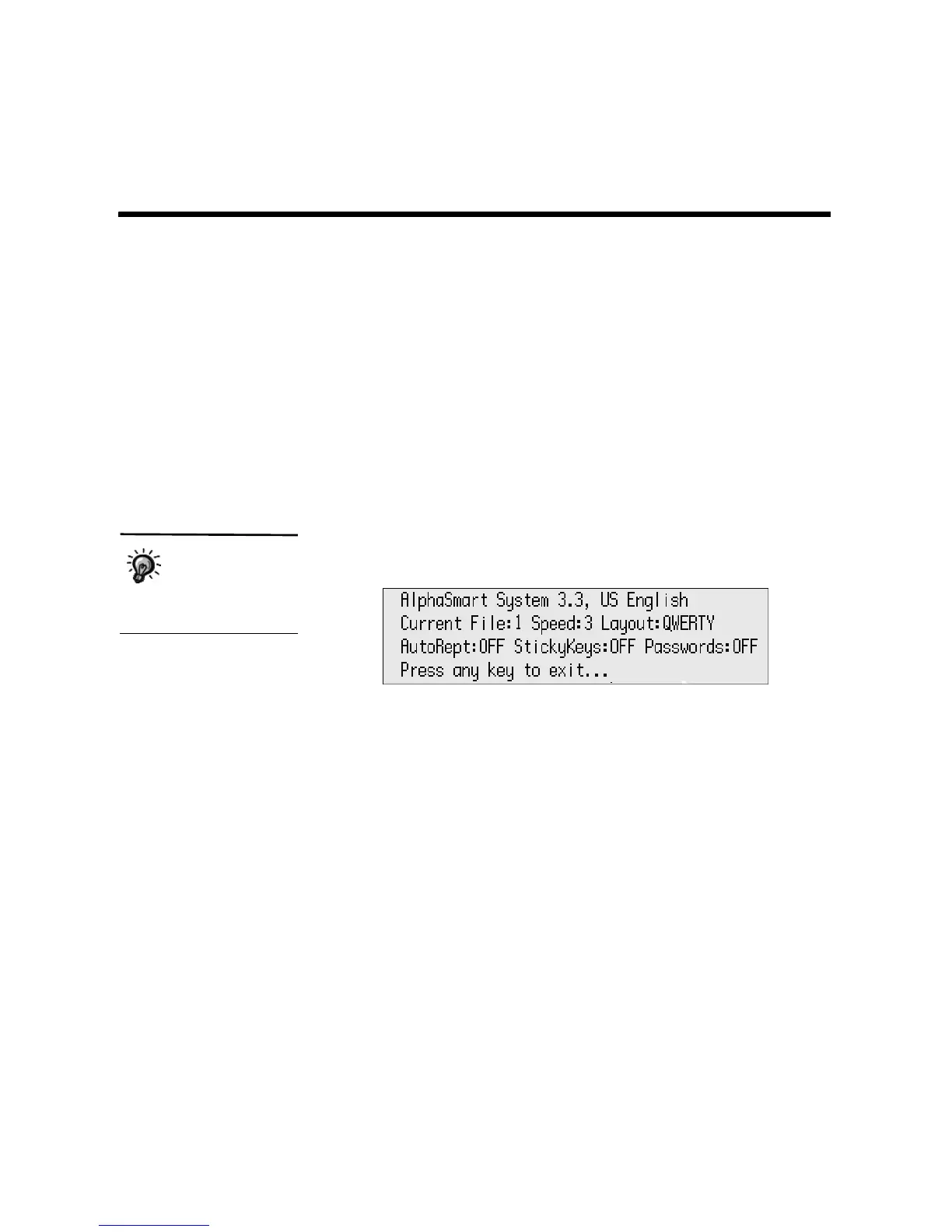
For a quick view of the current settings on your NEO, you can check system
status. The settings that appear are
•System version
•Language
• Current file you’re in
• Cable speed (for text transfers to your computer)
•Keyboard layout
•Auto Repeat setting
•Sticky Keys setting
•Passwords setting
Follow these steps to check system status:
1. Press option-a-V.
2. Press any key to exit the screen and return to your file.
The system status
for a NEO with an
ISO (European)
keyboard differs slightly
from the one shown here.



 To Next Page