W RITING ON NEO USING ALPHAW ORD PLUS
Using Linked Files
45
. . . . .
NEO 1 and NEO 2
User Manual
print—the text of a main file or the linked file text—is what is sent to your
printer.
• You can copy the text of a linked file and paste it into the main file or into
another file. To do so, view the linked file by pressing ctrl-L, then press
shift-ctrl-a-C. The linked file is copied to the clipboard. Next, press
ctrl-L to return to the main file, or press one of the file keys for a different
file. Then, press ctrl-V to paste the text.
• You can type the linked file tags and text you want to use for a linked file in
AlphaWord Plus, then beam it over to another NEO using the Beamer
SmartApplet. The receiving NEO accepts it as a linked file. (To beam files,
see page 13.)
A Sample Linked File
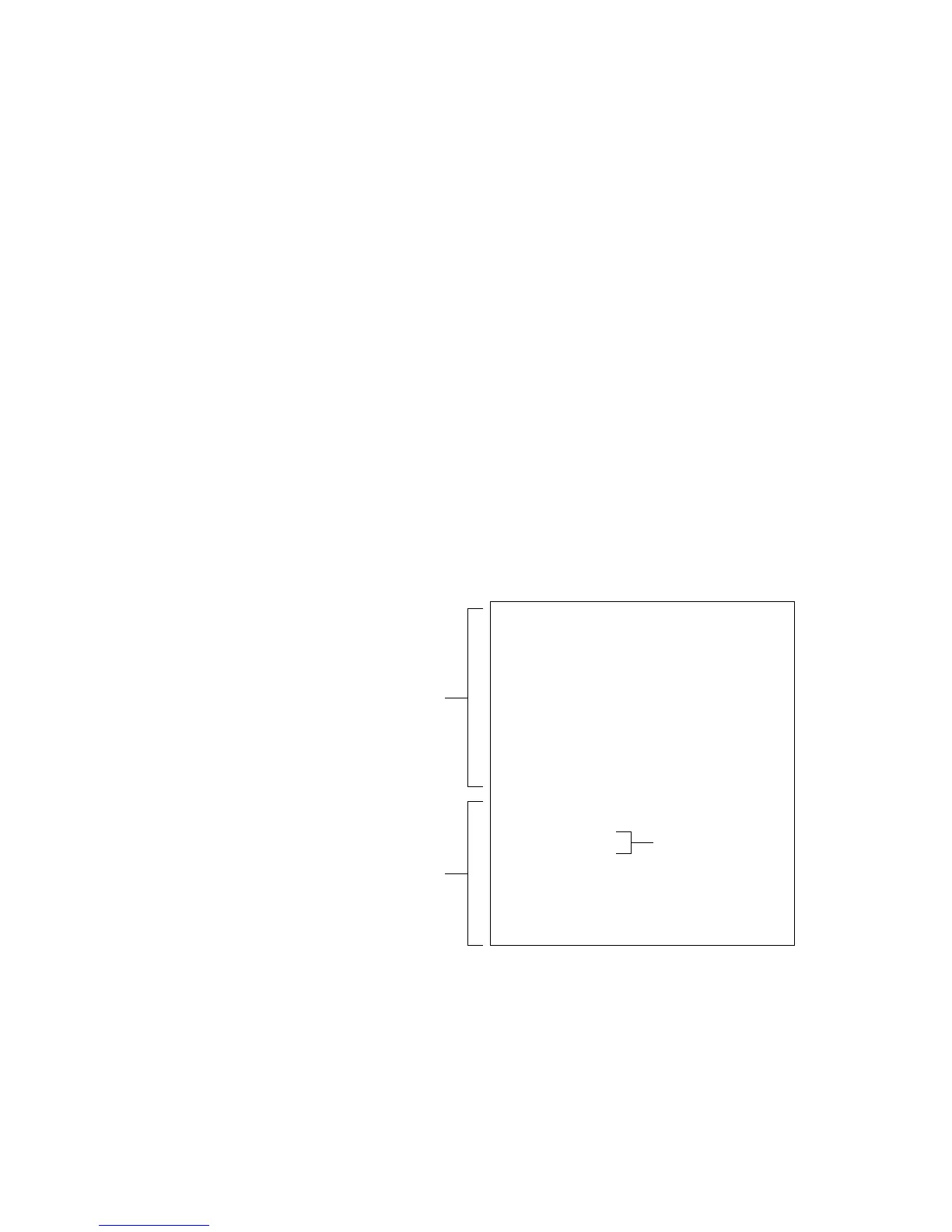
Below is a sample of a complex linked file, shown as you’d create it on your
computer and how it appears on a NEO.
Story Starter
The assignment is to write a story. Every story
has four parts: a setting, characters, a plot, and
a solution. Press ctrl-L to view the steps to
complete. Write your story in the first person
and begin with one of the phrases below.
I never noticed...
I remember...
I felt...
I saw...
<FORM>
Complete each step:
<br>
[ ] Choose a setting
[ ] Choose characters
[ ] Choose a plot
[ ] Choose a solution
</FORM>
An example of a linked file you
might create on your computer
Line break
Editable text that
appears in the
main file
Text and check
boxes that
appear in the
linked file



 To Next Page