G ETTING STARTED
Writing on Your NEO
7
. . . . .
NEO 1 and NEO 2
User Manual
Writing on Your NEO
How to Start Writing on a NEO
It’s easy to start writing on your NEO. Once you turn NEO on, it will
automatically start AlphaWord Plus, which is the SmartApplet (program) that
you write in. A message will appear briefly to show you which of the eight files
you are in. (These files correspond to the “file 1” through “file 8” keys on the
NEO.) Since this is the first time you’ve written on the NEO, it should open in
file 1, which is blank.
Begin typing. Your text appears on the screen.
You can use the arrow keys (
) to move your cursor in the text.
Press backspace to erase the character to the left of the cursor; press delete
to erase the character to the right of the cursor.
All text is automatically saved in the current file number while you type. To
begin another document, press one of the other file keys (2 through 8) in the
top row of the keyboard.
For more detailed information about writing using AlphaWord Plus, see
page 24.
What to Do If the File That Opens Isn’t Blank
If you turn on your NEO and the screen isn’t blank, it usually means that
someone else has used the NEO before you, perhaps because you’re sharing
NEOs in a group or classroom. One of these three things may have happened:
• The NEO could be in AlphaWord Plus, but it could already have text in one
or more of the files. You can press a different file key to find an empty file
that you can write in.
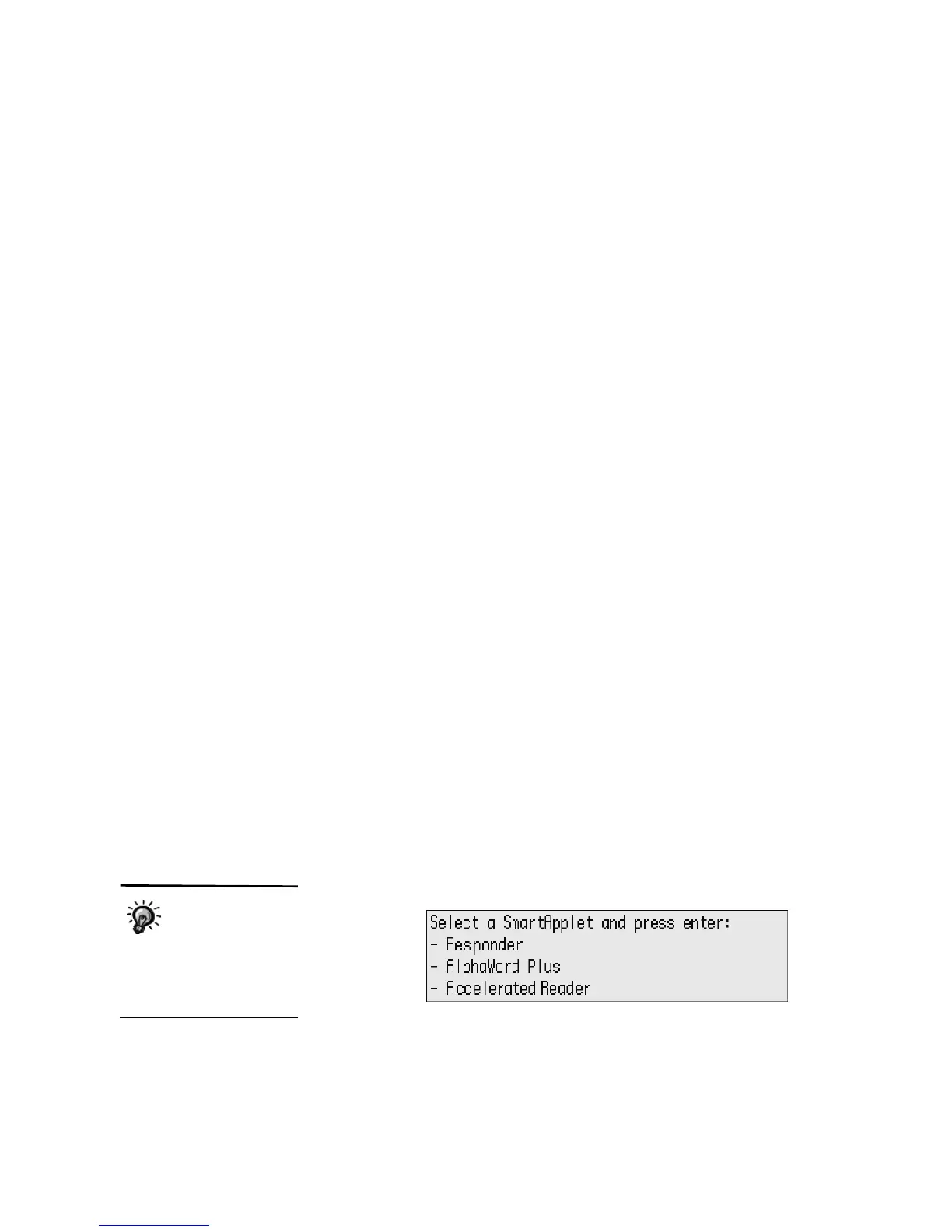
•Your NEO may be in the SmartApplets menu, which shows the programs
available on the NEO. Use the arrow keys to move the cursor next to
AlphaWord Plus; then, press enter to start it. AlphaWord Plus will open
one of the files that you can write in.
This example shows
a typical NEO 2
SmartApplet menu.
The order of SmartApplets on
your NEO and the
SmartApplets included may
vary.



 To Next Page